Epson Artisan 700/Epson Stylus Photo PX700W/TX700W Revision C
ADJUSTMENT Adjustment Using Adjustment Program 230
Confidential
5.2.10 Banding Reduction System (BRS) Adjustment /
Paper Feed Amount Profile (PFP) Correction
Overview
This section explains how to carry out BRS/PFP adjustments.
Tools and paper requ
ired to perf
orm the adjustment
Specified Scanner to perform the adjustment
The following are the scanners that can be used fo
r scanning the pattern in
BRS/PFP
adjustment. When starting up the adjustment program, select the scanner to use.
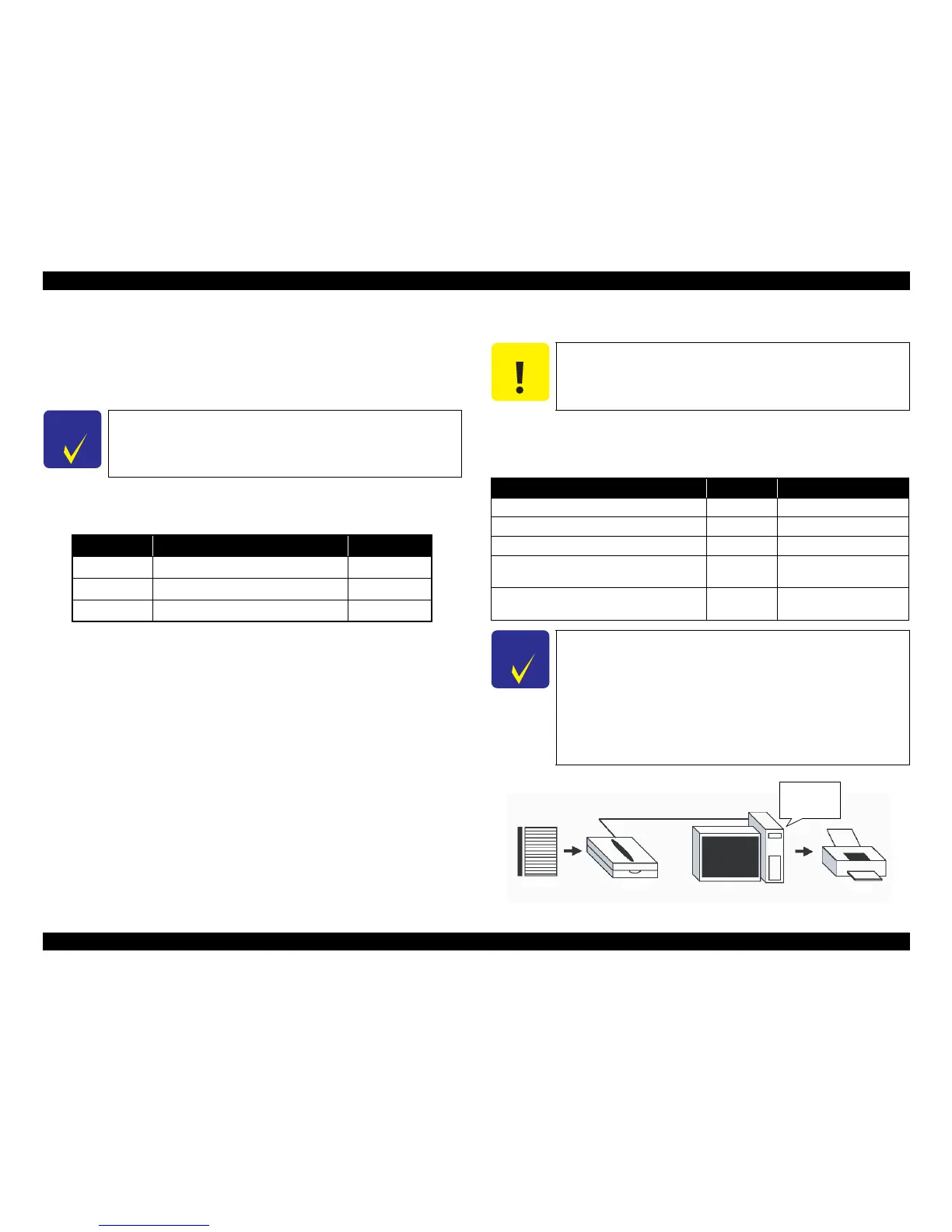
Figure 5-23. System Configuration
C H E C K
P O I N T
To calculate the correction value by scanning the printed pattern
for BRS/PFP adjustment, be sure to prepare a specified scanner
beforehand. Before scanning, confirm that the document table is
free from any dirt or stain.
Table 5-5. Tools and Paper for BRS/PFP Adjustment
Tools/Paper Product Code
Common PFP Base scale 1453980
BRS Matte Paper-Heavyweight (A4) ---
PFP Premium Glossy Photo Paper (4 x 6) ---
C A U T I O N
Install the driver of the scanner to the PC in advance.
As the profile required for the adjustment is not prepared for
scanners other than the ones specified below, BRS/PFP
Adjustment can not be carried out by the other scanners.
Table 5-6. Specified Scanner for BRS/PFP Adjustment
Model Name Sensor type Remarks
Perfection 4990 Photo CCD
Perfection V700 Photo/V750 Pro CCD
Epson Stylus Photo RX585/RX595/RX610 CIS Use the internal scanner.
Epson Artisan 800/Epson Stylus Photo
PX800FW/TX800FW
CIS Use the internal scanner.
Epson Artisan 700/Epson Stylus Photo
PX700W/TX700W
CIS Use the i
nternal scanner.
C H E C K
P O I N T
Depending on the sensor type of the scanner to use for the
adjustment, drying time required after the BRS adjustment pattern
has been printed differs. For PFP adjustment pattern/PFP check
pattern, drying time is not required.
For “CCD” sensor:
Printed pattern can be scanned straight away. (Drying time of
about 2 minutes
is recommended.)
For “CIS” sensor:
Printed pattern needs to be dried more than 5 minutes.
Calculate
correction
value
Test Pattern Scanner PC Printer













 To Next Page