Epson Artisan 700/Epson Stylus Photo PX700W/TX700W Revision C
DISASSEMBLY/ASSEMBLY Disassembly Procedures 132
Confidential
4.2.4.4 CSIC Assy
Parts/Components need to be removed in advance:
ADF Unit (Artisan 800/PX800FW/TX800FW only)/Scanner Unit/Upper Left
Housing
/Paper Guide Top Assy/Upper Housing
Removal procedure
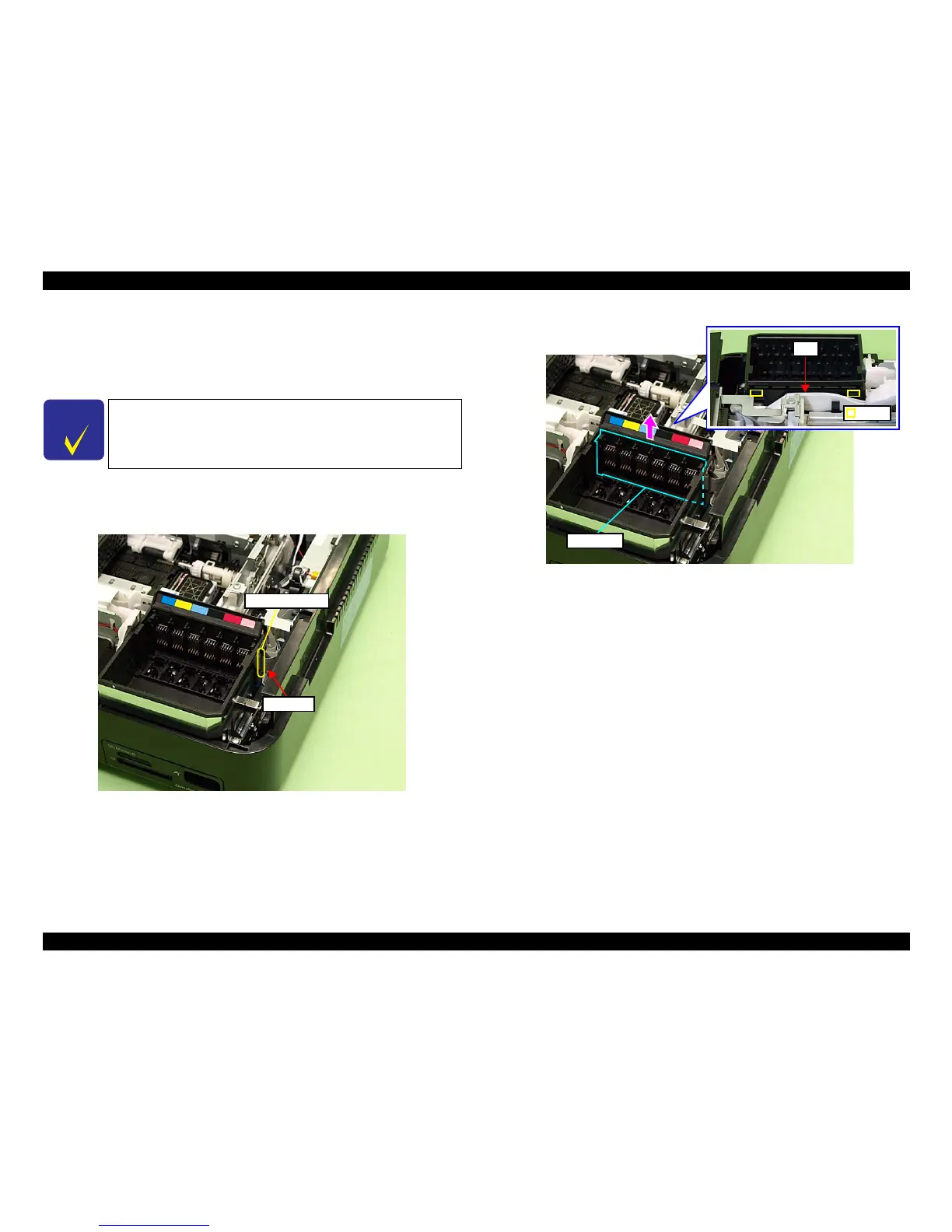
1. Disconnect the CSIC FFC from the CSIC connector.
Figure 4-74. Removing the CSIC Assy (1)
2. Release the hooks (x2) on the
rear of the Cartridge Box, and remove the CSIC
Assy upward.
Figure 4-75. Removing the CSIC Assy (2)
C H E C K
P O I N T
In the case of Artisan 700/PX700W/TX700W, removing the Right
Rear Housing
(p192) and the Right Housing (p193) earlier will make
the operation easier.
CSIC connector
CSIC FFC
FFC
Hook
CSIC Assy













 To Next Page