Rev. A Features and General Specifications 1-19
TM-U200 Series (Type A/AM) Technical Manual
Confidential
❏
The printer ignores data received when the remaining space in the receive buffer is 0 bytes.
❏
XON is not transmitted when the receive buffer is full.
Switching between on line and off line
The printer does not have an on-line/off-line button. It goes off line under the following
conditions:
❏ Between the time when power is turned on (including reset using the interface) and when
the printer is ready to receive data.
❏ During the self-test.
❏ During paper feeding using the paper
FEED
button.
❏ Between the time when the printer stops printing for a paper-end and when the on-line
recovery wait time finishes after loading paper (if an empty paper supply is detected by
either the paper roll end detector or the paper roll near-end detector with a printing halt
feature enabled for low paper by
ESC c 4
).
❏ When an error has occurred.
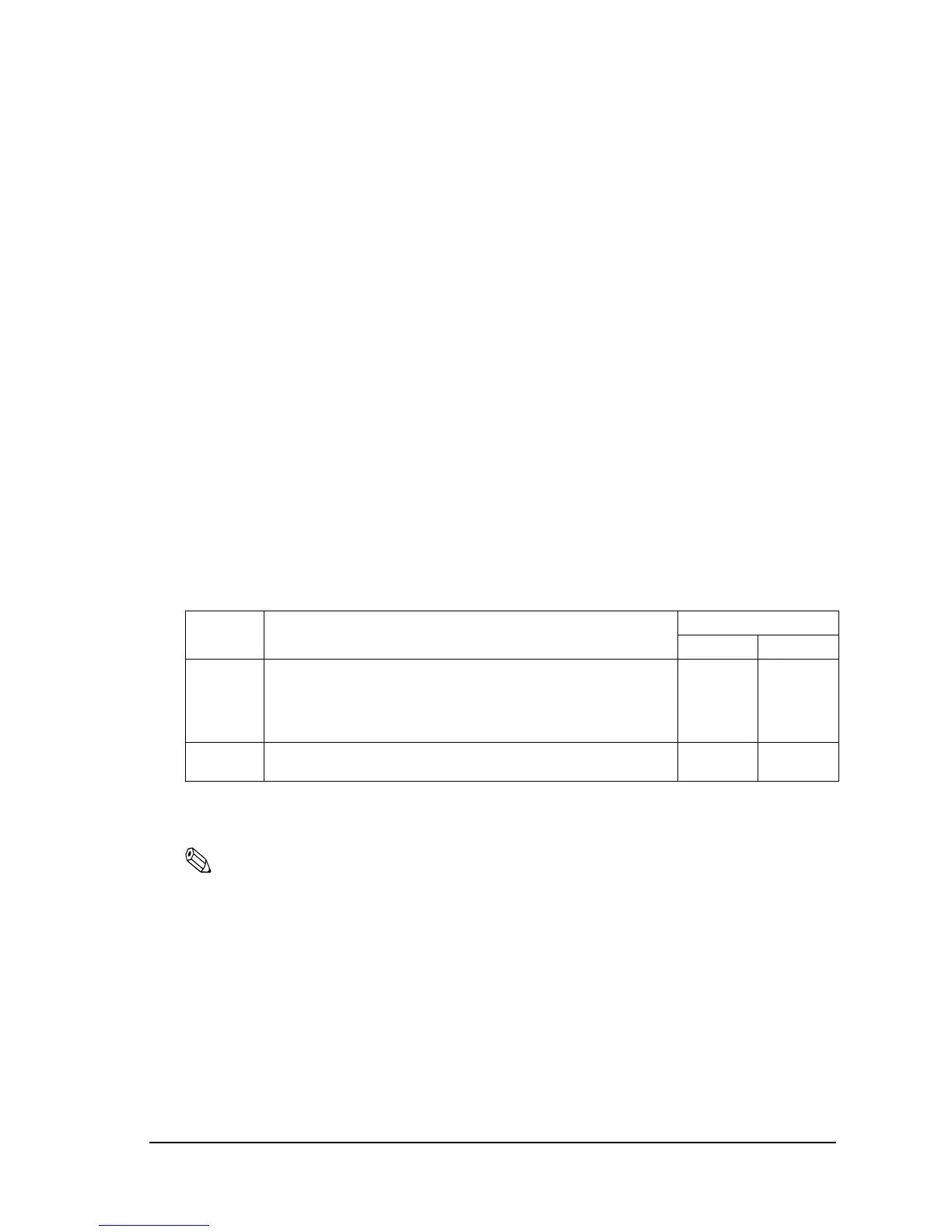
XON/XOFF transmission timing
When XON/XOFF control is selected, the printer transmits XON or XOFF signals as follows.
(*1)XON is not transmitted when the receive buffer is full.
(*2)XOFF is not transmitted when the receive buffer is full.
Note:
The XON code is 11H and the XOFF code is 13H.
Printer status
DIP SW 1-8 status
ON OFF
XON
transmission
• When the printer goes on line after turning power on or after reset
using the interface.
• When the receive buffer is released from the buffer full state.
• When the printer switches from off line to on line (*1).
• When the printer recovers from an error through a command.
Transmission
Transmission
----
----
Transmission
Transmission
Transmission
Transmission
Transmission
Transmission
XOFF
transmission
• During an error condition.
• When the receive buffer becomes full (*2).
Transmission
----
Transmission
Transmission



 To Next Page
 Loading...











