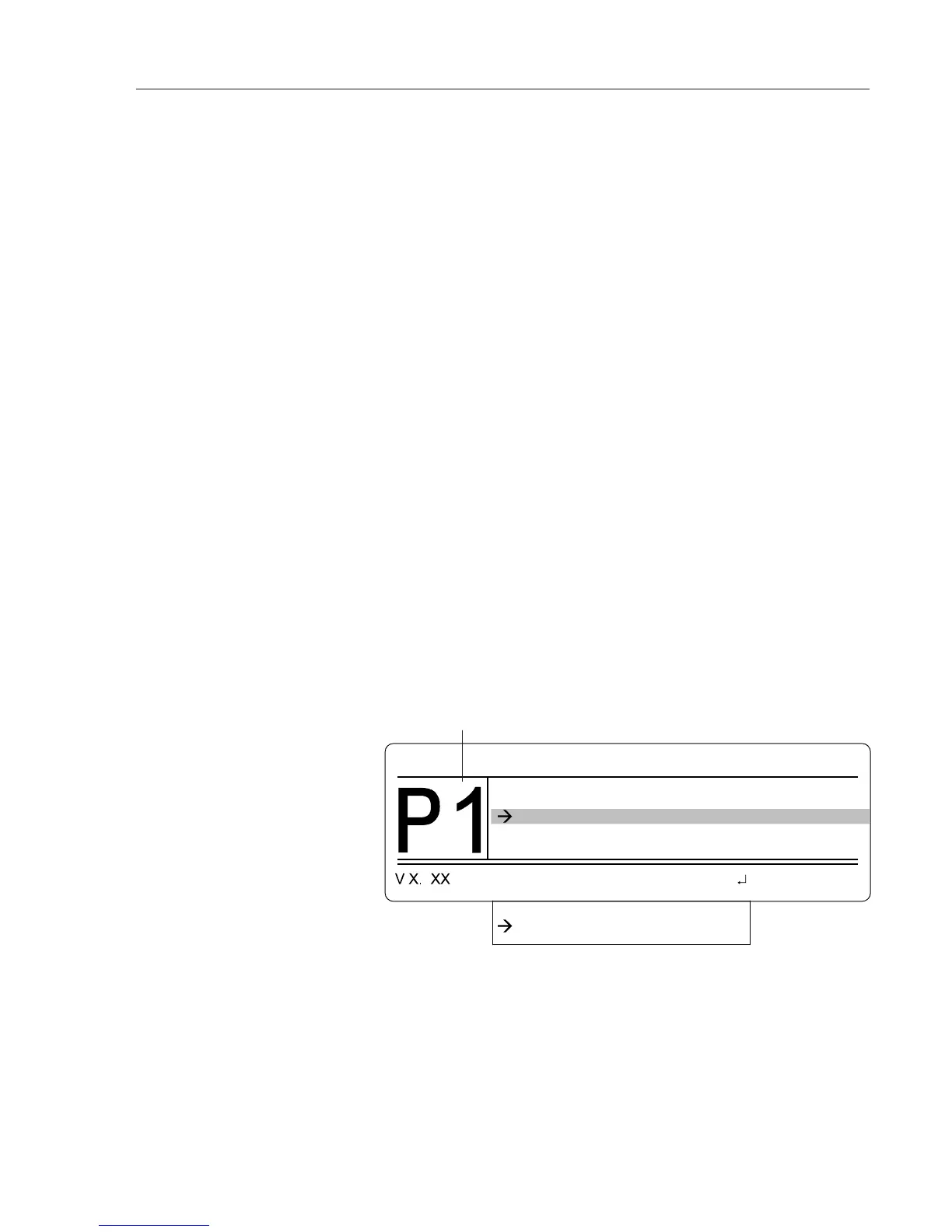
You can select a preferred cylinder for each program. Thus, operator A can
work with programs 1 to 3 and cylinder 1, operator B with programs 4 to 7
and cylinder 2. On delivery of the APC 300, cylinder 1 is the preferred cylinder
in all programs.
1. Select the program you require.
2. Mark menu item Priority cylinder number. Press the
ENTER key.
3. Press keys
UP / DOWN and select cylinder number.
4. Press the
ENTER key.
Change the preferred cylinder
number
Configure (program) user programs
The APC 300 has 13 user programs: 0-9, bipolar, Endo, miC. If you work
with the same settings over and over again in your operations, you can store
these in any of the 13 application programs. Before the operation call this
program.
You can store the following settings in each program:
• Preferred argon cylinder,
• Volume of the auditory signals,
• The COAG flow / CUT flow for each instrument,
• The display brightness,
• A purge flow and a purge time for each instrument.
The terms
bipolar, Endo, miC do not express functions of the APC 300. For
instance, there is no bipolar APC. The names and numbers of the programs
are simply to assist visual assignment to the programs of the ICC 350.
For example:
For a certain operation you have stored a front panel setting in program 5 of
the ICC 350. In this operation you also use the APC. In program 5 of the APC
300 you store the desired APC settings. Before the operation you then call
program 5 on the ICC 350 and on the APC 300.
1. Call the Program menu.
2. Call the menu item Configure user programs. When you are in the menu
Configure user programs, press the
PROGRAM key and select a program 0 -
13.
The selected program is dispayed here.
Select a program



 To Next Page