Description of the graphical interface of the APC 300 • 7
9
General cylinder information
In this menu you can set a purge flow and a purge time for each Instrument
number.
1. Select the menu item Instrument purging parameters from the Program
menu.
2. Mark an number using the
UP / DOWN keys. Press the ENTER key.
3. Select purge time or purge flow using the
UP / DOWN keys. Press the ENTER
key.
4. Repeat the procedure for other Instrument numbers or leave the Instru-
ment purging parameters menu.
Argon-Gas Info
Select the argon gas information from the Program menu. Here you can choose
between menu items General cylinder information and Change cylinder data.
If you need to know how much argon there is left in the cylinders, call the
menu item General cylinder information. The remaining contents is shown
in liters, the remaining pressure in bar / psi and the familiar cylinder symbols
are displayed.
In addition, cylinder data is shown in this display.
In this menu you can program the pressure [bar / psi] and volume [l] of the
cylinders connected. The APC 300 requires this data to calculate the cylinder
contents.
Refer to the chapter Changing cylinders to see how cylinder data can be
changed.
If the unit is connected to a central gas supply, you do not need to program
anything in this menu.
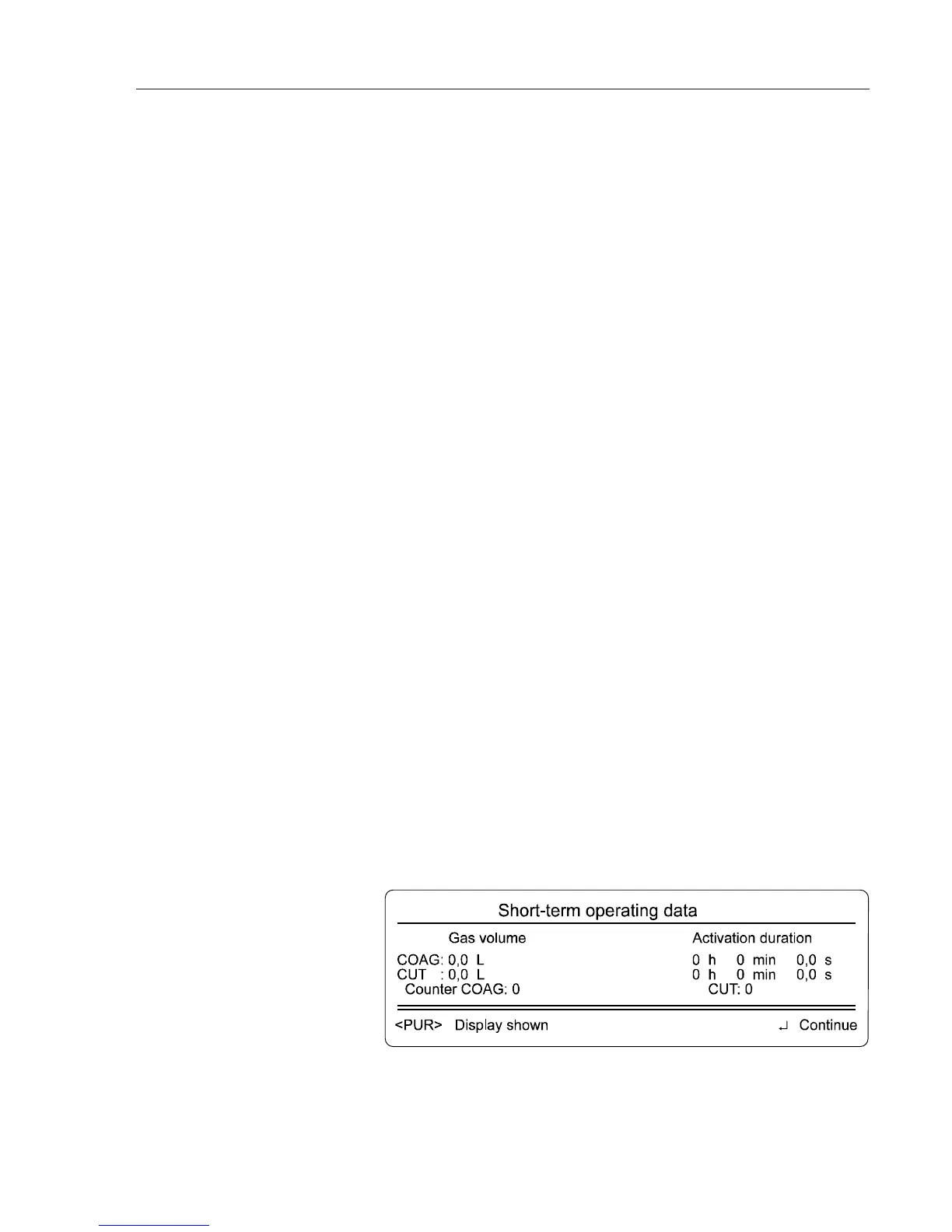
Displaying operating data
When you invoke the Display operating data menu, the submenu Display
short-term operating data appears first. You see accumulators for the dis-
pensed gas volume, the activation duration and the number of activations.
These are reset to 0 when the APC 300 is switched on.
Change cylinder data
Displaying short-term operating
data
Instrument purging parameters



 To Next Page