7 • Description of the graphical interface of the APC 300
10
Displaying long-term operating
data
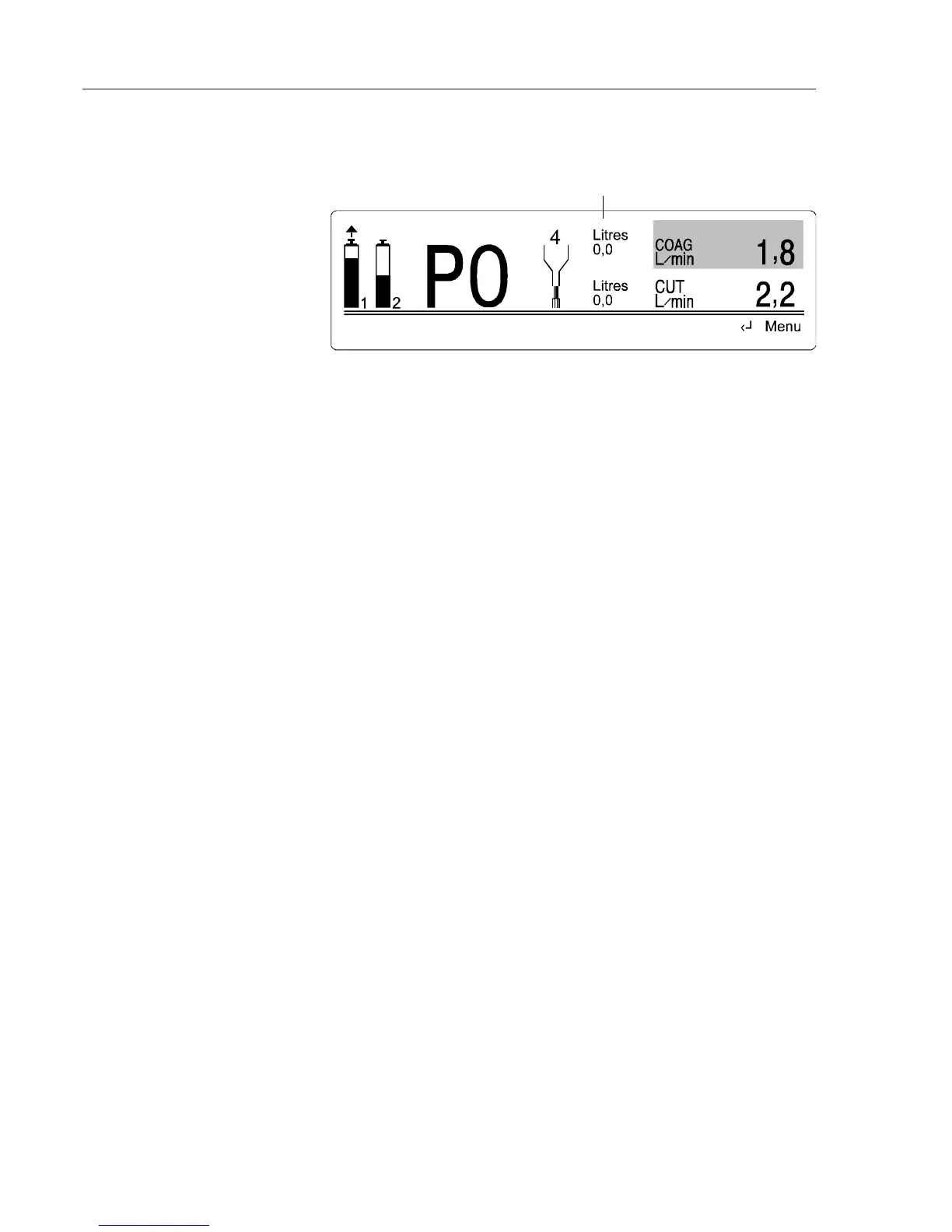
You can display the total gas volume in the standard display. The PUR key
shows or hides this data.
Total dispensed gas volume in standard display
On pressing the ENTER key, the submenu Display operating data is presented.
You see the same accumulators as for the short-term operating data display.
These are not cleared when the unit is switched on. Whether you turn the
unit on or off, the gas volume, the activation duration and the number of
activations continue to be accumulated. To reset these totals, press the PUR
key.
By pressing the E
NTER key a second time, the submenu Display long-term
operating data is shown. The totals shown here are not reset when the unit is
switched on, and they cannot be cleared by the APC 300 user.
Menu items display error list, system diagnosis programs
These are for the use of the service technician.
Displaying operating data



 To Next Page