61 / 106
6 • Working with the electrosurgical unit
80113-101_V25087
2023-11
Determine the socket in focus at
program start
Which socket is in focus at program start is determined in each program.
If you resave a program, the socket that was in focus when saving the program is in
focus each time the program is started thereafter.
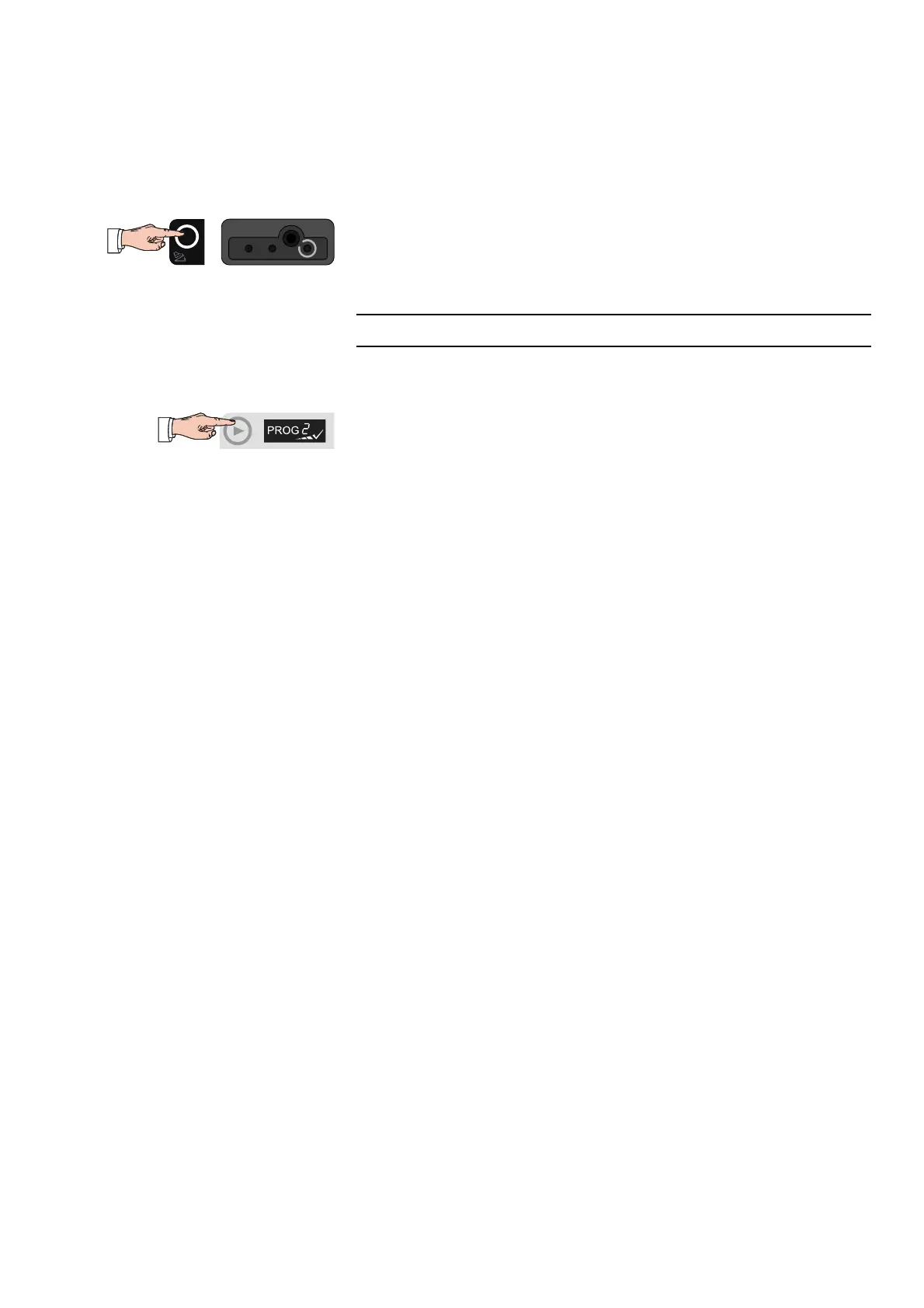
Before saving the program, press the Focus button of the socket that should be in
focus any time the program is called up in the future (e.g. the Focus button of the
monopolar socket).
Save program settings
Note: Amended program settings are not accepted automatically but have to be saved
manually.
To save the changed settings in the active program, press the selection button next
to the program display for approx. 3 seconds.
A progress indicator appears under the program name. A tick then confirms that
the save process was successful.



 To Next Page