OPERATION
6-3
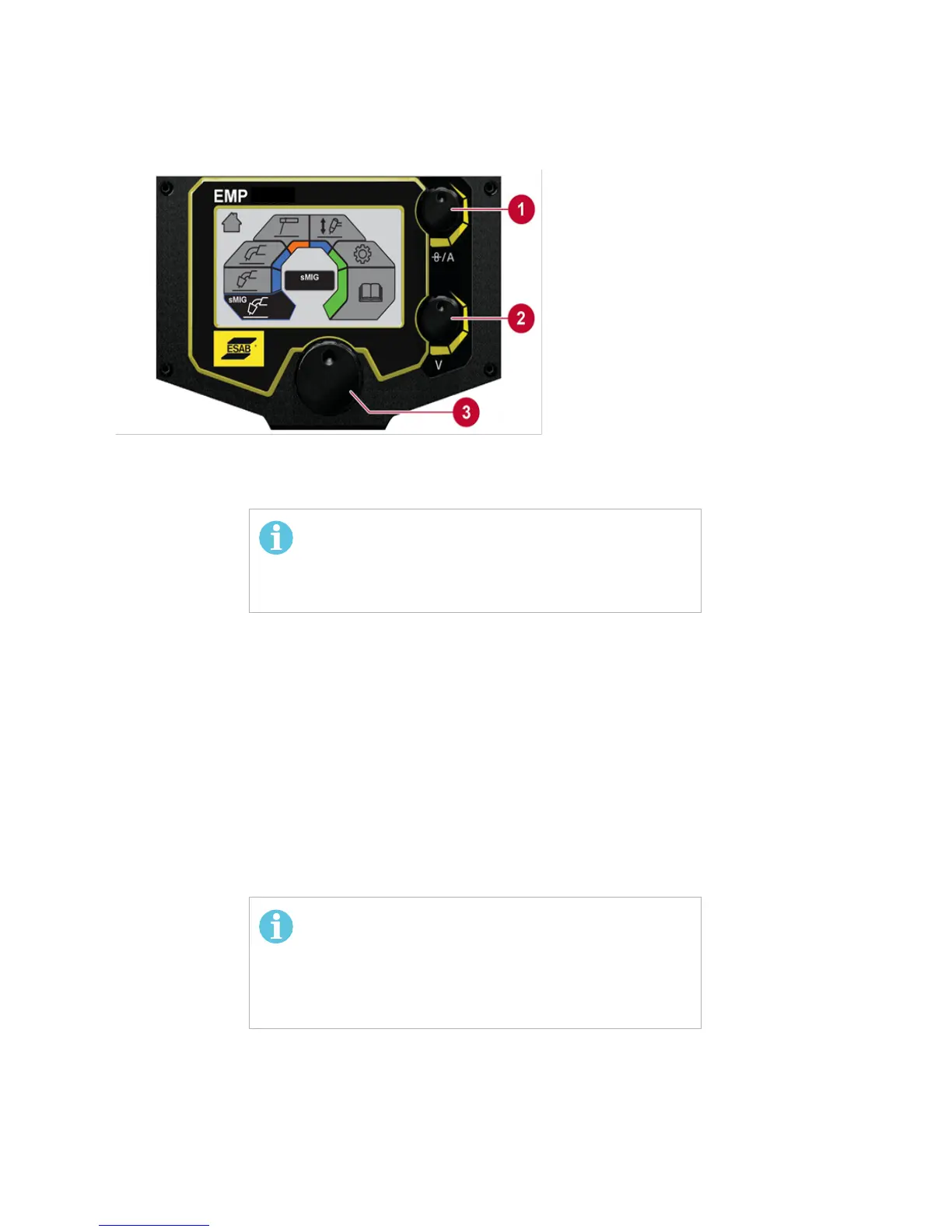
Figure 6-2. Function of User Interface Control Dials
6.2 CONNECTION OF WELDING AND RETURN CABLES
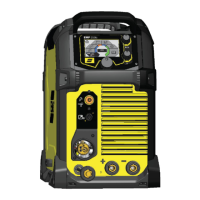
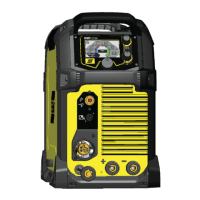
The power source has two outputs for connecting welding and return cables: a negative [-]
terminal (7) and a positive [+] terminal (8) (see Figure 6-1).
6.2.1 FOR MIG/MMA PROCESS
For MIG/MMA process, the output to which the welding cable is connected depends on the
type of electrode. Refer to electrode packaging for information relating to the correct electrode
polarity. Connect the return cable to the remaining welding terminal (9) on the power source.
Secure the return cable's contact clamp to the work piece and ensure that there is good
electrical contact. Connect the torch connector to the Torch connection (6).
1. (U) UPPER CONTROL KNOB:
a. SET CURRENT OUTPUT VALUE
b. SET WIRE FEED SPEED
2. (L) LOWER CONTROL KNOB:
a. MIG VOLTAGE SELECTION
b. SMIG VOLTAGE TRIM
c. MMA MODE: ARC ON/OFF
3. (M) MENU NAVIGATION:
(PUSH TO SELECT)
Lower Control Knob (2), in MMA Mode, Turns Output
Power ON/OFF. When Output Power is ON, background
of display turns Orange. See SECTION 7, CONTROL
MIG Welding Guidance Chart:
The backside of the door on the Bobbin side displays a
MIG welding guidance chart for initial selection of
welding controls. This is intended as a guide for setting
parameters on this machine.



 To Next Page