Page 55 of 66 0455-0323 Rev A
Add and delete the allowed IP network segments; configure the start IP address in the start IP,
configure the end IP address in the end IP, and then click [Add] to add successfully. You can set a
large network segment or add it into several network segments. When deleting, select the starting IP
of the network segment to be deleted in the list, and then click [Delete] to take effect.
Enable web filtering: configure to enable/disable web access filtering; click the [Submit] button to take
effect.
Note: If the device you access is on the same network segment, do not configure the web filtering
network segment to be outside your own network segment, otherwise you will not be able to log in to
the web page.
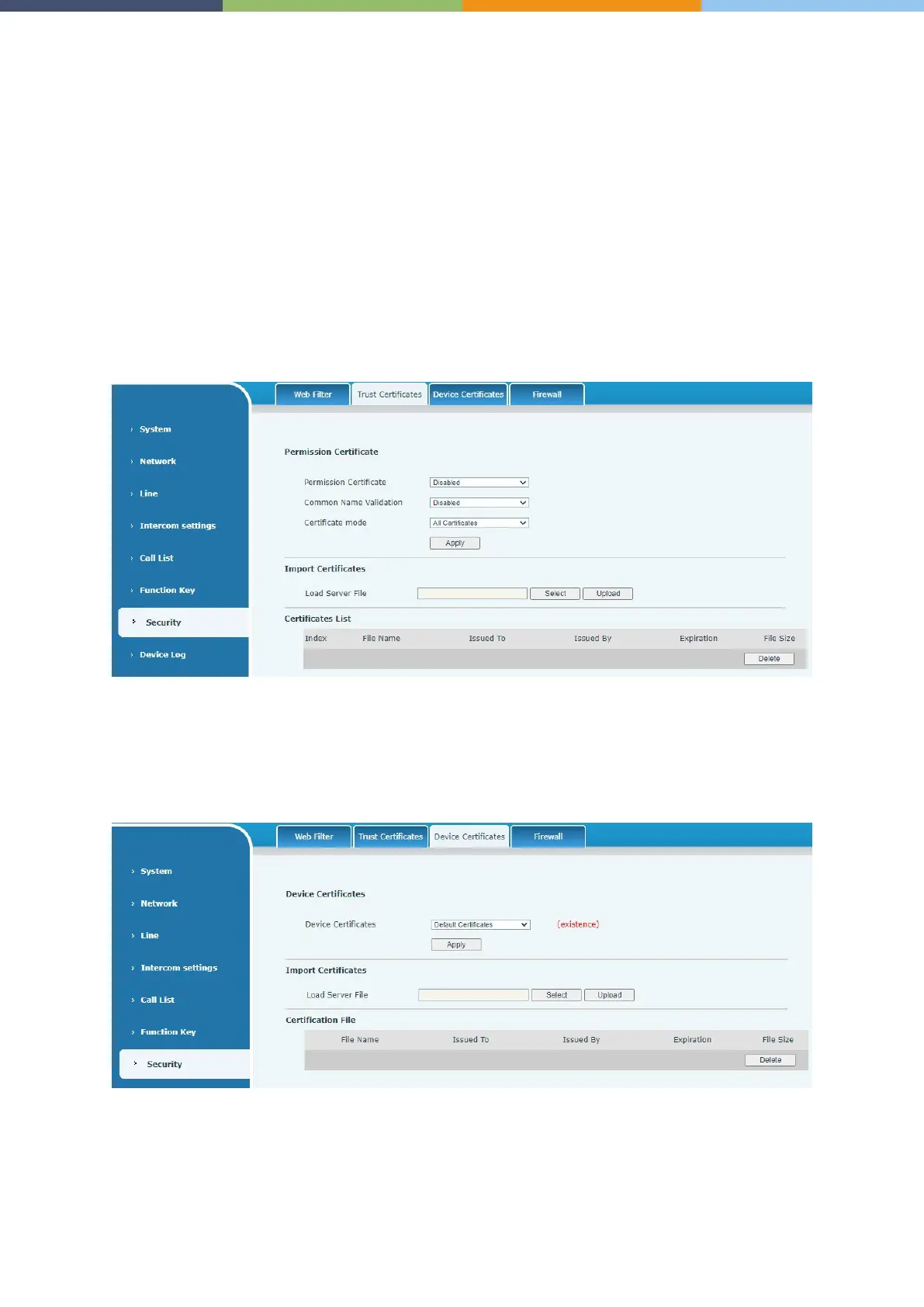
Security >> Trust Certificates
Upload and delete uploaded trust certificates.
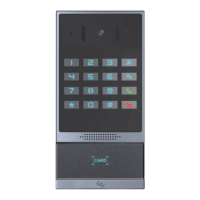
Security >> Device Certificates
Select the default certificate or the custom certificate as the device certificate. You can upload and
delete uploaded certificates.



 To Next Page