Basic Manual Control 169
How the Gel Picker Affects Scroller and Color Wheel
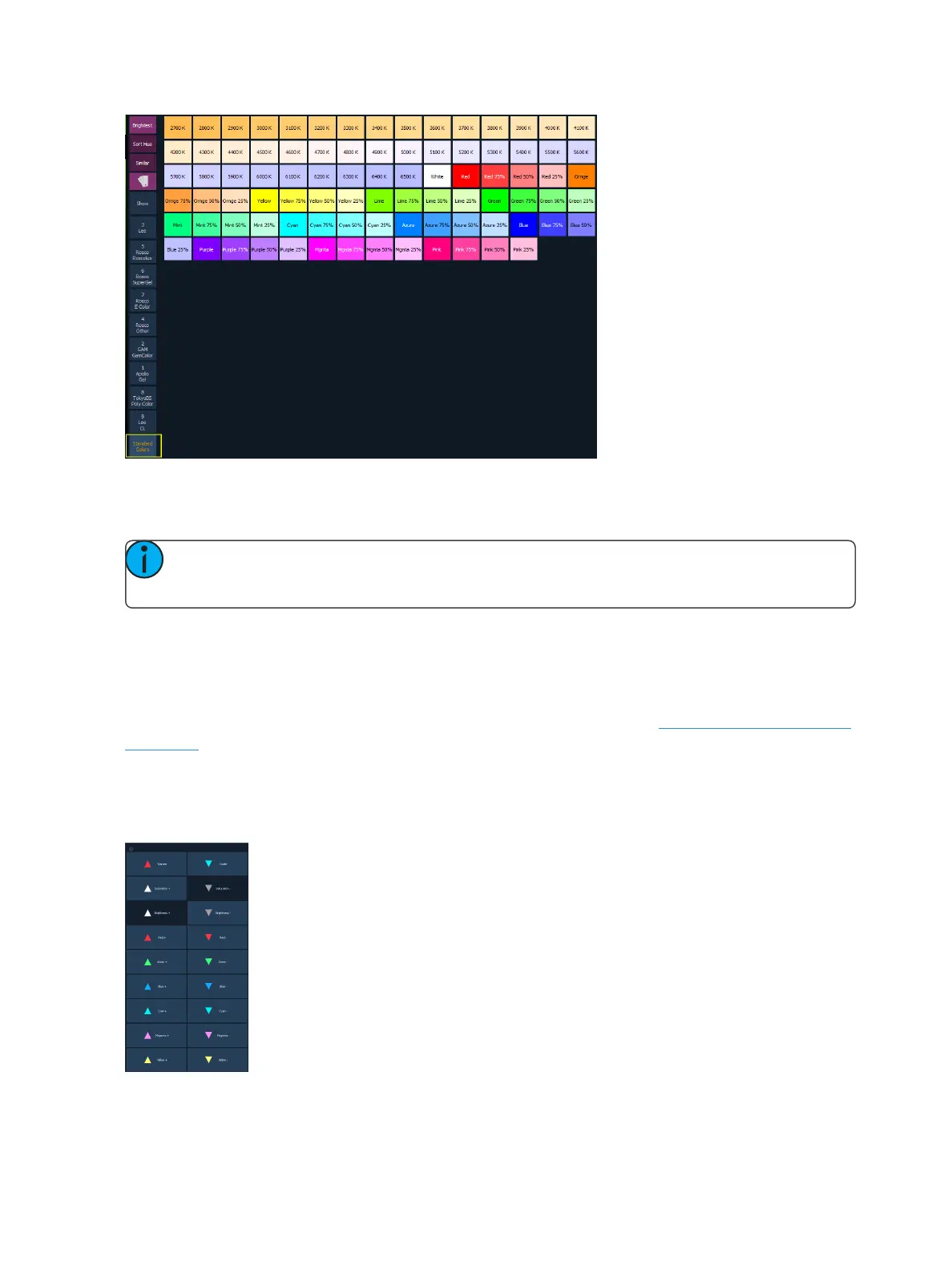
When possible the Gel Picker will select the closest gel as defined in a scroller or color wheel.
Note: Some devices contain manufacturer specified gel mixes, and will only allow selection
from the Gel Picker of the exact gels in their list.
The channel display will show the frame number and the corresponding label that is defined for that
frame.
Tinting Tools
The Tinting Tools option is found by right clicking on the Color Picker tab (Using the Color Picker (on
page165)).
Tint allows you to easily adjust color regardless of the color space that you're working in.
You can increase or decrease the saturation and brightness. You can make a color warmer or cooler,
and you can add or remove colors.



 To Next Page