406 Ion Operations Manual
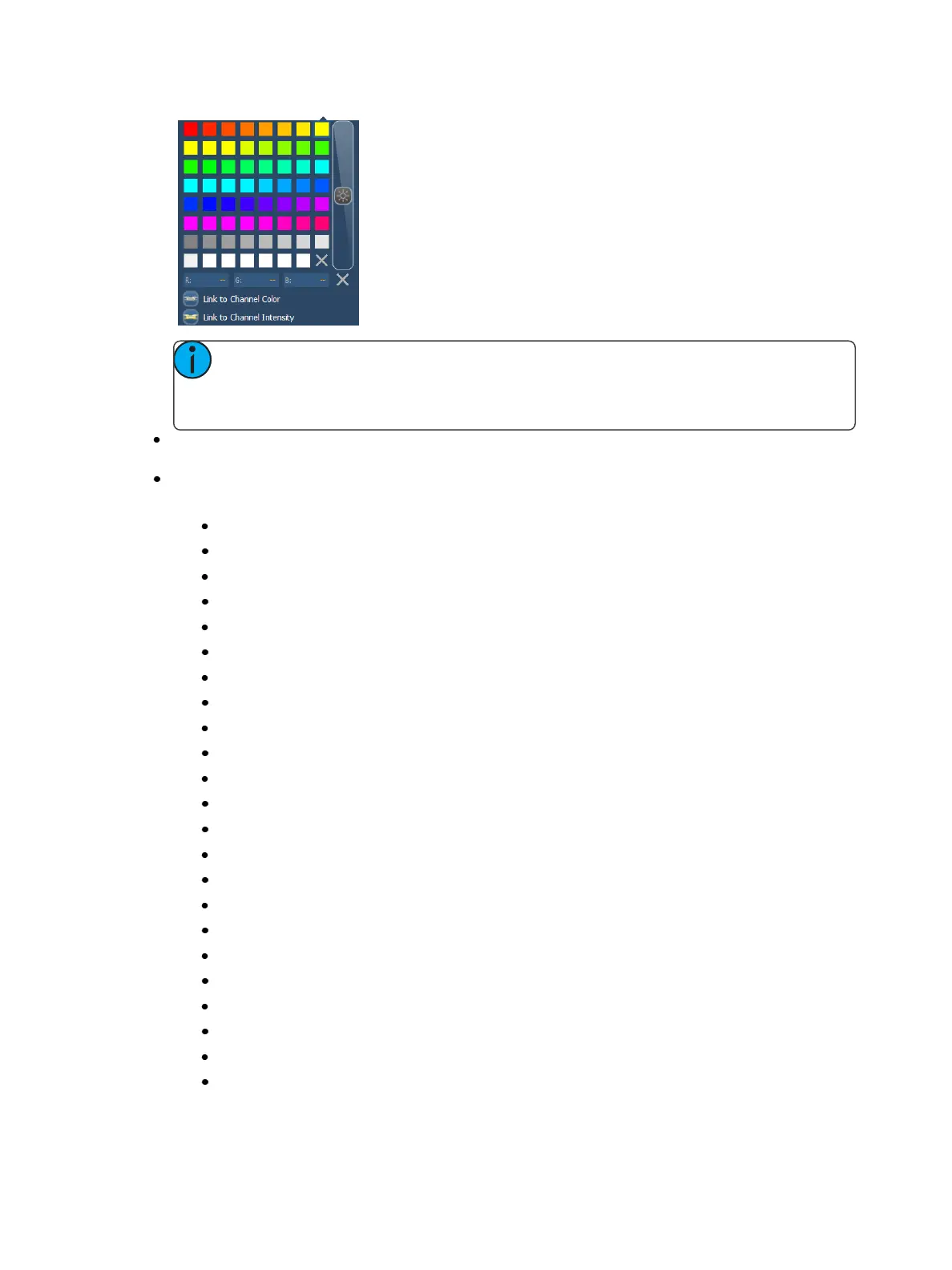
Note: If any object's outline color is set to Link to Channel Intensity, the brightness
of the outline color will be tied to the DMX level of the address. The higher that the
DMX value is the brighter the outline color will be.
Font - the font used for a text object can be changed and adjusted as needed here. You can
select font type, size, color, bold, italic, underline, and justification.
Target - selects the target of the object. Most objects default to a target type, but that can be
changed. The targets available are:
Address
Beam Palette
Channel
Channel (by Address)
Color Palette
Cue
Cue - Active
Cue - Pending
Effect
Fader
Focus Palette
Group
Intensity Palette
Macro
Magic Sheet
Pixel Map
Preset
Scene
Snapshot
Submaster
User
Console Button
Command



 To Next Page