Using Magic Sheets 407
Zoom - when clicked, the view will zoom in to show all object within that object’s
group.
Selection - when clicked, all other objects within that object’s group will be selected.
Text - changes the text for a text object.
Command - assigns a command to be executed. The target type needs to command.
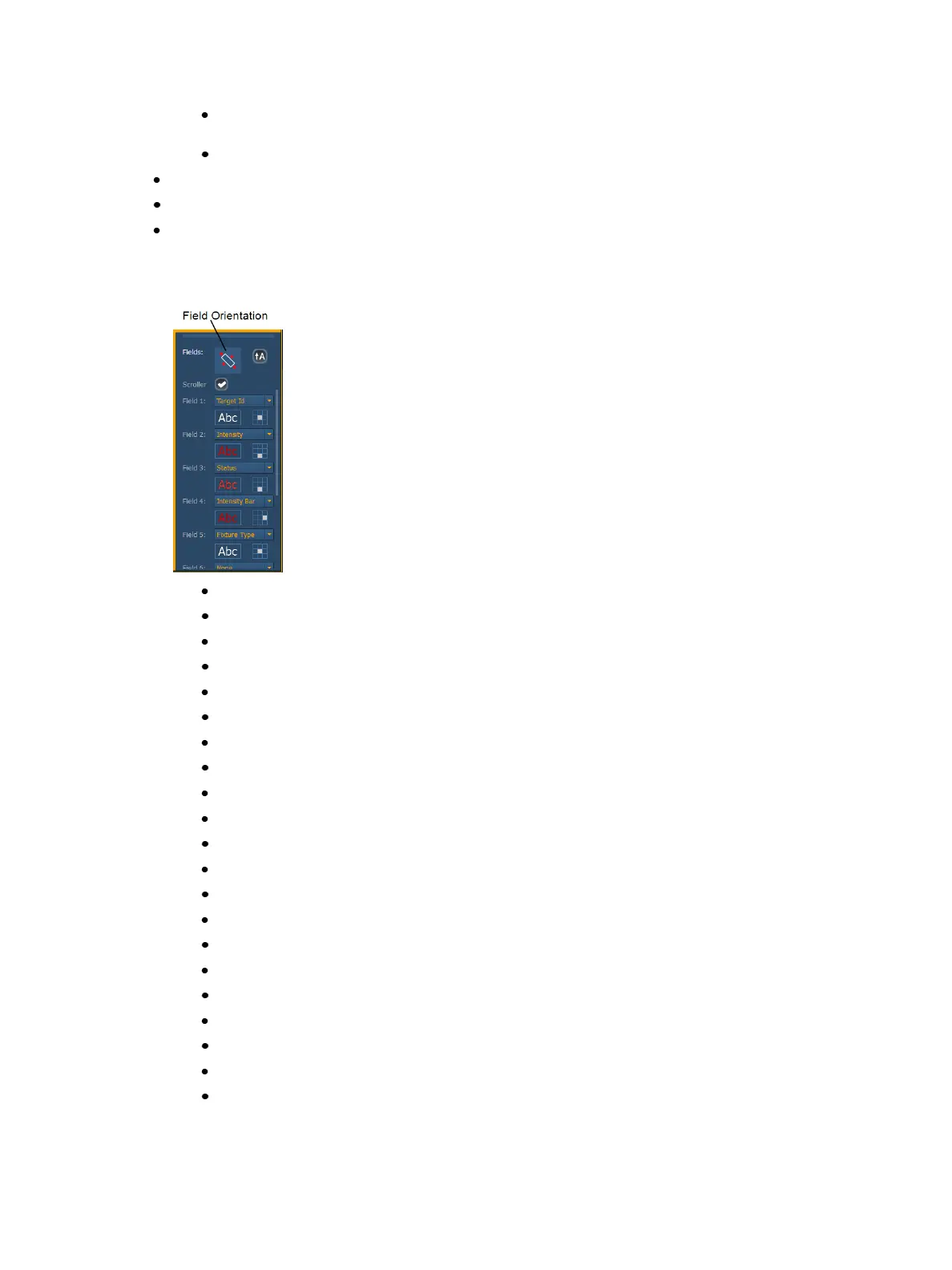
Fields - up to six different fields of custom information can be displayed per objects. The jus-
tification of each field around the object can be adjusted. The text and color used for each
field can also be adjusted. A scroller indicator bar can be added. Fields can display the fol-
lowing data:
Target ID
Fixture Type
Target Name
Label
Text 1 through 10
Text Gel
Intensity
Intensity Bar
Color Swatch
Summary
Focus
Color
Beam
Status
Prev Move
Next Move
Channel
Address
Port/ Offset
DMX
DMXBar



 To Next Page