Multi-console and Synchronized Backup 437
Devices sharing User IDs will share certain data, while those with different IDs will not. Below are the
differences in multi-console data depending on User ID.
Data shared between Eos Family devices with the same User ID
command line
null channels in live
selected channels
filters
selected cue
live/ blind mode
Setup>User
Data specific to the Eos Family device, regardless of User ID
current fader page
current encoder page
focus on displays without command line
display configuration (layout, format, visible parameters, flexichannel)
paging without changing selected target or channels
Data identical between all Eos Family devices, regardless of User ID
all stage levels and edits
all data stored in the show file
playback, fader and grandmaster contents and progress
The default User ID for any Eos Family device is 1. You may change this based on your preference to
allow/ restrict the functionality described above.
Note: After you have completed the setting changes described above, connect your Eos
device to the network and reboot the device.
Assigning User ID
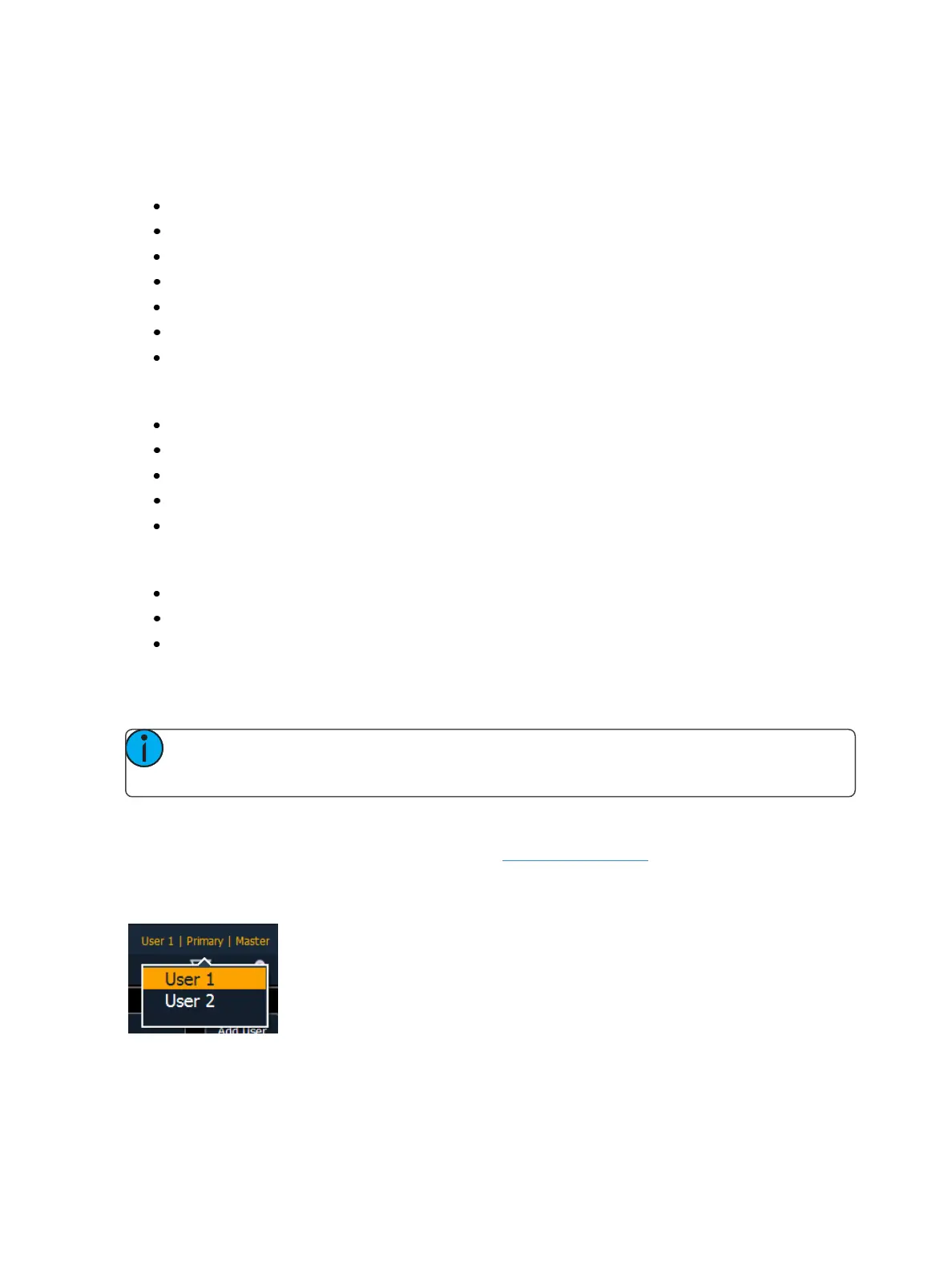
User ID can be defined in Setup>System>Users, see Users (on page143)for more information.
To quickly change the User ID, you can click on the User ID displayed above the CIA. A pop-up win-
dow will open with the available User IDoptions.
When multiple programmers are working on the system, partitioned control can be used to restrict a
specific user’s access to certain channels. This can help avoid overlapping control of channels by mul-
tiple programmers at once.



 To Next Page