Multi-console and Synchronized Backup 439
If the primary goes offline for any reason, the backup will automatically takeover as the master if
backup auto switch has been enabled, see Backup Automatically Takes Control (on page458).
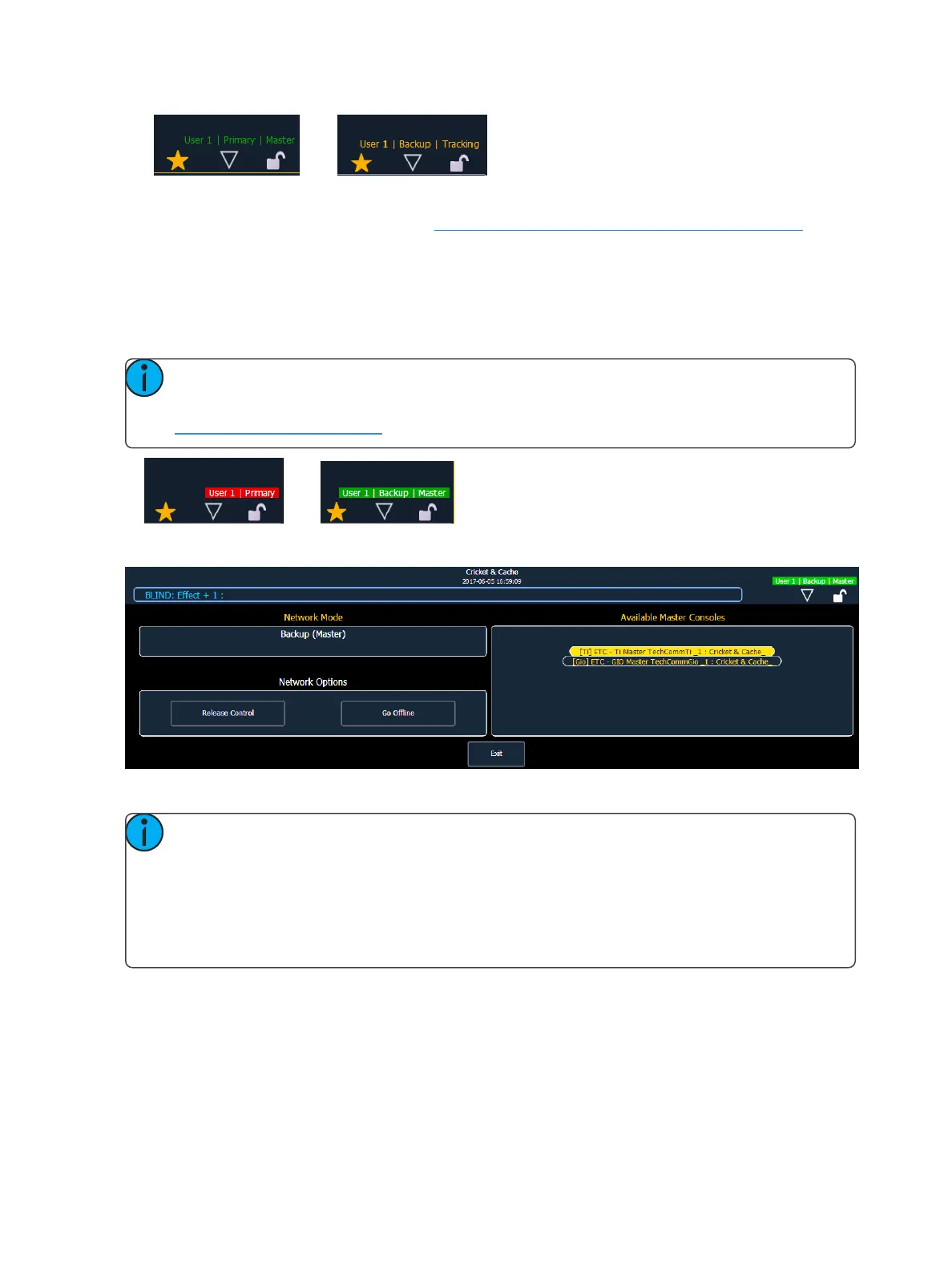
Whenever master control changes between the primary and the backup, there will be a dialog win-
dow that will be displayed that must be dismissed by the user.
When master control moves between the primary and backup devices, any clients in the system will
automatically connect to the current master. Clients will also display a message, but the message will
be dismissed after a short period of time. The device status above the CIA will also change.
Note: A backup may take up to 5 seconds to determine that connection with the master
has been lost. This timing can be adjusted based on network type selected in the ECU. See
Network Type (on page435) for more information.
If you enter the Network>Configure screen, it will have changed to the following.
Your backup is now acting as the master and is controlling the lighting system.
Note: If the primary comes back online, it will not retake control of the lighting system. The
primary will wait until it is re-designated as the master and the backup is reassigned to it.
You can force the backup to release control back to the primary by going to Browser-
>Network>Configuration and pressing the {ReleaseControl} button. You can also force the
primary to take control away from a backup by going to Browser>Network>Configuration
and pressing the {Take Control} button.
Backup Scenarios
Console and console
Two consoles can be used to provide backup. Either can be configured as the primary or the backup.
If the master consoles fails, the second console will take control with full show data intact.
This is a useful scenario for touring multi-user applications.



 To Next Page