System Basics 51
Moving Lights or Multi-parameter Devices
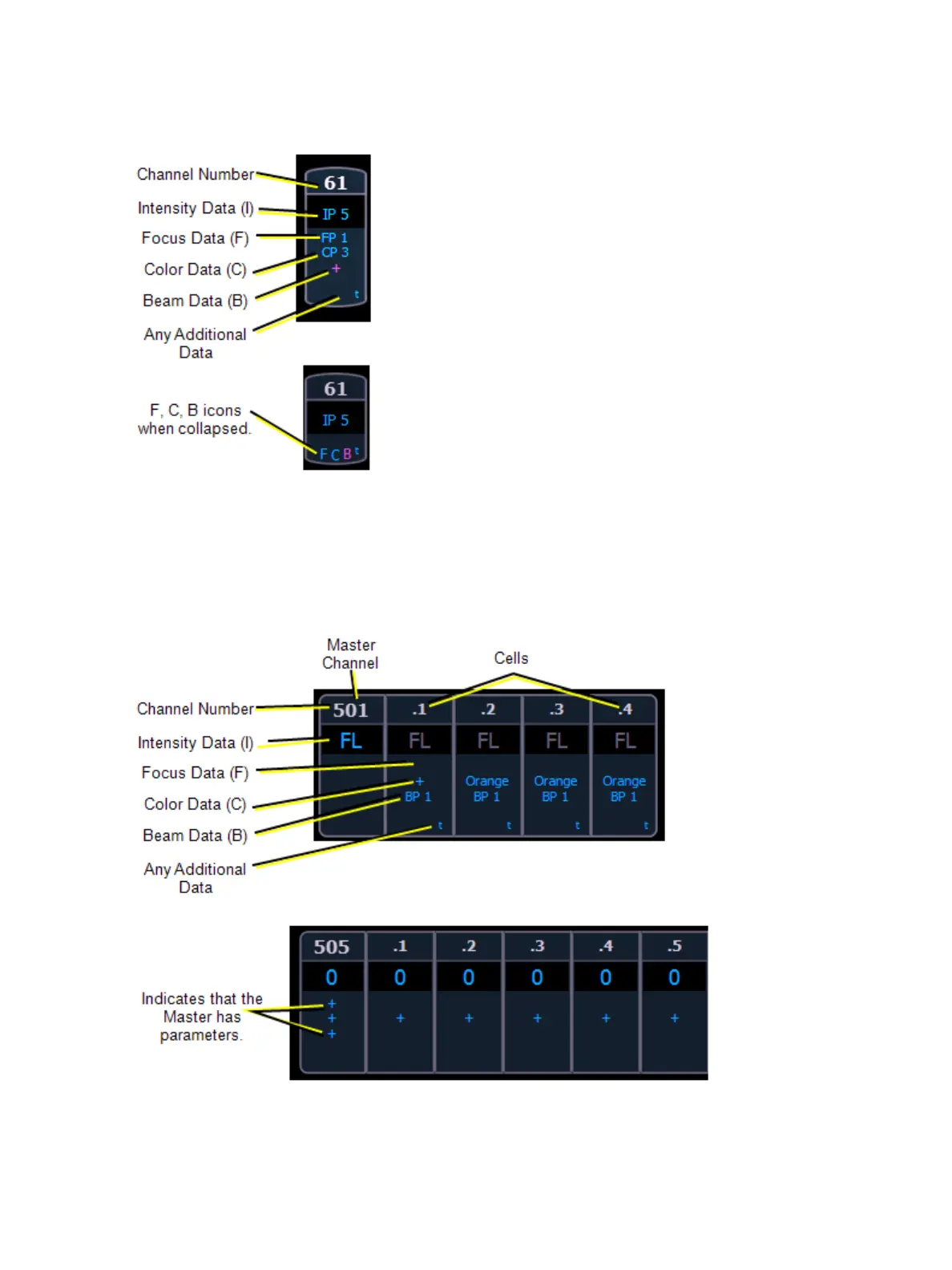
This view also has additional data fields beneath intensity (F, C, B). This information can be sup-
pressed by pressing and holding [Data] and any of the encoder paging keys (Focus, Color, Image,
Shutter, or Form). Doing so will leave only the intensity field and FCB indicators at the bottom of the
channel.
Multicell Devices
Parameter data can also be suppressed in the same way as moving lights.



 To Next Page