50 Ion Operations Manual
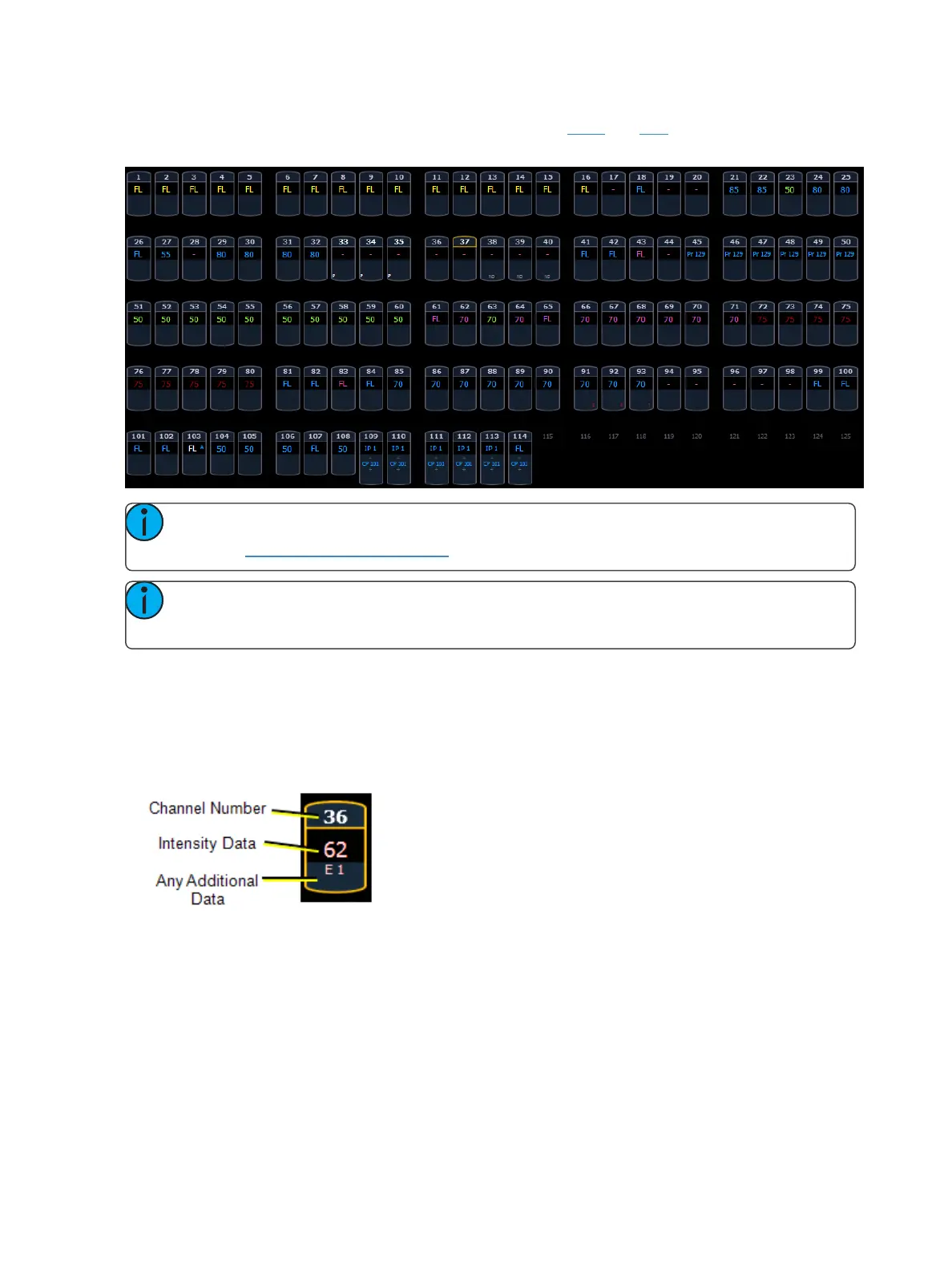
This is the Live/ Blind summary view. Please note examples of color and text indicators in the fol-
lowing graphic:
Note: The color and text conventions apply regardless of the format of Live/ Blind being
used (see Using [Format] (on page45)).
Note: When manual channels are used, there will be an advisory that says "Manual Chan-
nels" in red in the upper left hand corner of any Live display.
Most of the channels in the above image are conventional channels (intensity is the only available
parameter).
Several channels in the image are moving lights (possessing more parameters than just intensity).
Conventionals
Conventions display only the top field, intensity, as no other parameters are available on a con-
ventional channel.



 To Next Page