54 Ion Operations Manual
M Indicates a mark is placed, but manual, and must be stored. Is blue when stored.”m” indic-
ates cue is not marking.
MK Indicates the channel is marked for a later cue. The cue number is indicated in the other
categories (see “Q” below).
ND Indicates that a channel has been patched as a non-dim fixture type.
N Indicates the value is null (from either {Make Null} or a filter).
P Indicates the channel is parked.
Ph Indicates the channel is at a preheat level.
Pr Indicates that the value is referenced to a preset. This text is followed by a number, indic-
ating which preset is being referenced. The preset label may also be shown if this setting is
enabled (see Show Reference Labels (on page149)). Holding down [Shift] & [Label] will toggle
between the preset label and preset number.
Q Found in the non-intensity categories of a marked channel. The “Q” is followed by a num-
ber indicating which cue the mark is in preparation for.
t The channel has discrete (parameter/category-specific) timing.
S Indicates that a channel is stored to a shielded submaster.
R Indicates a manual reference override. Manual changes have been made that override a pre-
viously stored reference (such as to a palette or preset). Once recorded, the reference will be
broken. If updated, the referenced target will be updated as well, unless otherwise instructed.
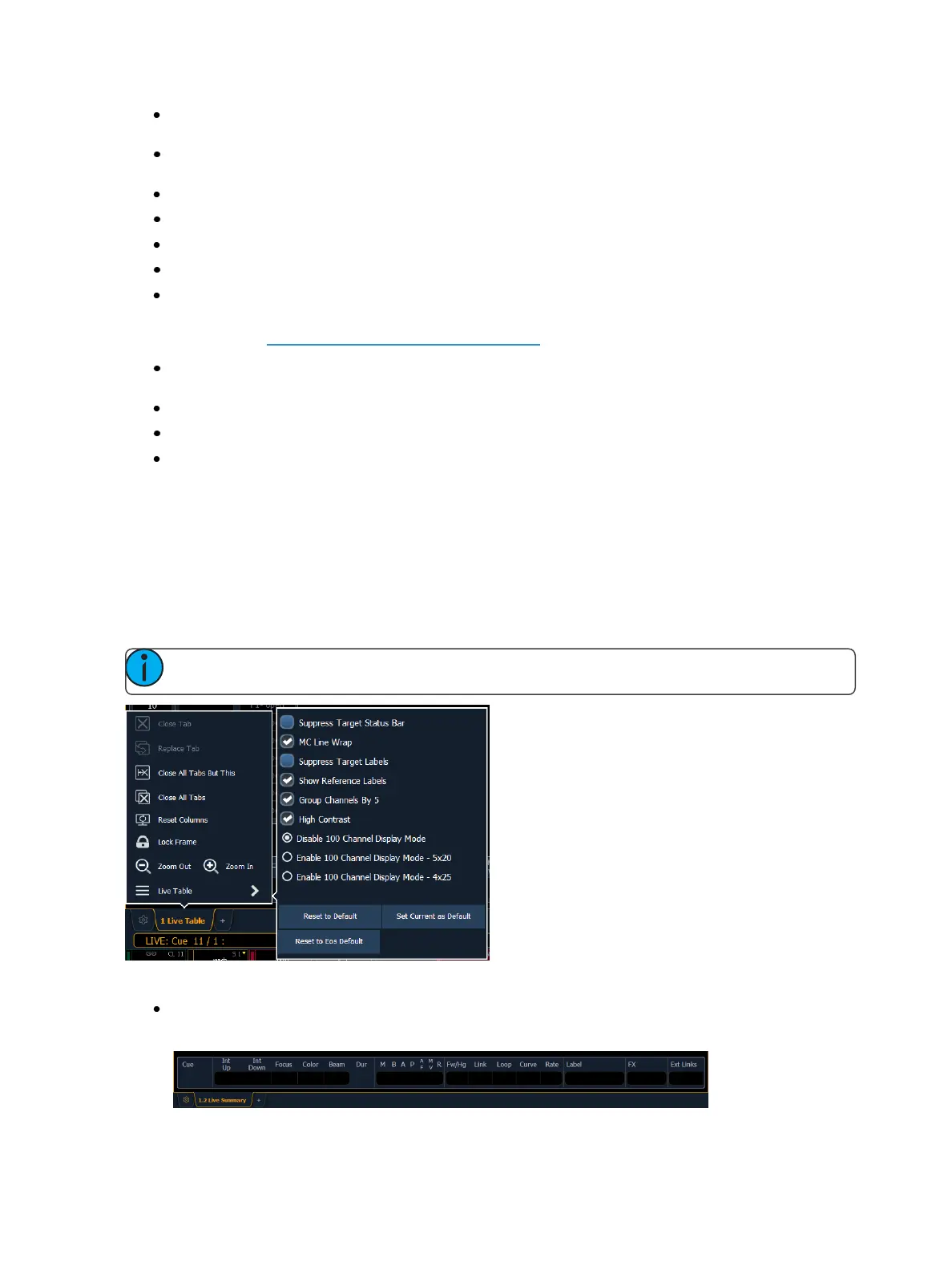
Live and Blind Configuration Menu
The Live/ Blind displays have a configuration menu. The configuration settings are available by select-
ing the display tab and then double clicking on the tab to open the menu. With the Live/ Blind display
selected, you can also select the gear icon, which is located to the left of the tabs, to open the con-
figuration menu.
Note: Each instance of Live/ Blind may be configured individually.
The following options are available:
Suppress Target Status Bar - Hides the target status bar from the display. The target status bar
displays at the bottom of the Live/ Blind displays.



 To Next Page