58 Ion Operations Manual
Expanded Cue List Format (below)
Split Playback Status Display (on page60)
Fader Display Format (on the facing page)
By default, it will be an expanded cue list format. When the focus is on the playback status display,
press [Format] to toggle between the formats.
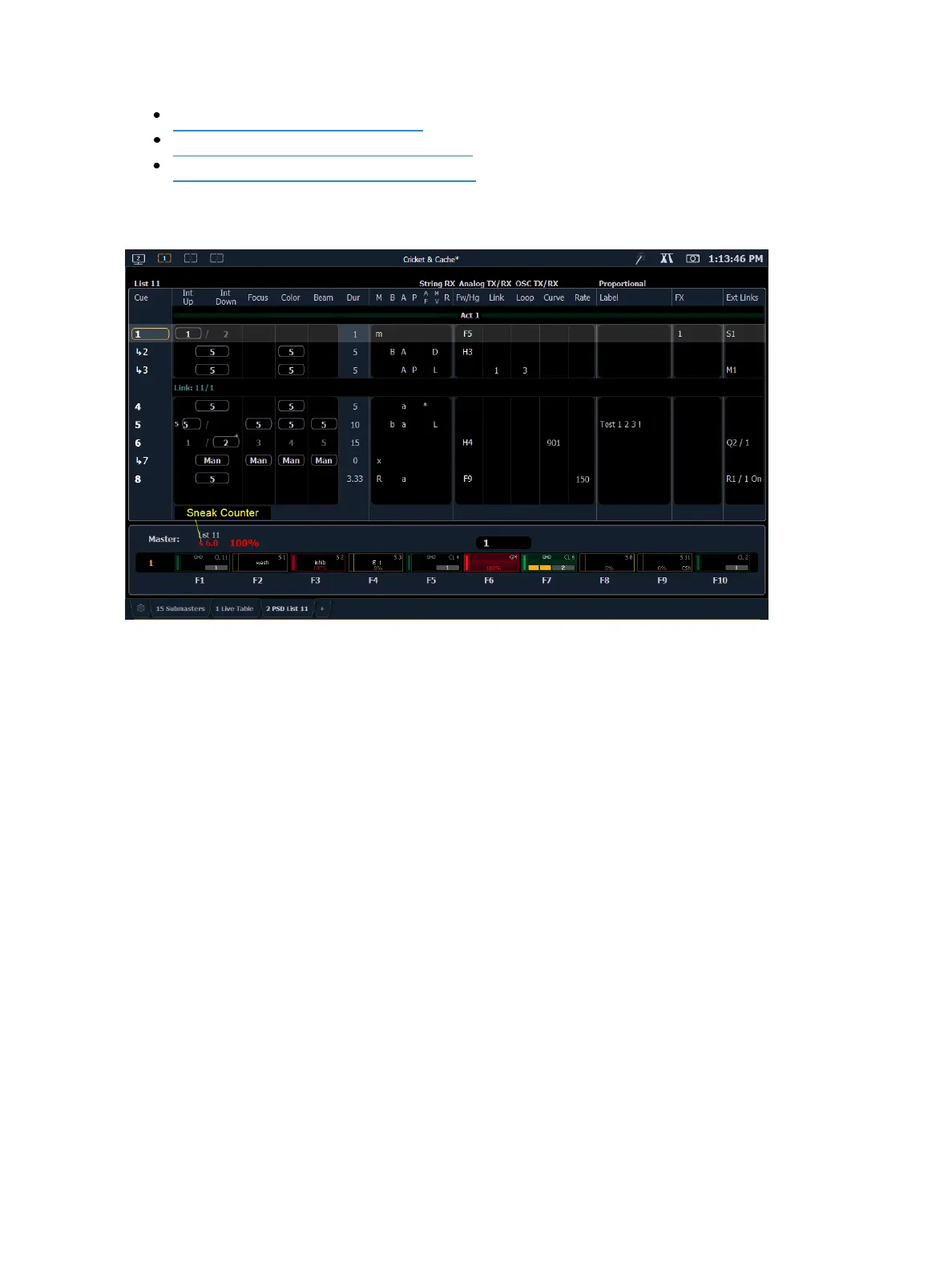
Expanded Cue List Format
Pressing [Format] with the playback status display active will access this format. In expanded cue list,
the view of the active cue list increases to the full size of the display. The current fader page is visible
at the bottom of the screen.



 To Next Page