4.9.2.2.2. Scene Capture
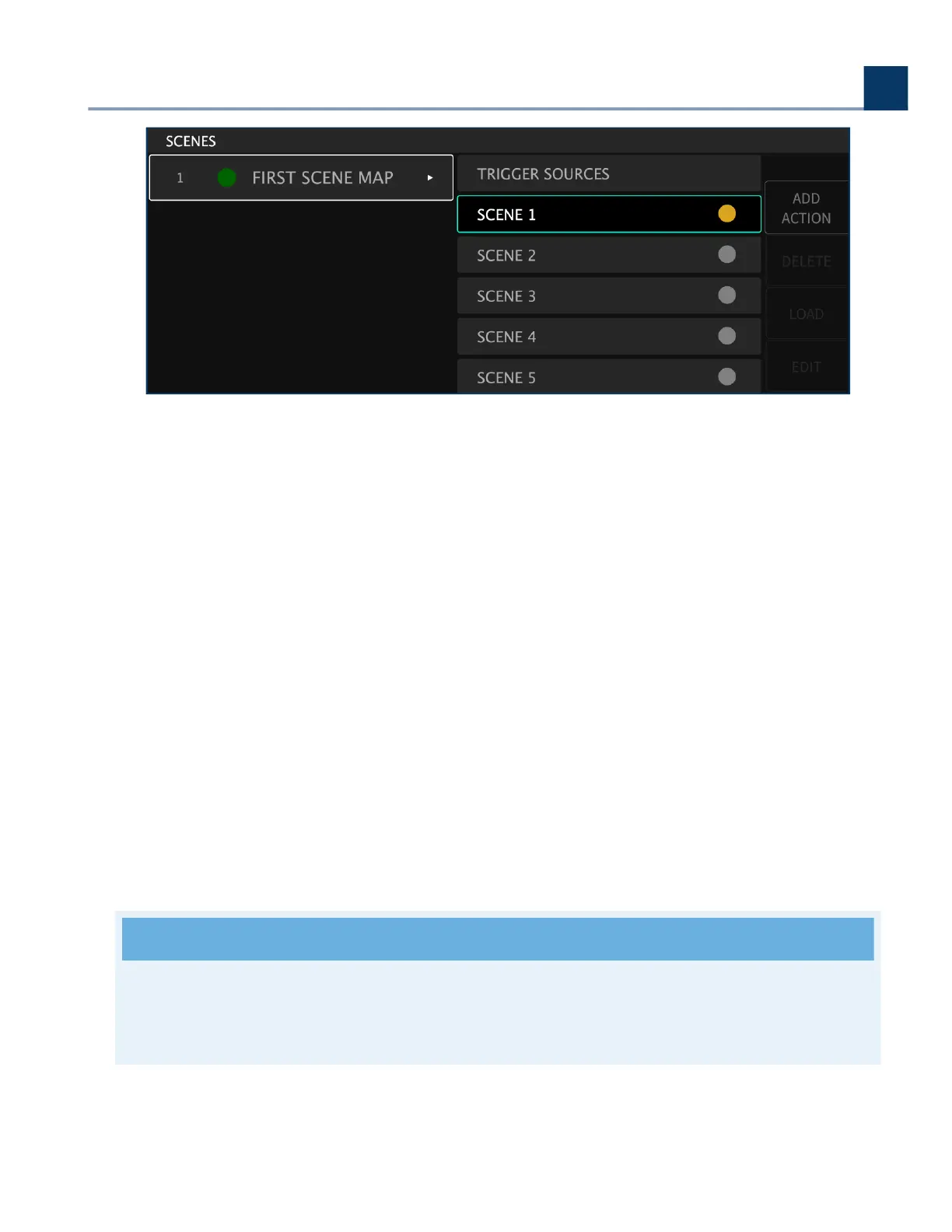
This is a way to take a “Snapshot” of the current settings of the Session for a Scene.
4.9.2.2.3. Manual
This allows you to ne-tune a Scene from a blank template.
4.9.2.2.4. Delete
Press this sot key to delete a highlighted scene.
4.9.2.2.5. Load
Press this sot key to activate the highlighted scene. The circle to the right of the scene text will turn
green, indicating that this scene is now active.
Note
If the circle to the right of the scene text is red, then the Scene Map in which it is contained is
not currently active and won’t receive MIDI messages.
4. Front Panel Operation
Copyright © 2021, Eventide Inc.


 To Next Page