4.9.2.2.6. Edit
Press this sot key to edit the highlighted scene. You will have the options to edit with either the
Scene Capture or Manual functions.
4.9.2.3. Trigger Sources
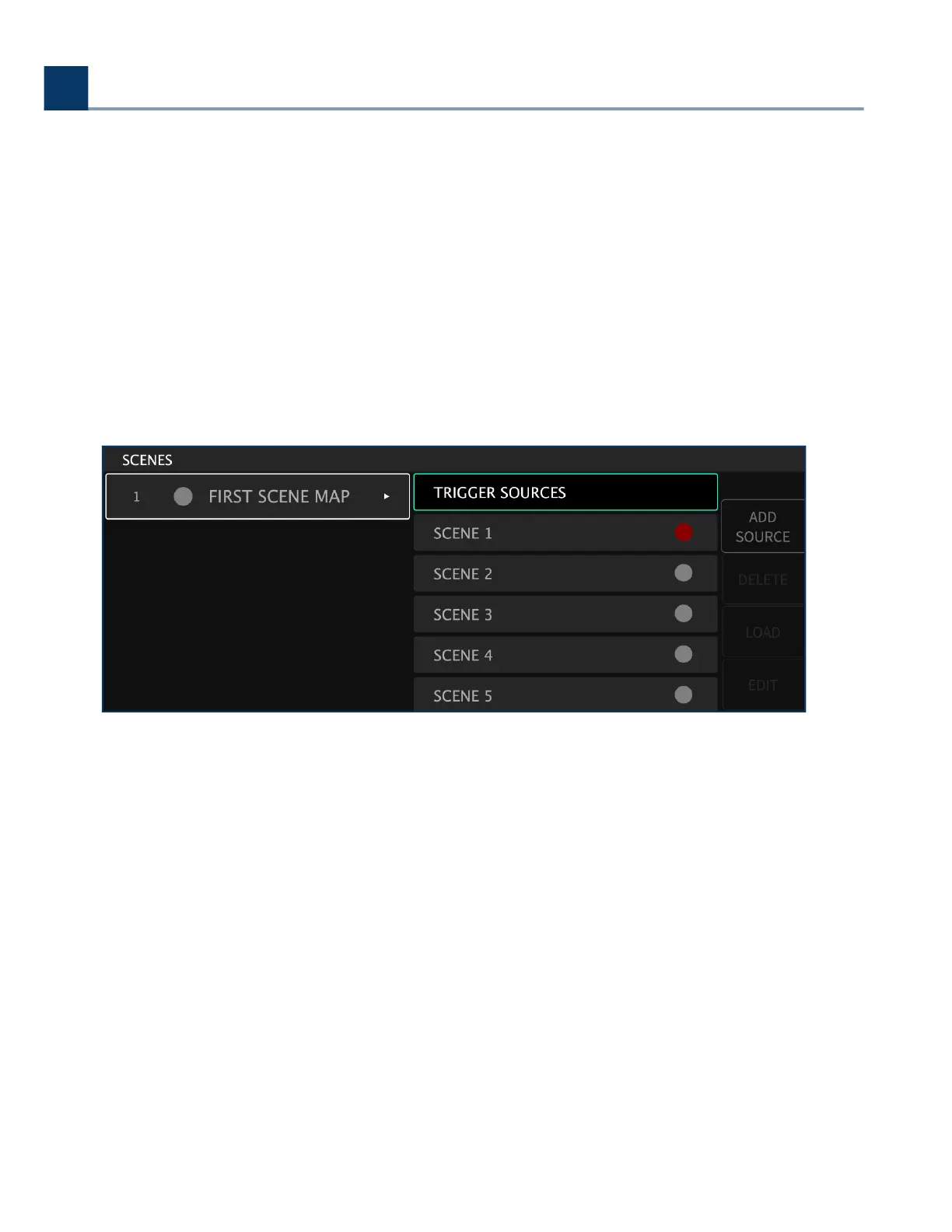
The top of the Scene Map list on the right-hand side contains the ‘Trigger Sources’ function. Highlight
this function, then press the Add Source sot key. You will be prompted to select a source mode,
message type, and MIDI channel.
4.9.2.3.1. Select Source Mode
You are presented with the source mode options of:
Load by number
Increment
Increment and load
Decrement
Decrement and load
Load current
•
•
•
•
•
•
4. Front Panel Operation
Copyright © 2021, Eventide Inc.


 To Next Page