7.3.2. Integration
To use PTHD IO with the H9000, you must connect it to your HD system via the DigiLink ports. Once
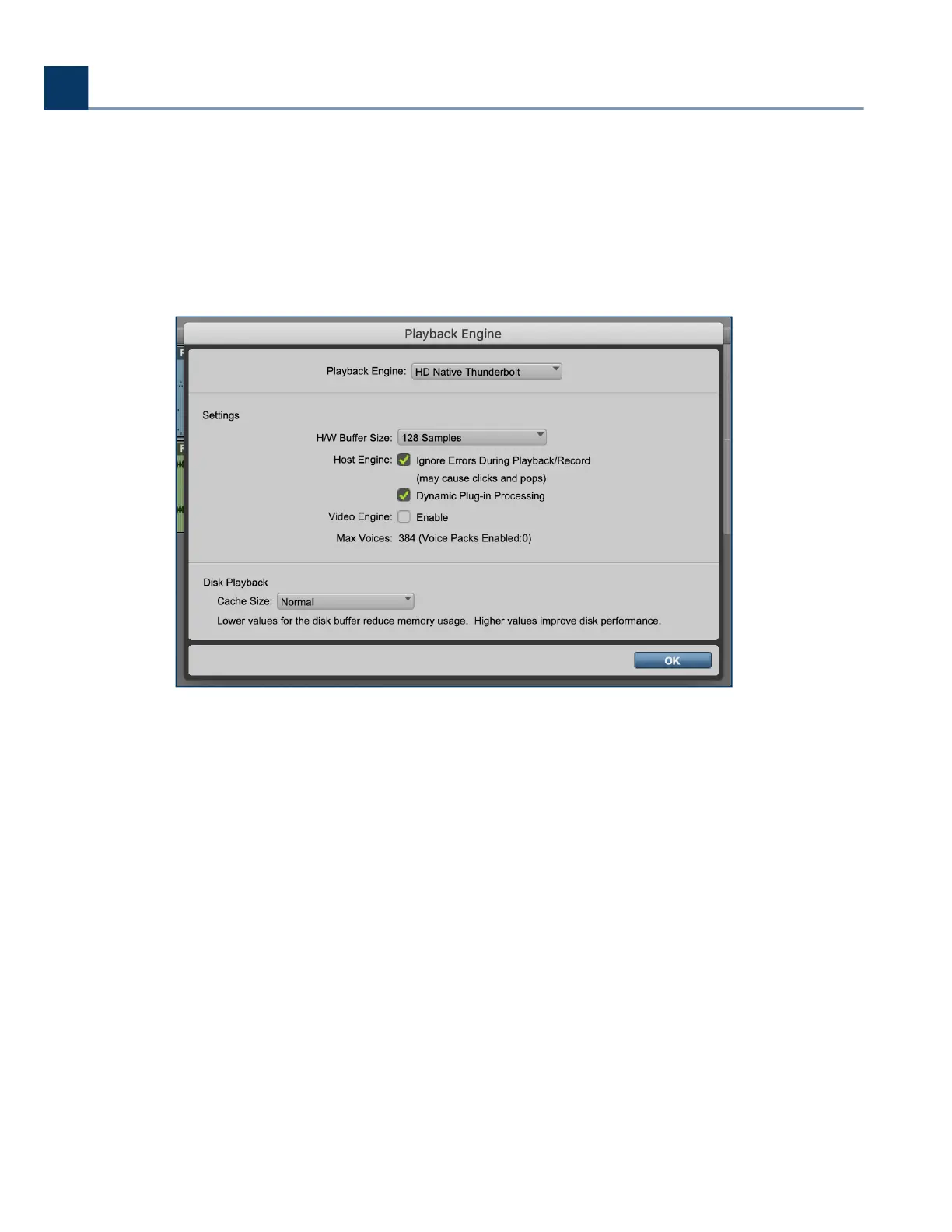
this is connected, You must select the HD device as your Playback Engine in Pro Tools. In the example
below, we are using an HD Native Thunderbolt to integrate it into the HD environment.
Once you have the HD device selected as your playback engine, you can now route audio to and from
the H9000 via the expansion card’s DigiLink ports.
To use the H9000 as a H/W insert in Pro Tools, rst you have to check your Hardware Setup page in
Pro Tools to see which inserts the H9000 will correspond to.
7. Expansion Cards
Copyright © 2021, Eventide Inc.



 To Next Page