4.4.3.4.4. Page Let/Right
Press the Page Let/Right sot keys to navigate the dierent direct I/O pathways you have created
when there are more of them than t on the screen at one time.
Note
Direct I/O assignments are saved with Sessions, not with FX chains.
4.4.3.5. Presets
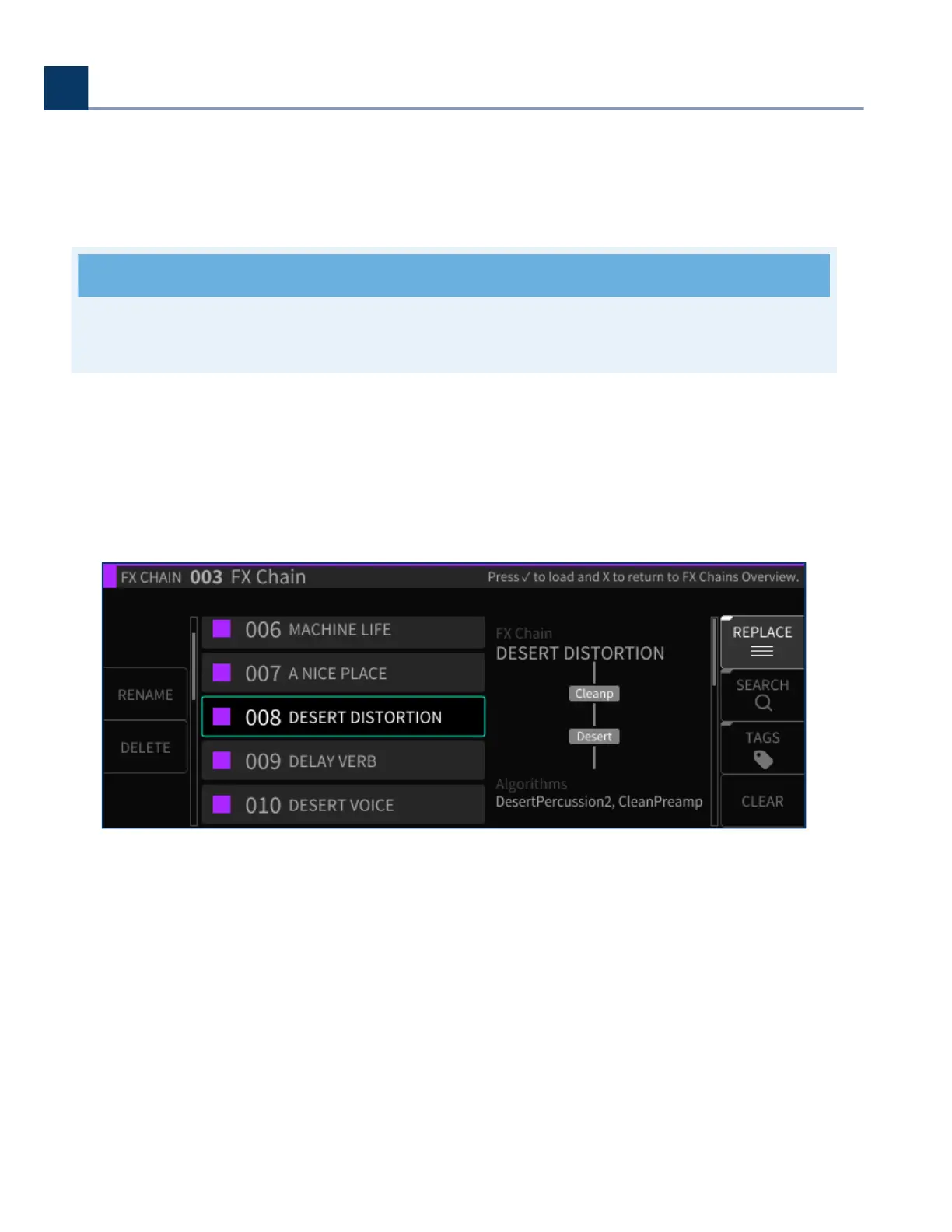
Press the Presets latching sot key to enter the FX chain preset browser. Navigate to the FX chain you
wish to load and press the Enter () key.
Five additional sot keys are available in the Presets browser screen:
4.4.3.5.1. Rename
Press the Rename sot key to rename the currently highlighted FX chain. Note that factory FX chains
cannot be renamed.
4. Front Panel Operation
Copyright © 2021, Eventide Inc.



 To Next Page