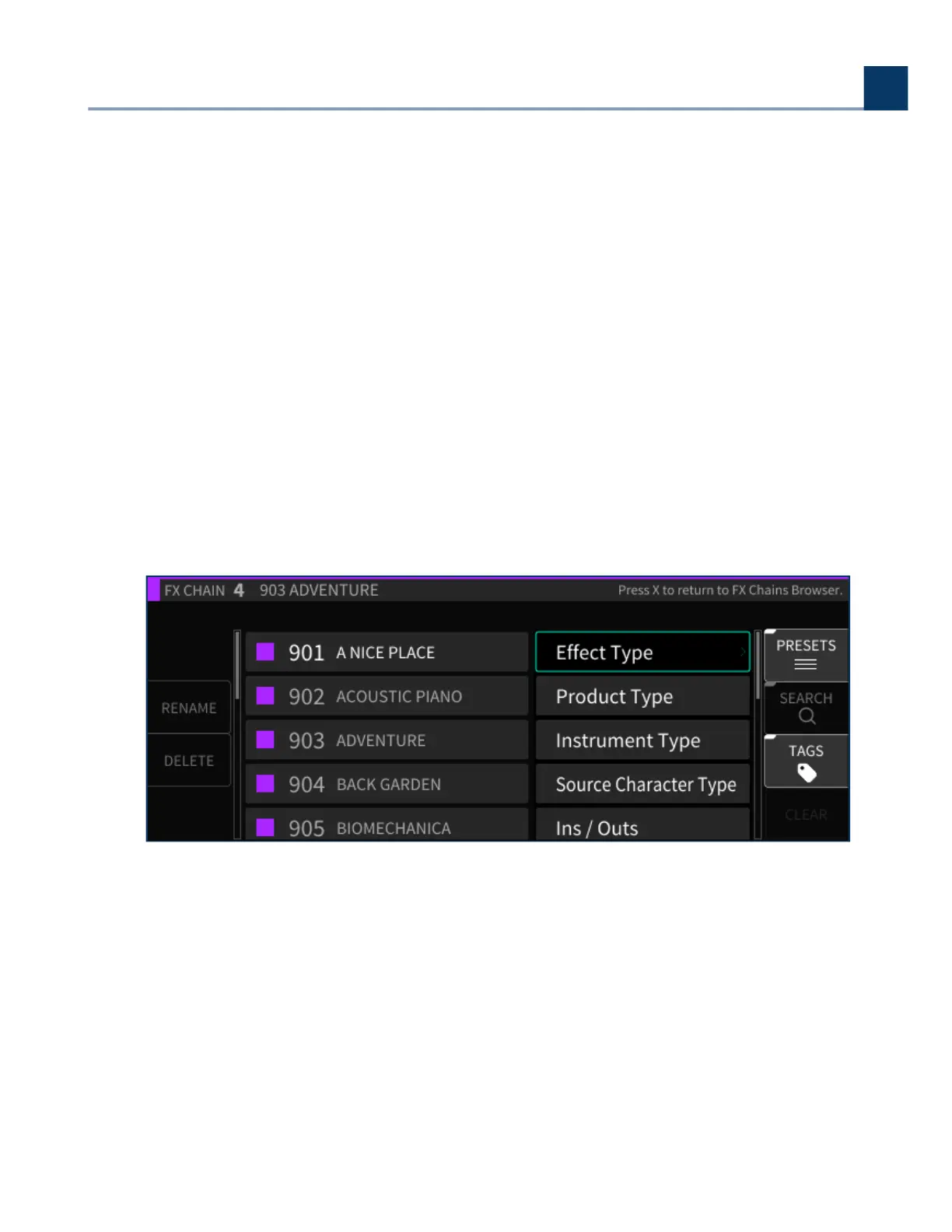
4.4.3.5.2. Delete
Press the Delete sot key to delete the currently highlighted FX chain preset. Note that factory FX
chains cannot be deleted.
4.4.3.5.3. Search
Press the latching Search sot key to bring up the virtual keypad, where you can enter in letters and
numbers to search for a specic FX chain name. As you enter in more characters, the FX chain list is
ltered to show only FX chains that contain the characters you are typing.
4.4.3.5.4. Tags
Press the latching Tags sot key to switch the right-hand side of the display to the Tags screen. You
will be presented with a list of tag categories. Use the cursor keys and enter key to select.
The following tag categories are included:
Eect Type
Product Type
Instrument Type
Inputs/Outputs
•
•
•
•
4. Front Panel Operation
Copyright © 2021, Eventide Inc.



 To Next Page