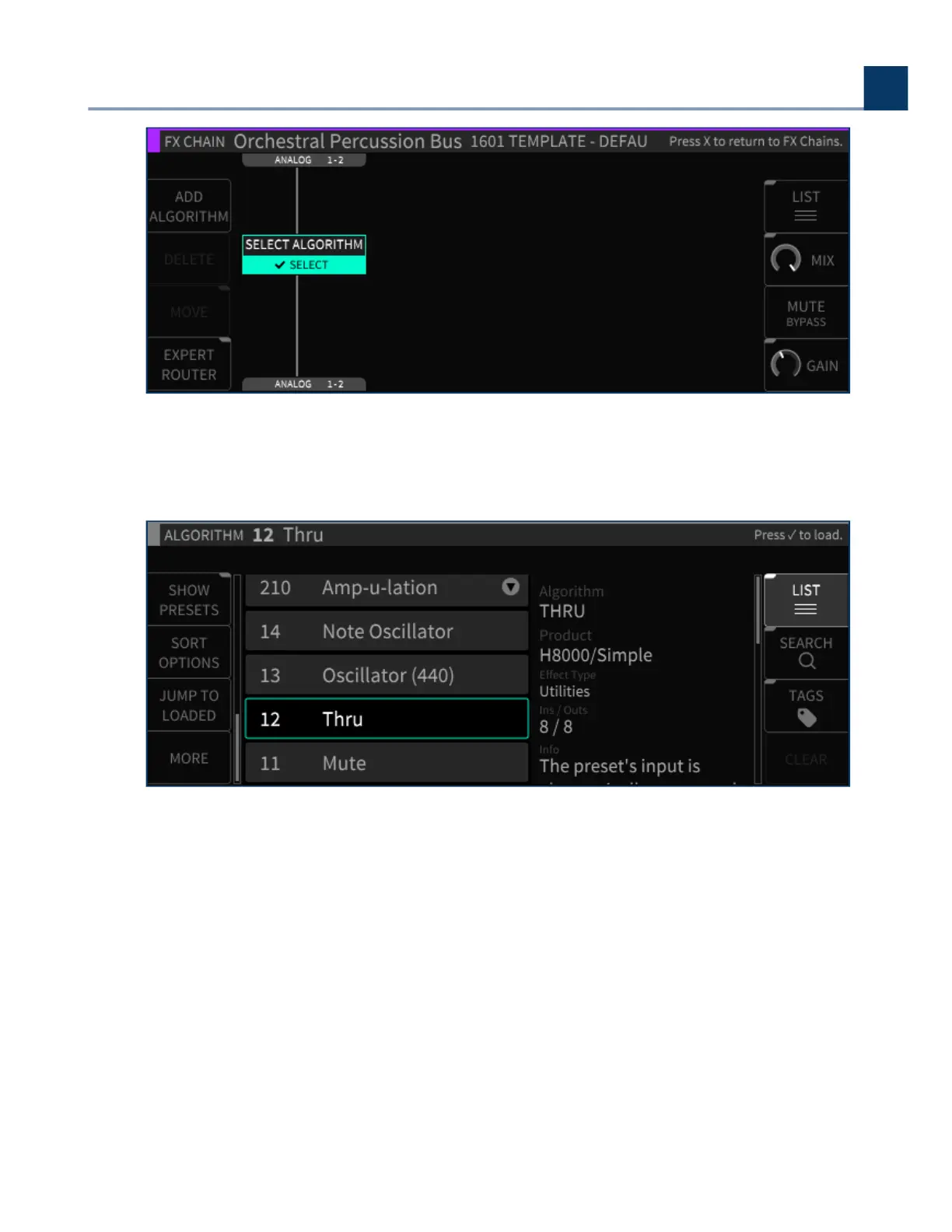
Use the navigation controls to select an algorithm. Each entry contains helpful info (Ins/Outs, a
description of the algorithm, tips on its use, etc.).
4.5.3.2. Delete
Press the Delete sot key to remove the highlighted algorithm from the FX chain.
4.5.3.3. Move
Press the latching Move sot key to change the location of an algorithm within the FX chain. You can
move the algorithm in an FX chain to be above or below any other algorithm in series, or next to
another algorithm in parallel.
•
4. Front Panel Operation
Copyright © 2021, Eventide Inc.



 To Next Page