4.5.3.4. Expert Router
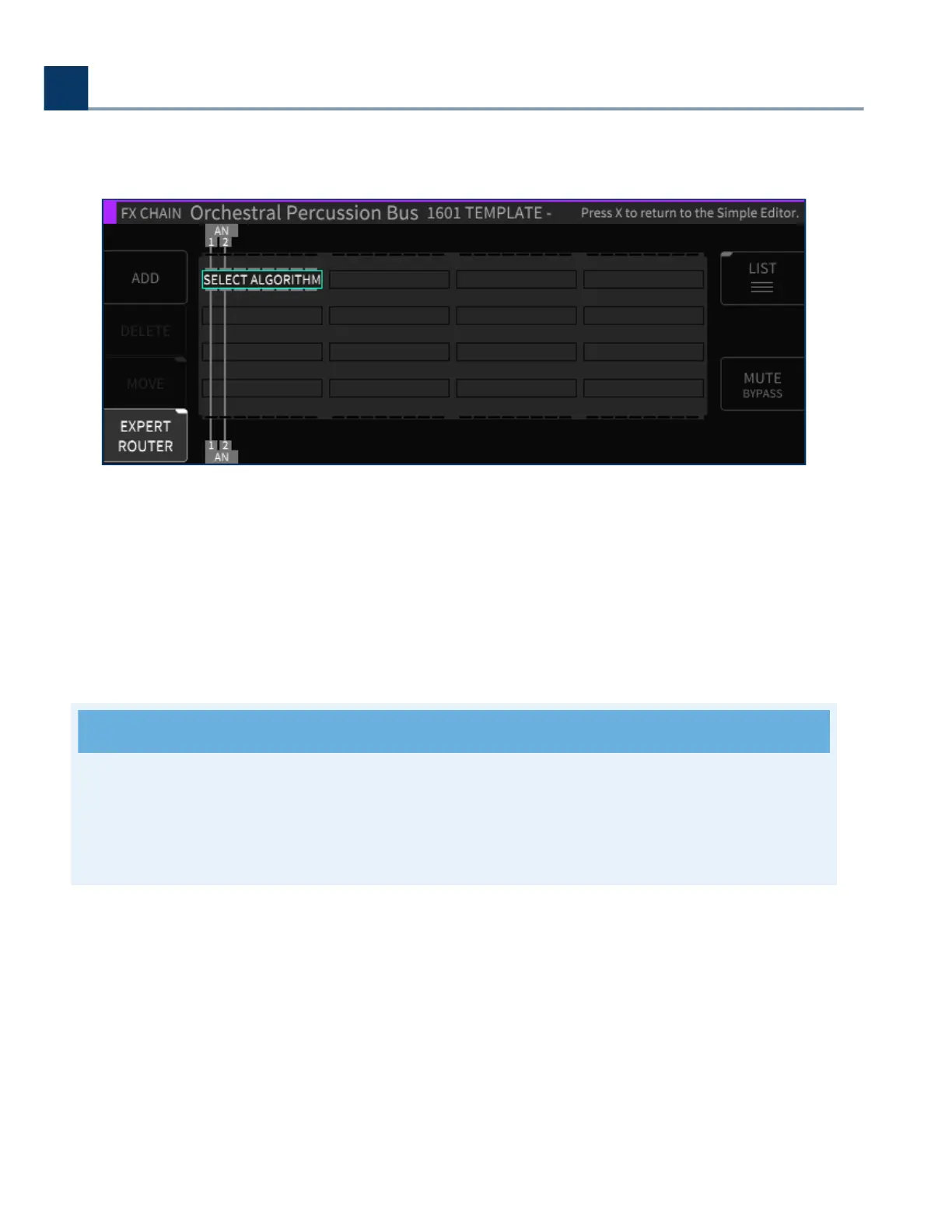
Press the latching Expert Router sot key to enter the “Expert Routing” mode. The display switches to
a graphical routing matrix, where you can view and edit a high level overview of:
All of the algorithms present in the current FX chains
Their audio I/O assignments
Their signal routing conguration
Note
The H9000 allows not only serial routing of algorithms, but also parallel and mixed serial/
parallel routing as well. The expert page is where you can view and control this aspect of the
routing.
To make adjustments in the Expert screen:
Use the cursor keys to highlight the aspect of the block diagram you wish to adjust (audio I/O
block, routing, Algorithm).
Use the wheel to adjust a highlighted audio I/O routing.
Use the Move sot key to adjust a routing pathway when it is highlighted
•
•
•
•
•
•
4. Front Panel Operation
Copyright © 2021, Eventide Inc.



 To Next Page