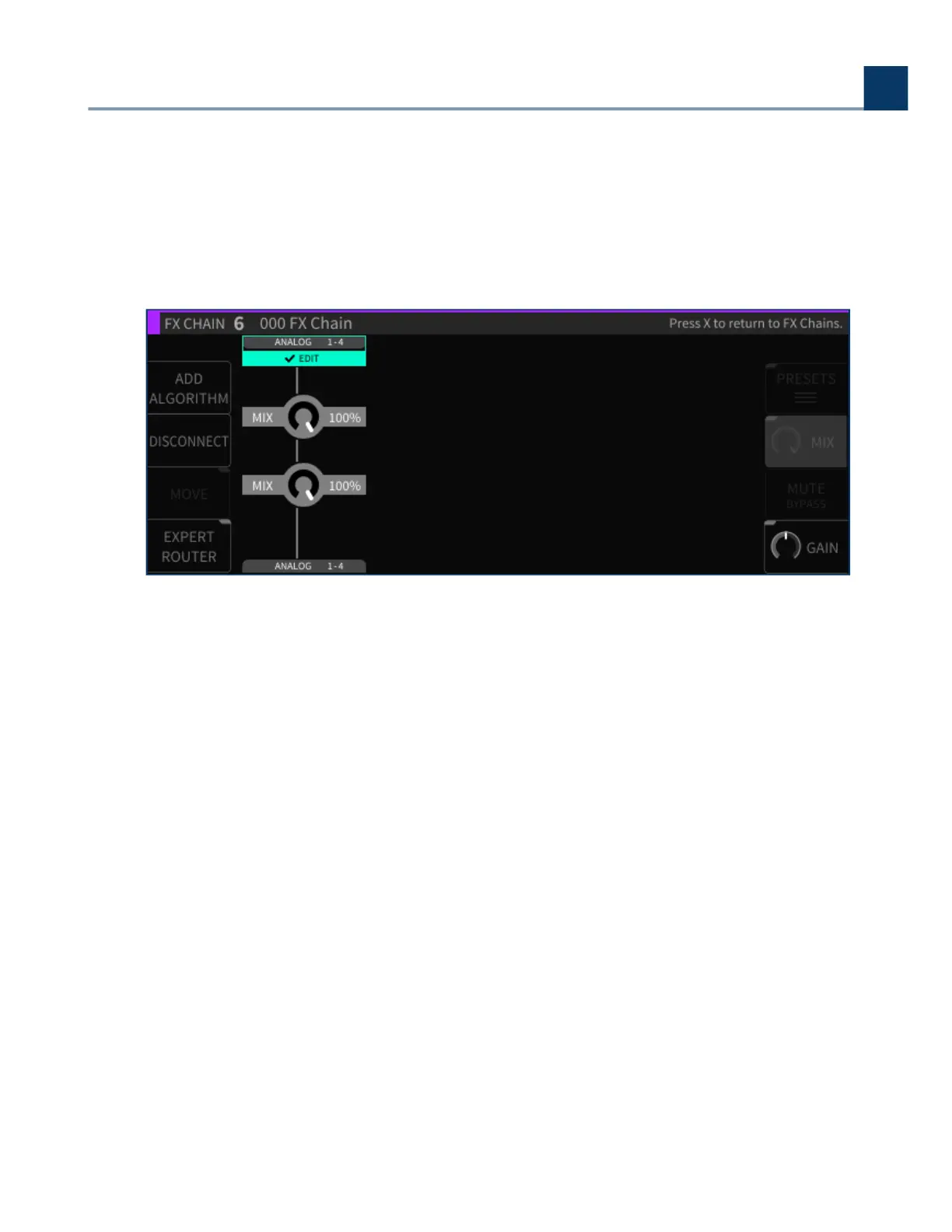
4.5.3.5. Mix
Press the latching Mix sot key to change the display to a set of mixing controls, which control the
relative level of each algorithm within the FX chain. Navigate to the algorithm whose mix you wish to
adjust, then rotate the wheel to adjust it.
4.5.3.6. Mute/Bypass
Press the Mute/Bypass sot key to mute the audio output of the currently highlighted algorithm. A red
“M” label will appear at the right of the algorithm block when muted. Press the Mute/Bypass sot key
again to unmute the audio output.
Long-press the Mute/Bypass sot key to bypass the currently highlighted algorithm. A red “B” label
will appear at the right of the algorithm block when bypassed. Long-press the Mute/Bypass sot key
again to un-bypass the audio output.
4.5.3.7. Gain
Press the latching Gain sot key to change the display to a set of gain controls which adjust the
output level of each algorithm within the FX chain.
4. Front Panel Operation
Copyright © 2021, Eventide Inc.



 To Next Page