If a Function is already mapped to a parameter you have highlighted, pressing the Add/Remove
sot key will remove the mapping.
4.6.1.6. External Control
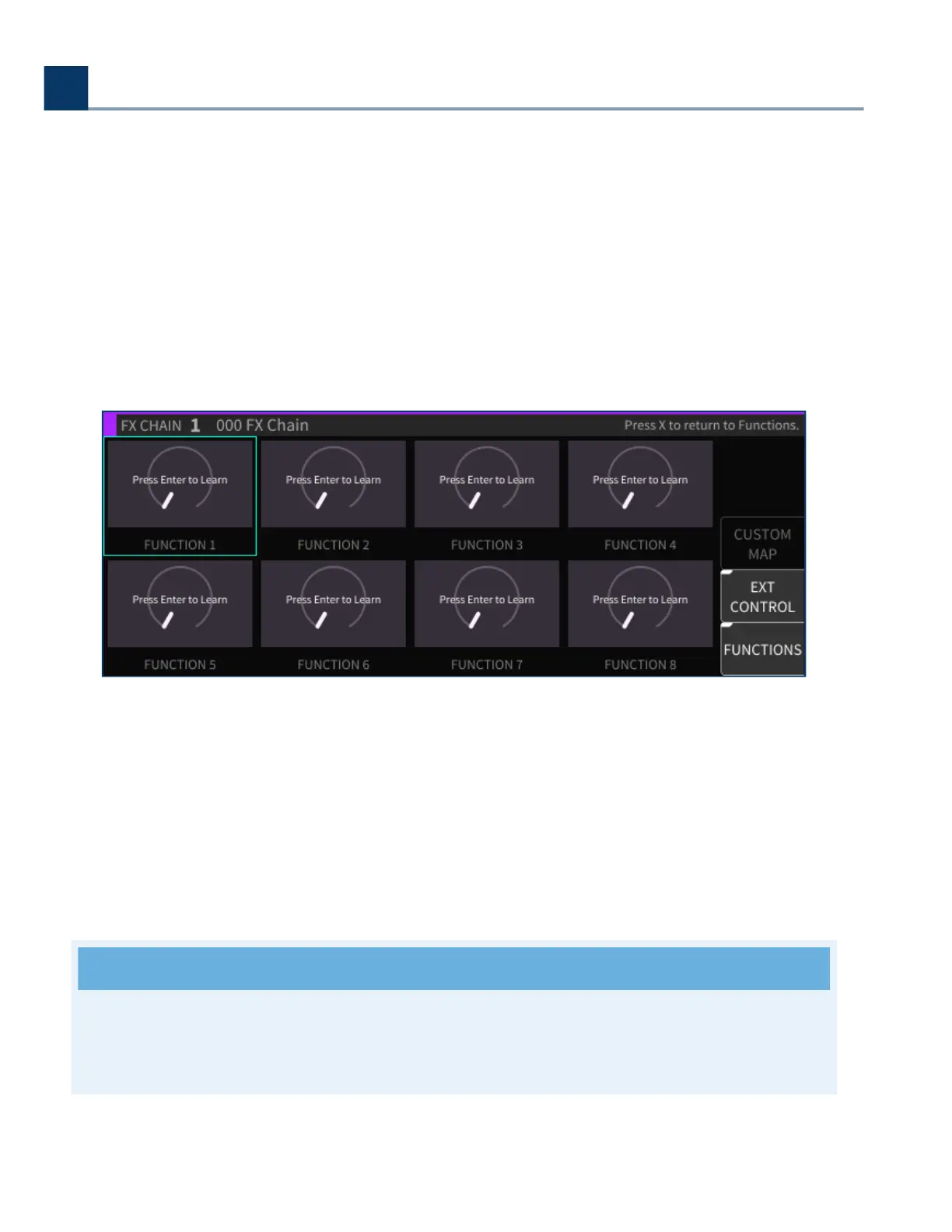
Press the External Control sot key to map external controllers to any given Function knob.
External Control oers the same interface for mapping MIDI/foot controllers to individual parameters,
but for the higher-level Function controls.
Use the cursor keys to highlight one of the eight Functions.
Press the Enter key to learn a command.
Move a control on your external controller; that control will now be mapped to the highlighted
Function.
The Custom Map dialog can also be accessed through this interface and used the same way as for
individual parameters.
Note
See Section C: H9000 MIDI Functionality for a comprehensive explanation of the H9000’s MIDI
features.
•
•
•
•
4. Front Panel Operation
Copyright © 2021, Eventide Inc.



 To Next Page