XRF6 RF Router Manual
Page 8-2 Revision 1.0 FIRMWARE UPGRADES
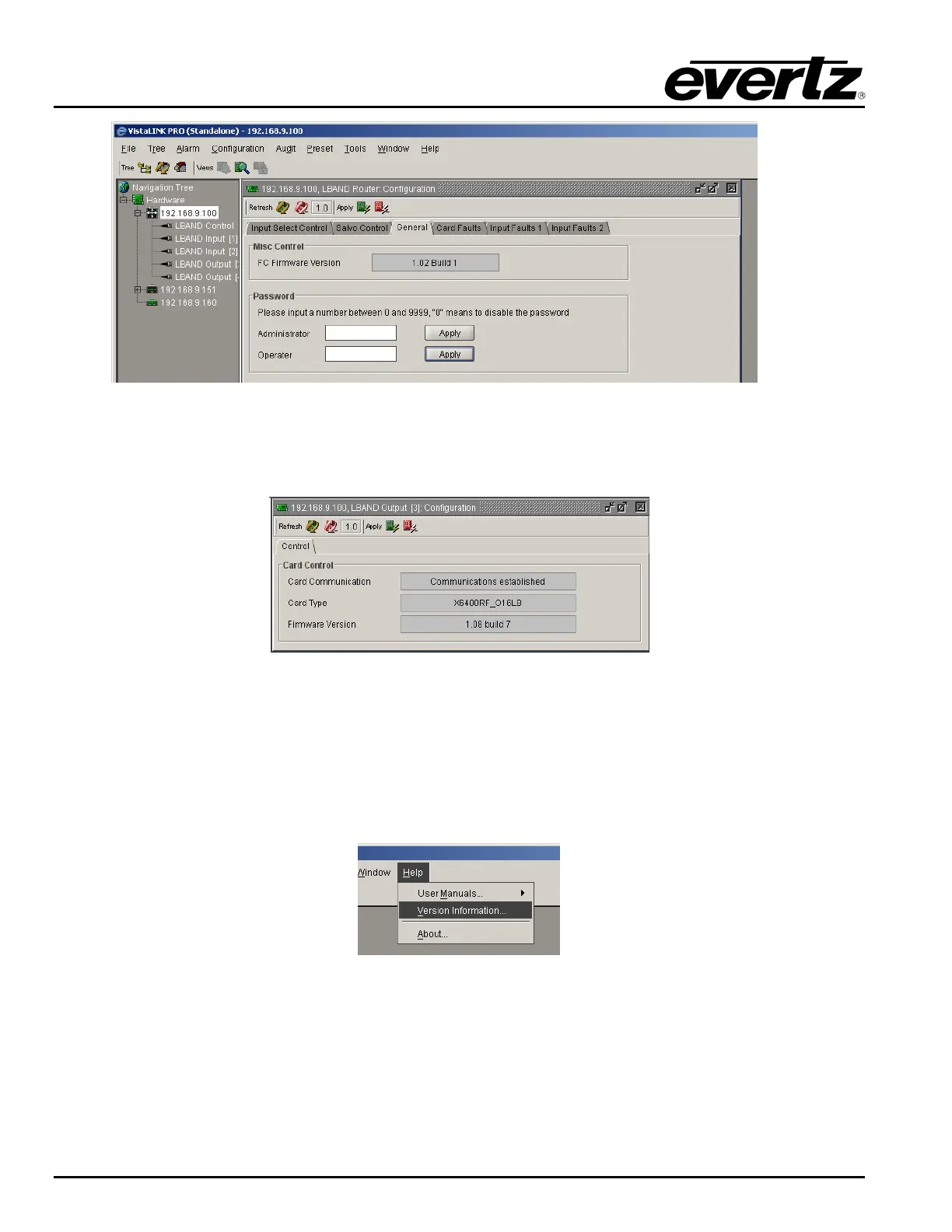
Figure 8-1: Frame Controller Firmware Version
5. To display the firmware version of either an input or output card, right-click on a card from the list in
the hardware tree and select
View Configuration. The firmware version will be displayed in a
window.
Figure 8-2: Input or Output Card Firmware Version
8.1.2. Upgrading Input Card Firmware
1. Launch the VistaLINK
®
Pro client.
2. Select Help
→ Version Information from the VistaLINK
®
toolbar.
Figure 8-3: Version Information Menu Item
3. Click the
Active radio button.



 To Next Page