XRF6 RF Router Manual
FIRMWARE UPGRADES Revision 1.0 Page 8-9
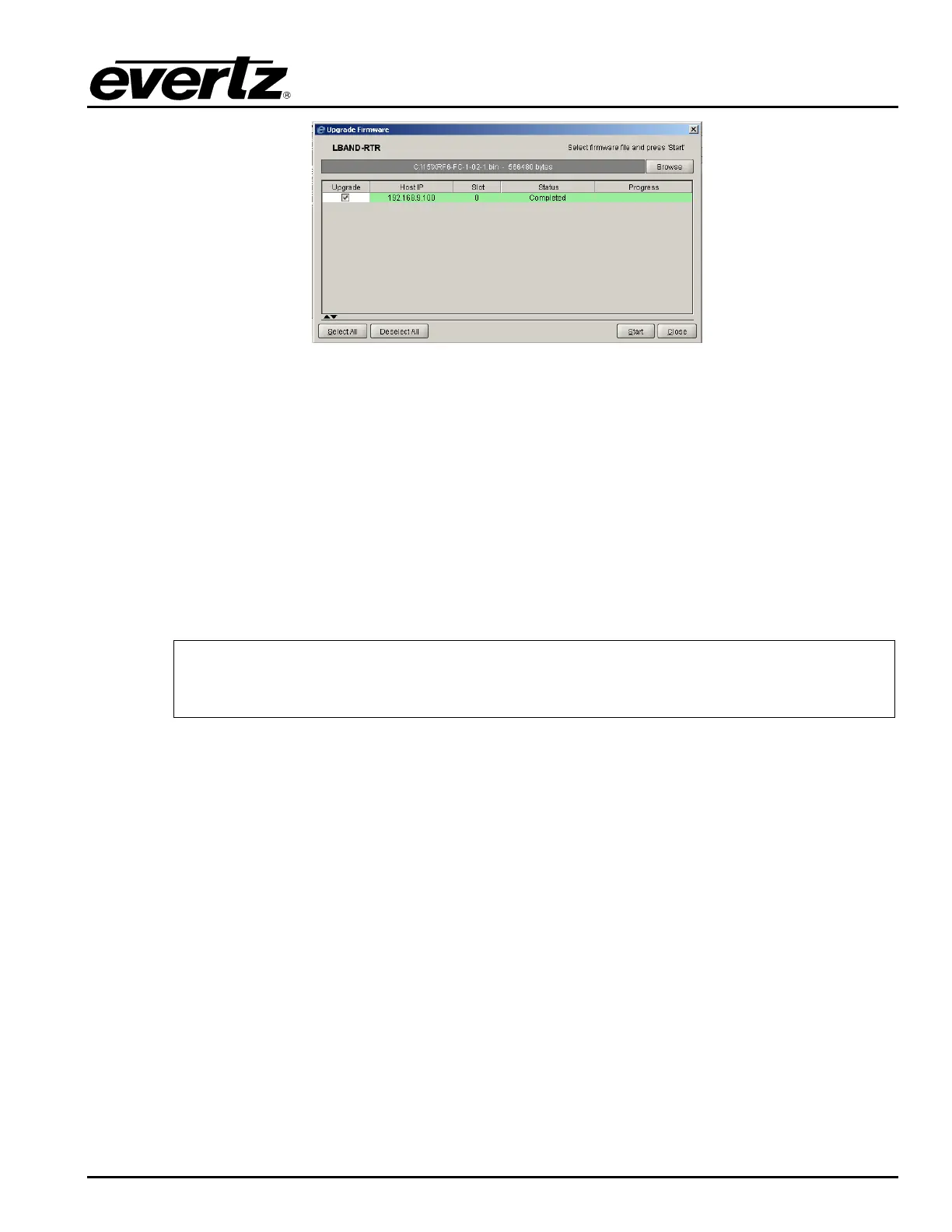
Figure 8-18: Upgrade Process Completed
8.2. FIRMWARE UPGRADES VIA SERIAL PORT
To upgrade the cards in the XRF6 router via RS232 serial, the following are required:
• PC with available communications port. The communication speed is 115200 baud, therefore a
486 PC or better with a 16550 UART based communications port is recommended.
• Straight-through serial extension cable (DB9 female to DB9 male) or (DB25 female to DB9 male)
• Terminal program that is capable of Xmodem file transfer protocol (such as HyperTerminal)
• Special upgrade cable supplied with the XRF6 frame. This cable has a DB9 female connector at
one end, and a 2-row pin header connector at the other, connected together with multi-coloured
ribbon cable. (Evertz part #WA S76)
When both the frame controller cards and input or output cards are being upgraded
with new firmware, the input (XRF6-16IP) and/or output (XRF6-16OP) cards should
always be done first, followed by the frame controller (XRF6-FC).
8.2.1. Upgrading Input or Output Card Firmware
1. Pull the selected card out of the frame, exposing the first ¼ of the card. Locate the J20 header
and connect the ribbon cable.



 To Next Page