XRF6 RF Router Manual
Page 8-10 Revision 1.0 FIRMWARE UPGRADES
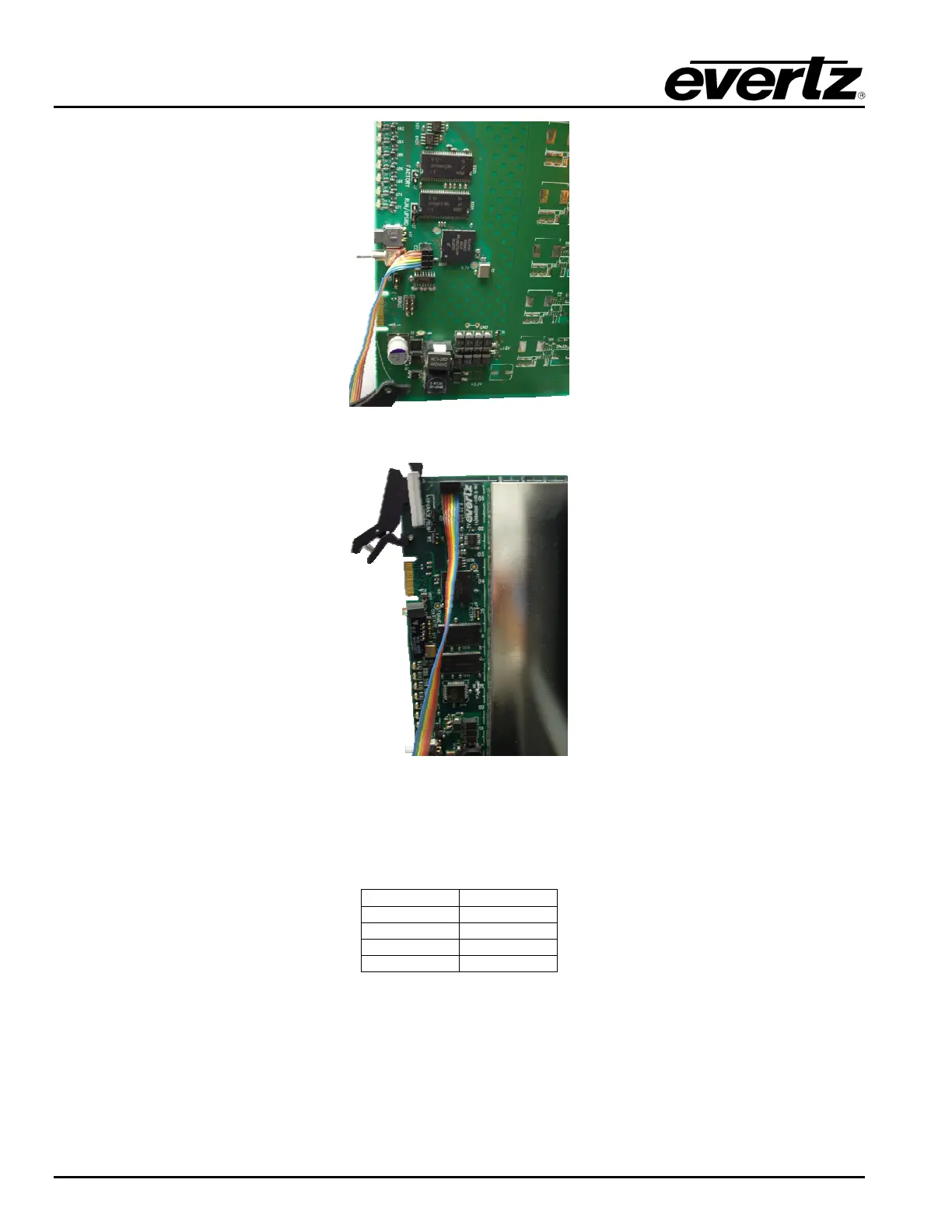
Figure 8-19: Input Card Upgrade Header With Upgrade Cable Connected
Figure 8-20: Output Card Upgrade Header With Upgrade Cable Connected
2. Connect the other end of the ribbon cable to the PC to be used for the upgrade.
3. Open a terminal session and enter the following settings:
Baud
115200
Parity
no
Data bits
8
Stop bits
2
Flow Control
None
4. Insert the card into the XRF6 frame and allow it to power up.
5. Press Enter to obtain a command prompt (>).
6. At the prompt, type
u and press Enter.
7. Upload the appropriate file using the X-Modem protocol.



 To Next Page