XRF6 RF Router Manual
Page 8-4 Revision 1.0 FIRMWARE UPGRADES
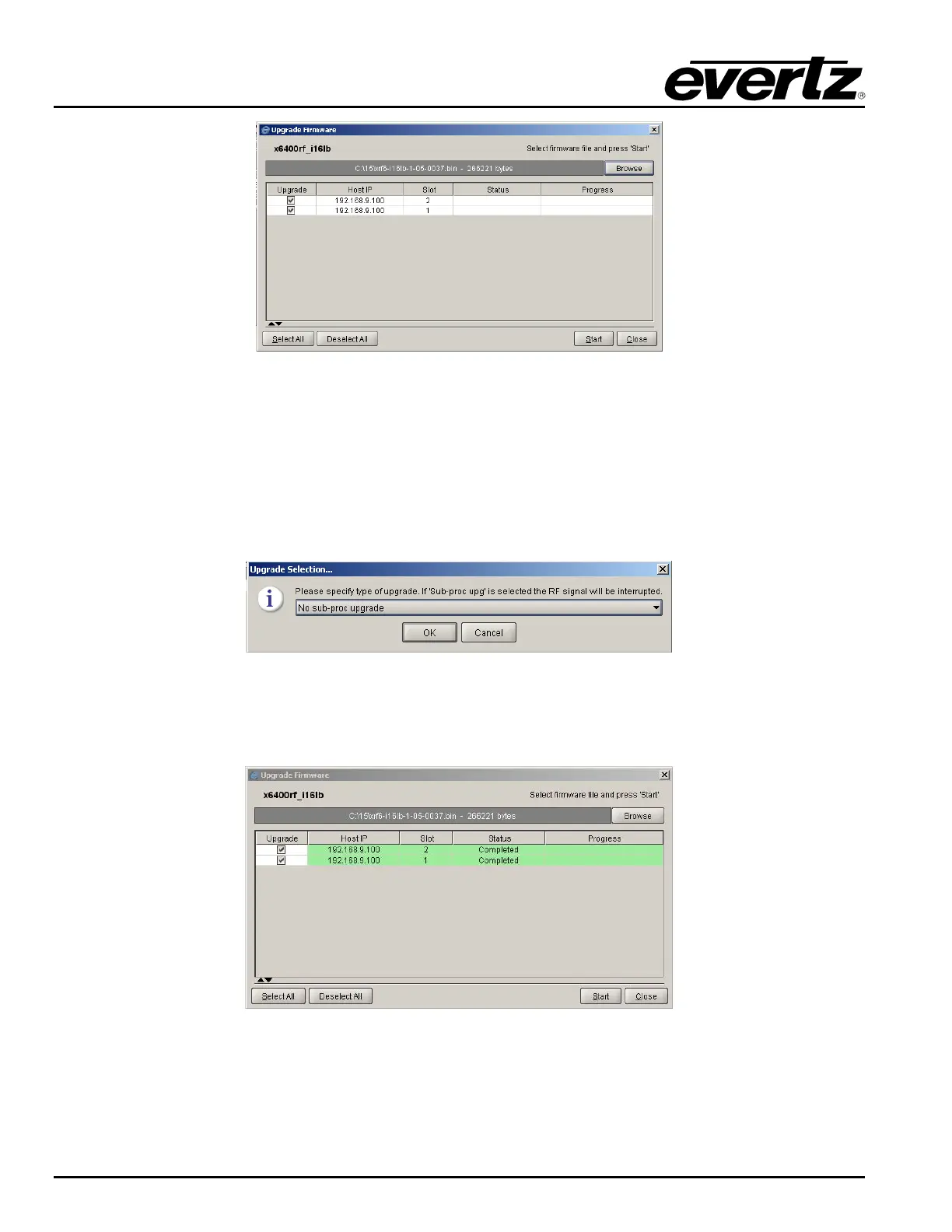
Figure 8-6: Firmware File Selection
7. The check boxes under the
Upgrade column may be used to select or deselect cards for upgrade (all
selected by default). Click
Start to upgrade selected cards, and click Yes when prompted to begin the
upgrade.
8. A window will appear requesting whether or not you would like to upgrade the sub-processors. Select
No sub-proc upgrade (default). Upgrading of the-subprocessors is not normally required and will
result in interruption of the RF signal while they are upgraded.
Figure 8-7: Sub-Processor Upgrade Selection
9. The upgrade process is finished when Completed is listed under Status for each card selected for
upgrade.
Figure 8-8: Upgrade Process Completed



 To Next Page