Recuing a Playlist from the LSM-VIAViewer
To recue a loaded playlist on the INpoint of the first playlist element,
• Press + .
When a Remote Panel is linked to the LSM-VIAViewer, the Recue command applies to media
loaded on the PGMscontrolled by the Remote Panel, regardless of the Viewer pane which has
the focus on.
In case no Remote Panel is connected to LSM-VIA, the Recue command applies to the media
loaded on the smallest PGMof the server.
7.6.2.BrowsingaPlaylist
How to Browse in a Playlist
When the playlist is loaded, you can browse it as follows:
• Browse through the playlist items with the jog.
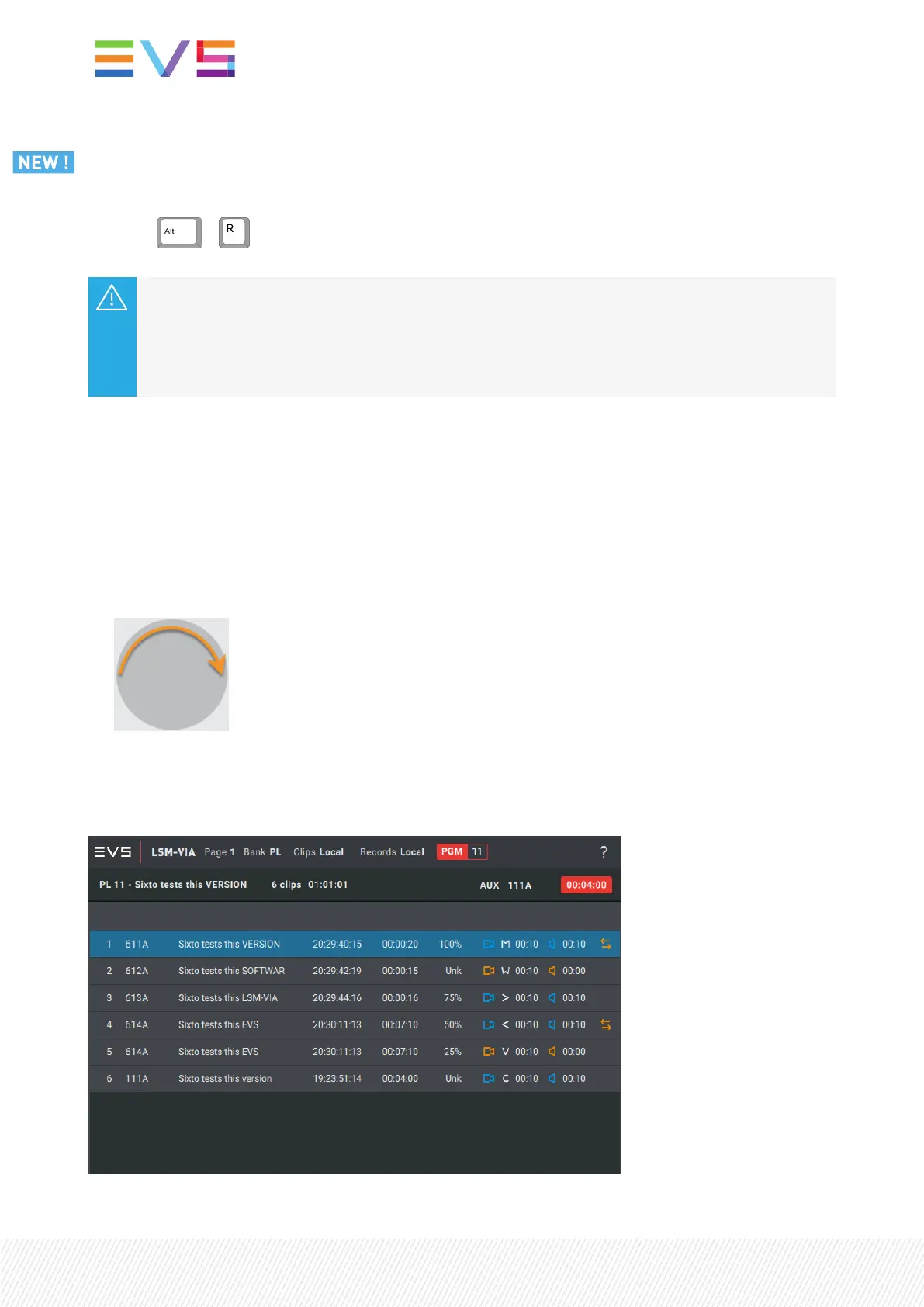
If the playlist was in Playout mode, the Playlist Edit mode is enabled.
The playlist element being browsed is displayed on a blue background on the Remote Panel
touchscreen.
222| January 2022 | Issue 1.4.G


 To Next Page
 Loading...