Managing Data
FTB-1v2 and FTB-1v2 Pro 175
Enabling or Disabling the Wireless Communication
To enable or disable the wireless communication in Windows 8.1
Pro:
1. From the right side of the screen, swipe left to display the Charm bar.
2. Tap Settings, and then the icon.
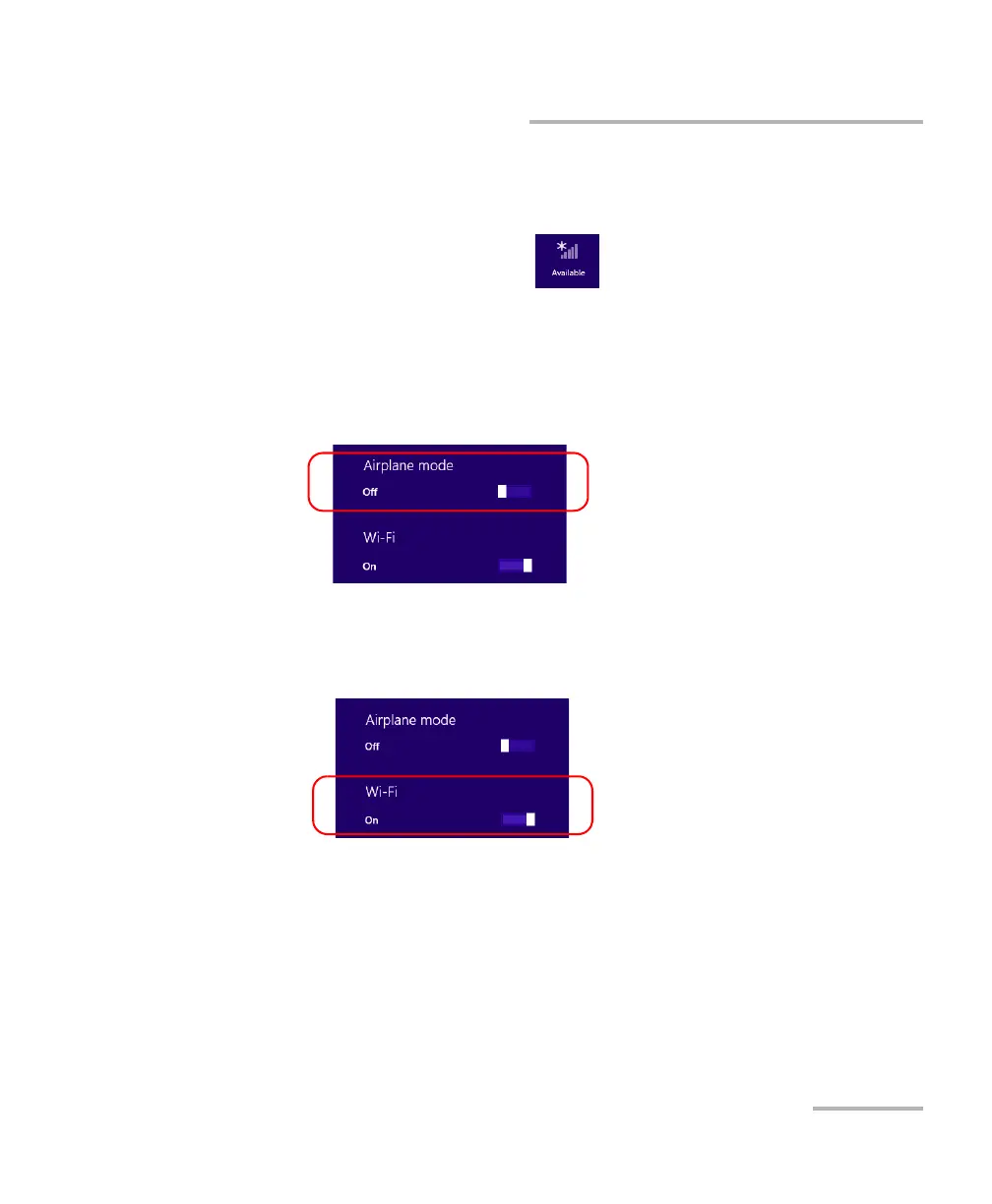
3. Set the wireless communication parameters as needed.
If you want to set the parameters for the Wi-Fi device and the
mobile broadband USB key at the same time, set the Airplane
mode slider to the Off position to enable the communication, or to
the On position to disable it.
If you want to set the parameters for the Wi-Fi device only, set the
Wi-Fi slider to the On position to enable the communication, or to
the Off position to disable it.



 To Next Page