Troubleshooting
Optical Explorer 209
Restoring Your Unit to Normal Operation
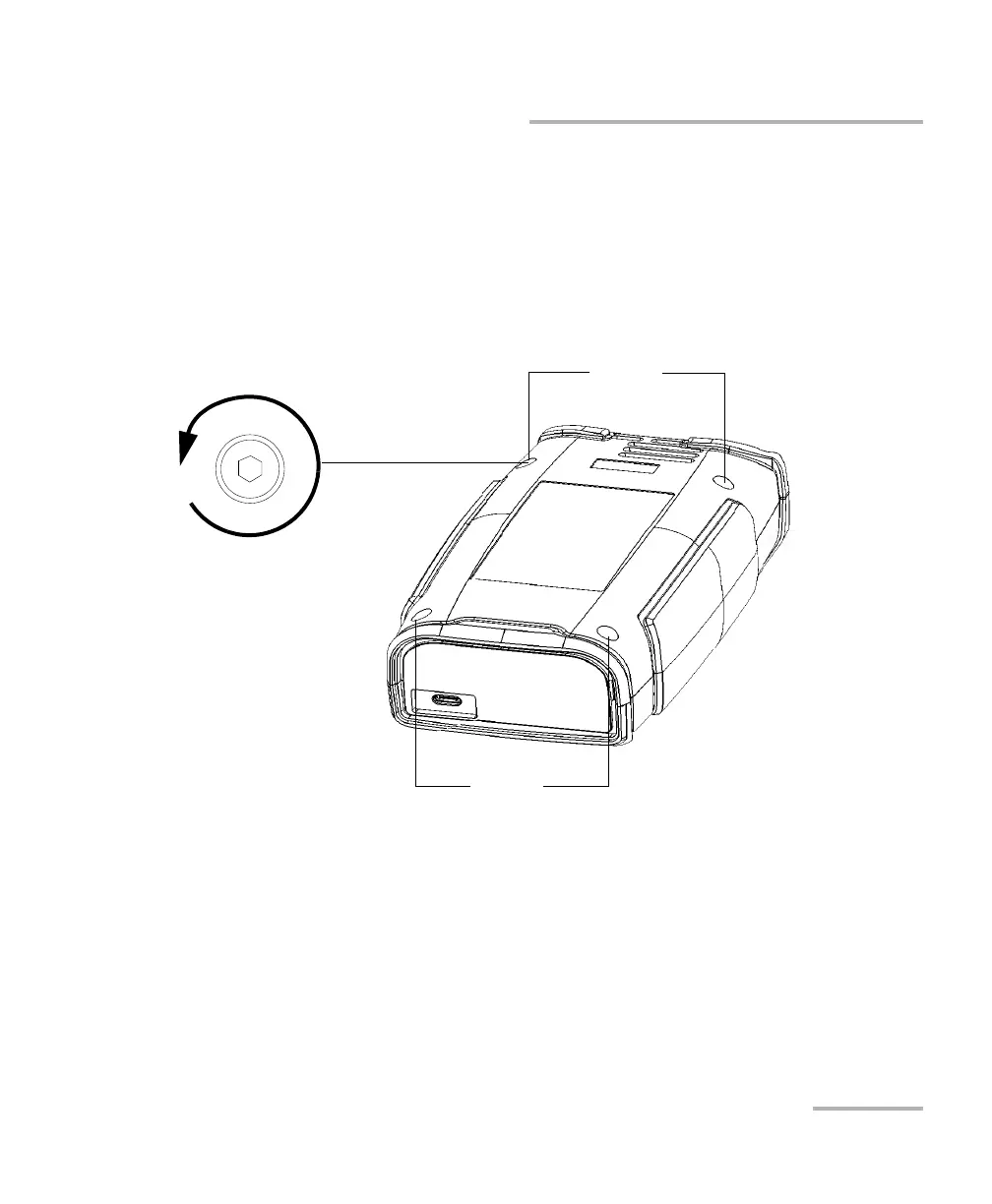
6. On the back of the unit, using a 2.5 mm hex socket screwdriver, turn
the screws (4) counterclockwise until they are loose.
Note: You can remove the screws completely if you want, but you can also leave
them in their holes, as long as the back cover can be moved.
Screws
Screws
Turn screws
counterclockwise



 To Next Page