Troubleshooting
210 OX1
Restoring Your Unit to Normal Operation
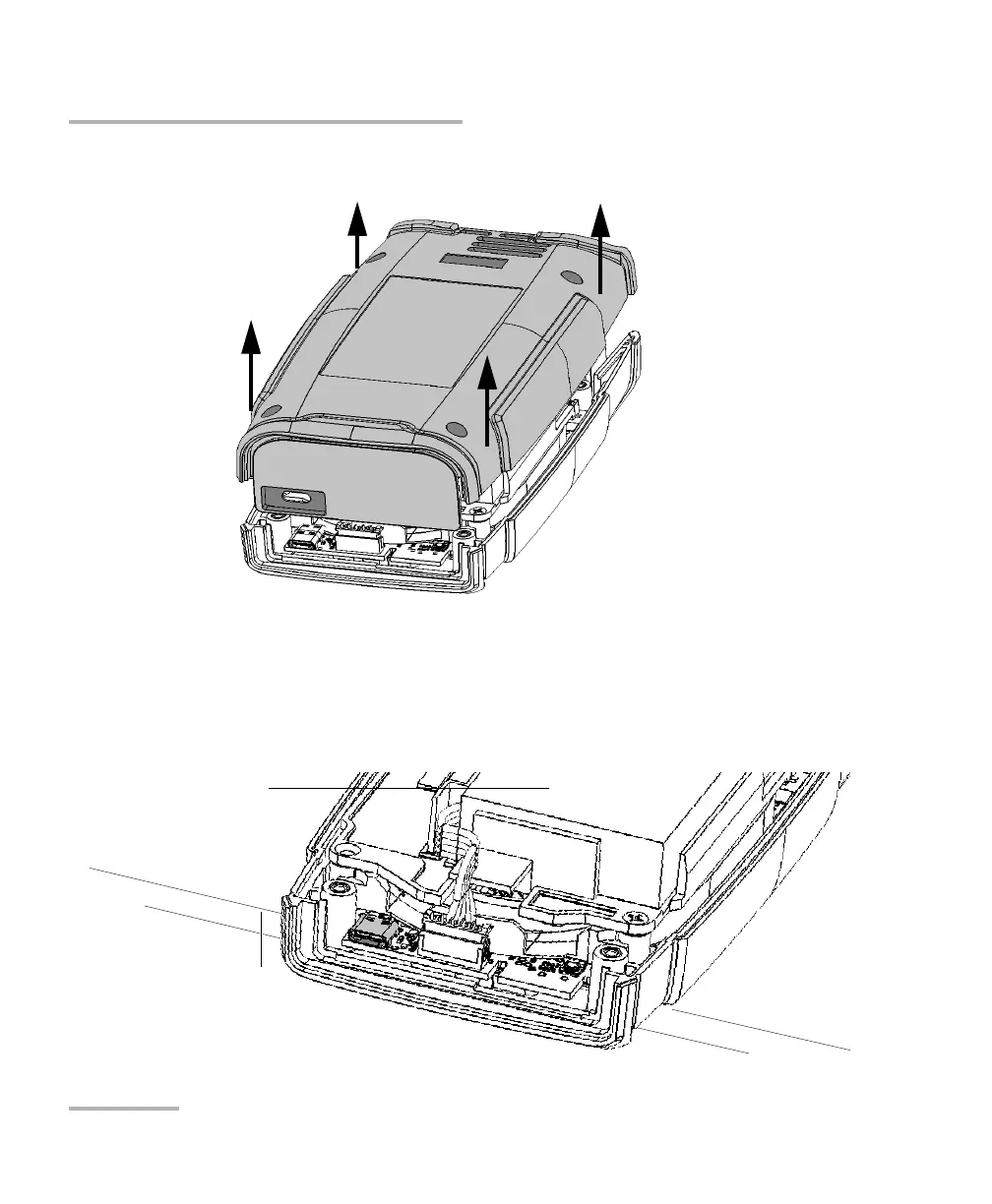
7. Hold the back panel by its sides and pull it up to remove it.
8. Slide your left hand under your unit so that you can have access to the
on/off button, being careful not to touch inside your unit.
Note: You may find helpful to slightly move the unit towards the edge of the table
so that its on/off button is more accessible.



 To Next Page