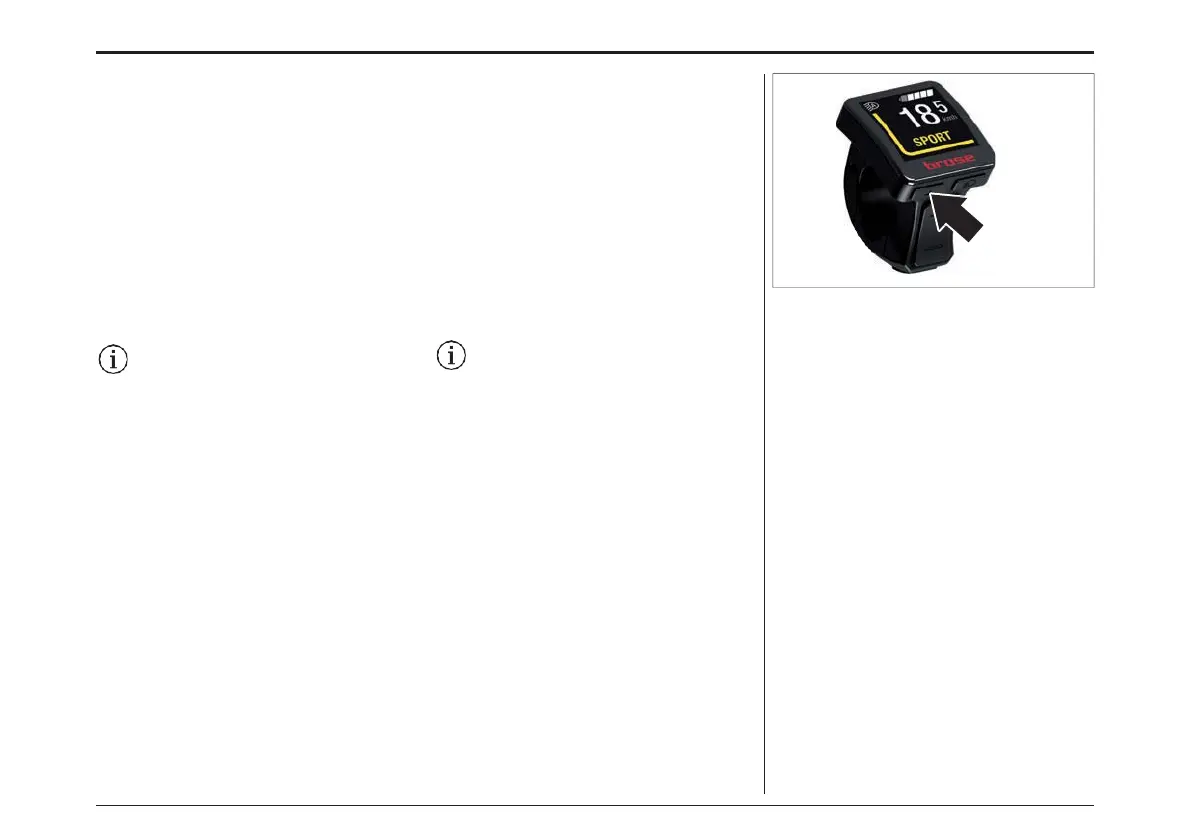
Changing the trip information view
Press the «Menu» key on the display unit to
change between information about your trip.
You can view the following information:
› Range
› Time
› Route
› Trip time
› Average speed
› Maximum speed
› Total distance
Some features may be deactivated
depending on the bike model. Detailed
information is available from your bike
manufacturer and your bike dealer.
トリップ情報の変更
ディスプレイの "Menu "キーを押すと、トリップに関
する情報が切り替わります。
以下のような情報を見ることができます。:
› 距離
› 時間
› ルート
› 走行時間
› 平均速度
› 最高速度
› 総距離
自転車のモデルによっては、一部の機能が
使用できない場合があります。詳しい情報は、
自転車メーカーや自転車販売店にお問い合
わせください。
ディスプレイ- DISPLAY
76



 To Next Page