BACK
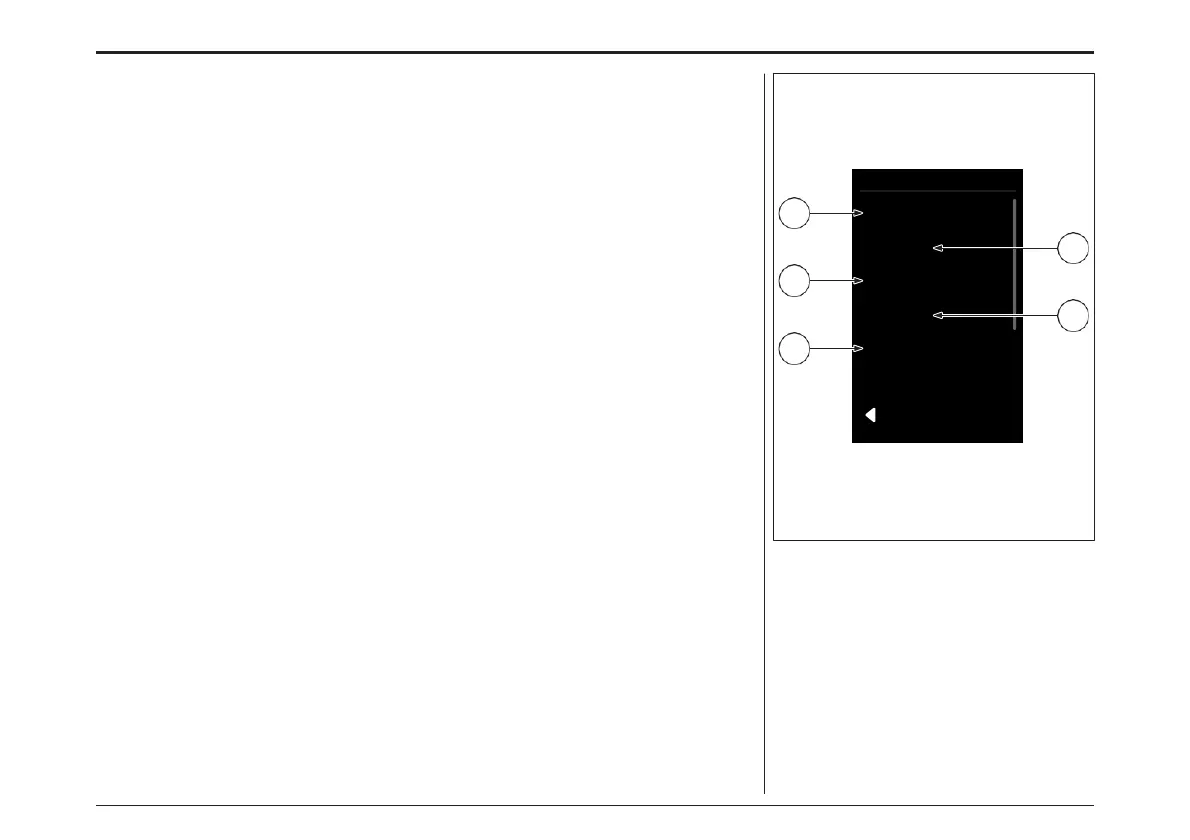
Settings
Language
Screens
Display
System
Information
2
4
1
3
5
Settings
You can access the settings via the menu Settings
item.
Using the «Increase» and «Decrease» keys, you
can call up further submenus and open them
with the «Menu» key.
From the settings menu, you can scroll back to
the menu with the «Walk assist» key.
In the settings menu you will find the following
setting options:
1. Languages: The selection of a language
causes an immediate change of the language
presentation.
2. Screen: Personalisation of the Trip
Information display. Switch between the
data you want to display while riding:
» Range
» Trip (route)
» Time (trip time)
» Average speed
» Maximum speed
» Total distance
設定
.メニューの「Settings」項目から設定にアクセスで
きます。
「+」「-」キーでさらにサブメニューを呼び出し、
「メニュー」キーで開くことができます。
設定メニューからは、「ウォークアシスト」キーでメ
ニューをスクロールして戻ることができます。
設定メニューには、以下の設定項目があります。:
1.
言語:言語を選択すると、その言語の表示がす
ぐに変更されます。
2. 画面: トリップ情報のパーソナライズ。走行
中に表示させたいデータを切り替えます。:
» レンジ
» トリップ(ルート)
» 時間 (トリップタイム)
» 平均速度
» 最高速度
» 合計距離
ディスプレイ- DISPLAY
78



 To Next Page