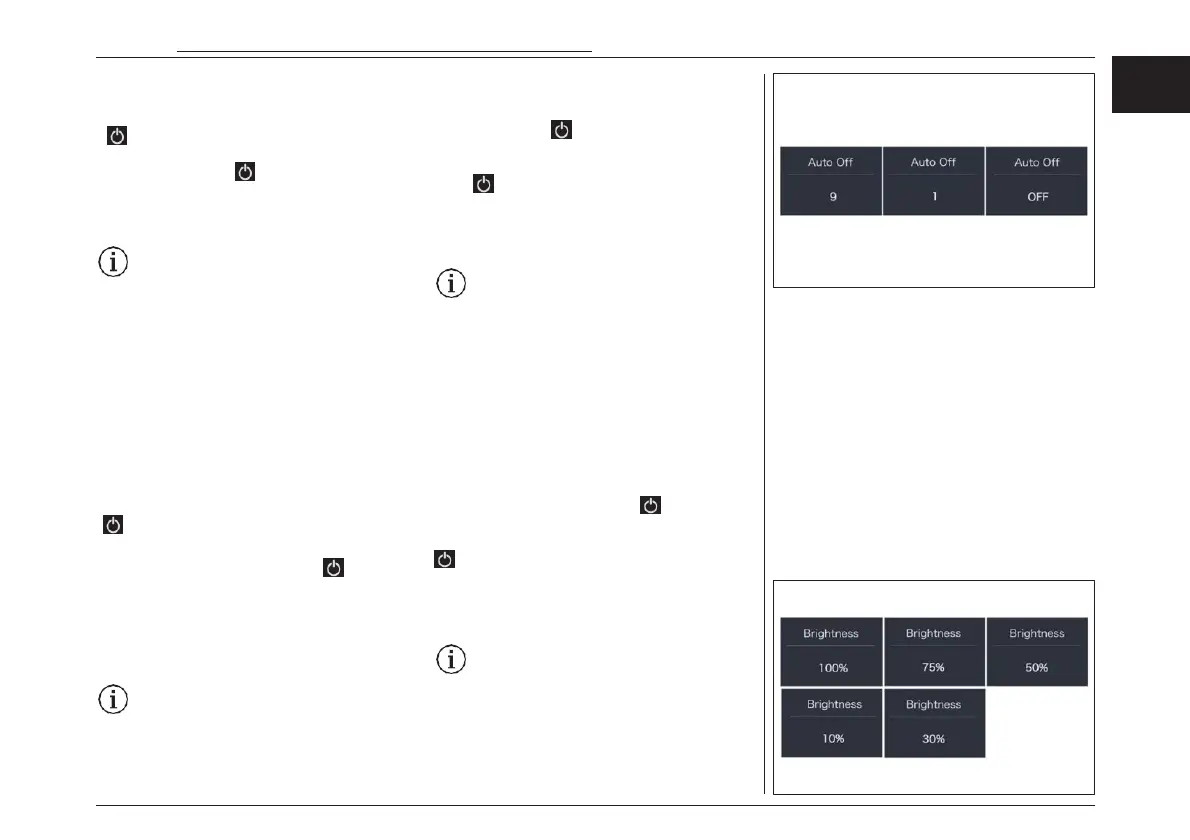
Auto Off”- Set automatic Off time
Briefly press “+” or “-” to select “Auto Off”, and
then briefly press to enter
into the item. Select the automatic Off time as “O
FF”/“9”/“8”/“7”/“6”/“5”/“4”/“3”/“2”/“1 ”, briefly
press to save the setting and exit back to the
“Auto Off”. Press and hold “+” and “-” synchro-
nously to save and exit back to the main inter-
face, or you can also select “BACK” and “EXIT” to
exit back to the main interface.
Notice: “OFF” means this function is off,
the unit is minute.
“Brightness” - Set backlight brightness
Briefly press “+” or “-” to select “Bright- ness”,
and then briefly press to enter into
the item. Select the percentage as “100%”/
“75%”/“50%”/“30%”/“10%”, then briefly press
to save and exit back to “Brightness”. Press and
hold “+” and “-” synchronously to save and exit
back to the main interface, or you can also
select “BACK” and “EXIT” to exit back to the main
interface.
Notice: “10%” is the weakest brightness
and 100%” is the strongest brightness.
“明るさ” – バックライトの明るさの設定
“+”または“-”を押して“Brightness(明るさ)”
を選択し、
を 短 押 し す る と 項 目 に 入 り ま す 。
“100%”/“75%”/“50%”/“30%”/“10%”の
中からパーセンテージを選択し、 を短押しで
保存して “Brightness(明るさ)”に戻ります。同
時に “+”と“-”を長押しして保存し、メインイン
ターフェースに戻るか、“BACK ”と “EXIT ”を
選択してメインインターフェースに戻ることができ
ます。
注意: "10%"は明るさの最小値、
"100%"は最大値です。
“オートオフ” – 自動オフ時間の設定
“+”または“-”を押して “Auto Off ”を選択し、
を押して項目に入ります。自動オフ時間を
“OFF”/“9”/“8”/“7”/“6”/“5”/“4”/“3”/“2”/“
1 ”の中から選択し、 を短押しすると設定が保
存されて "自動オフ "に戻ります。また、"BACK
"と "EXIT "を選択してメインインターフェースに
戻ることもできます。.
注意:"OFF "はこの機能が無効であるこ
とを示し、単位は分です。
電動アシスト機構を使いこなそう - USING POWER ASSISTED PEDALLING
59
EN
JPN



 To Next Page