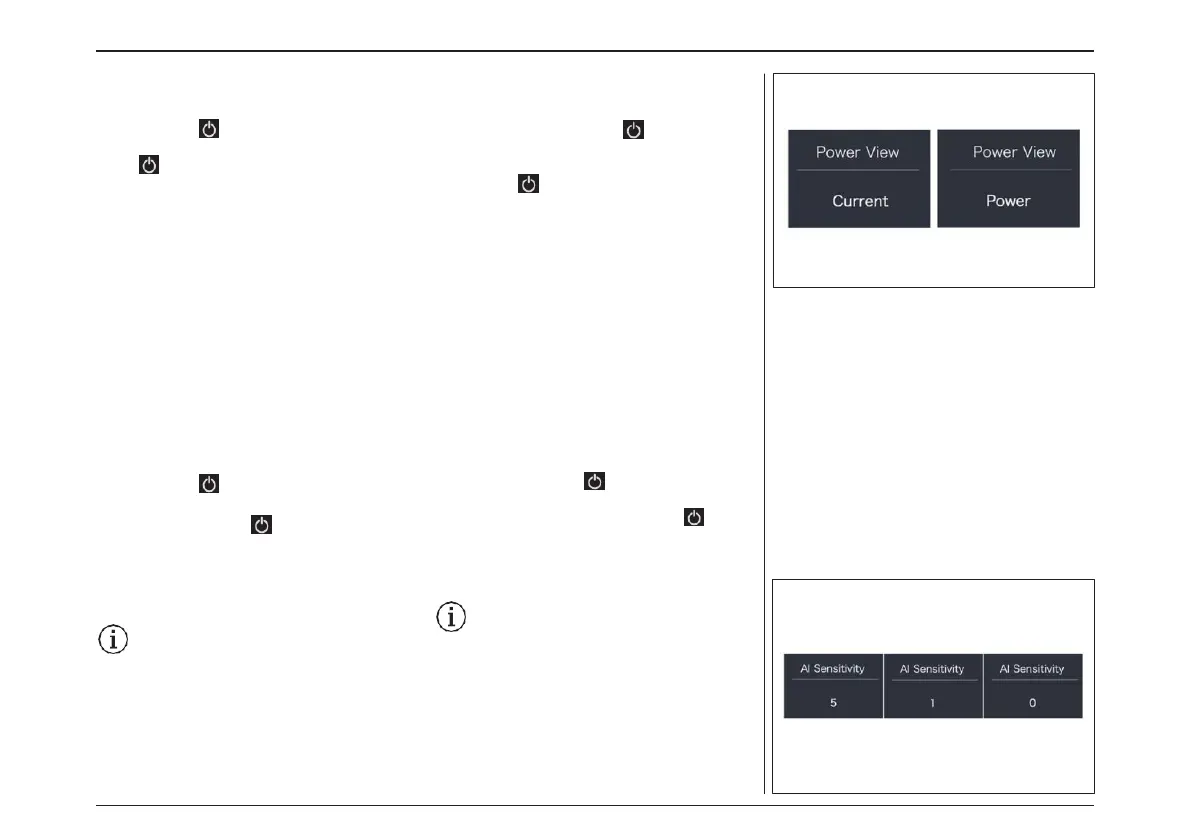
“Power View” - Set output display mode
Briefly press “+” or “-” to select “Power
View”, and then briefly press to
enter into the item. Select the output display
mode as “Power”/“Current”. And then
briefly press to save and exit back
to “Power View”. Press and hold “+” and “-”
synchronously to save and exit back to the
main interface,or you can also select “BACK”
and “EXIT”to exit back to the main interface.
“AL Sensitivity” - Set light sensitivity
Briefly press “+” or “-” to select “AL Sensitivity”,
and then briefly press to enter into the item.
Select the level of the light sensitivity as “0”/
“1”/“2”/“3”/“4”/“5”, then briefly press to save and
exit back to “AL Sensitivity”. Press and hold “+” and
“-” synchronously to save and exit back to the
main interface, or you can also select “BACK” and
“EXIT” to exit back to the main interface.
Notice: “0” means light sensor is off. Lev-
el “1” is the weakest sensitivity and level
“5” is the strongest sensitivity.
“AL 感度” – 光の感度の設定
“+”または“-”を押して“AL Sensitivity(AL 感
度)”を選択し、 を短押しして項目に入ります。
光感度のレベルを “0”/“1”/“2”/“3”/“4”/“5 ”
の中から選択し、次に を短押しして保存し、
“AL感度 ”に戻ります。同時に“+”と“-”を長押
しして保存し、メインインターフェースに戻るか、
“BACK” と “EXIT” を 選 択 し て メ イ ン イ ン タ ー
フェースに戻ることができます。
注意:“0”は光センサーがオフの状態を
意味します。レベル1は最も弱い感度であ
り、レベル5は最も強い感度です。
“出力表示” – 出力表示モードの設定
“+”または“-”を押して“Power View(出力表
示)”を選択し、 を軽く押して項目に入ります。
出力表示モードを “Power”/“Current ”から選
択し、 を押して保存し、「Power View」に戻
ります。メインインターフェイスに戻って終了する
には、同時に"+"と"-"を長押しし保存するか、
または、"BACK"と"EXIT"を選択しメインイン
ターフェイスに戻って終了することができます。
電動アシスト機構を使いこなそう - USING POWER ASSISTED PEDALLING
60



 To Next Page