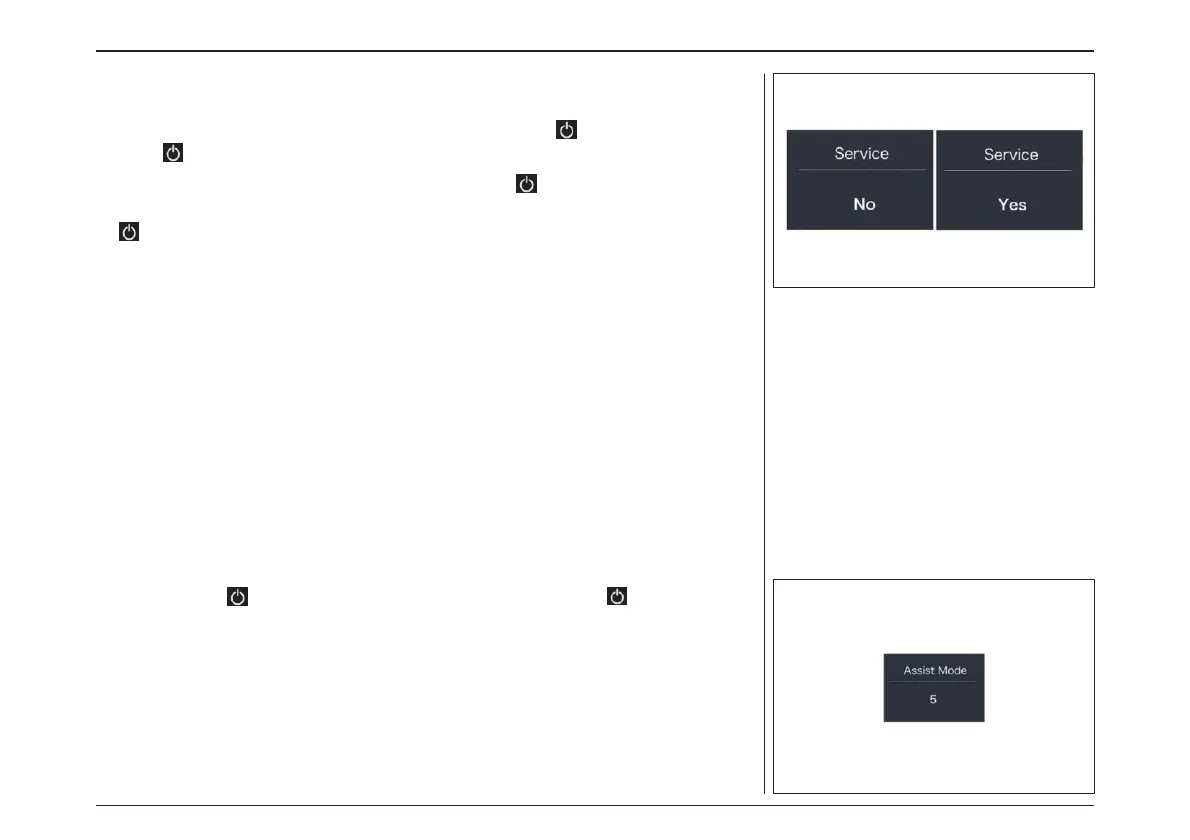
“Service” - Turn on/off the Service indication
Briefly press “+” or “-” to select “Service”, and
then briefly press to enter into the item. Se-
lect “NO”/“YES” (“YES” means Service indication
is on; “NO” means Service indication is off), then
briefly press to save and exit back to “Service”.
Press and hold “+” and “-” synchronously to save
and exit back to the main interface, or you can
also select “BACK” and “EXIT” to exit back to the
main interface.
“Assist Mode” - Set the assist level
Briefly press “+” or “-” to select “Assist Mode”,
and then briefly press to enter into the
item. The assist level is set to "5“. Press and hold
“+” and “-” synchronously to save and exit back
to the main interface, or you can also select
“BACK” and “EXIT” to exit back to the main
interface.
“アシストモード” – アシストレベルの設定
“+” または “-”を押して“Assist Mode(アシス
トモード)”を選択し、 短押しで項目に入ります。
アシストレベルは“5”に設定されています。
同時に「+」と「-」を長押しして、メインインター
フェースに戻るか、「BACK」と「EXIT」を選択し
てメインインターフェースに戻ることができます。
※アシストモードの変更はできません。
“サービス” -サービス表示のオン/オフ
設定
“+”または“-”を押して“Service(サービス)”を
選択し、 短 押 し で 項 目 に 入 り ま す 。
“NO”/“YES ”を選択し(“YES ”はサービス表示
がオンになっていることを意味し、“NO ”はサー
ビス表示がオフになっていることを意味します)、
を 短押しして保存し、"Service(サービス)"
に戻ります。 “+”と"-"を同時に長押しし保存し
てメインインターフェースに戻るか、"BACK "と
"EXIT "を選択してメインインターフェースに戻
ることができます。
電動アシスト機構を使いこなそう - USING POWER ASSISTED PEDALLING
62



 To Next Page