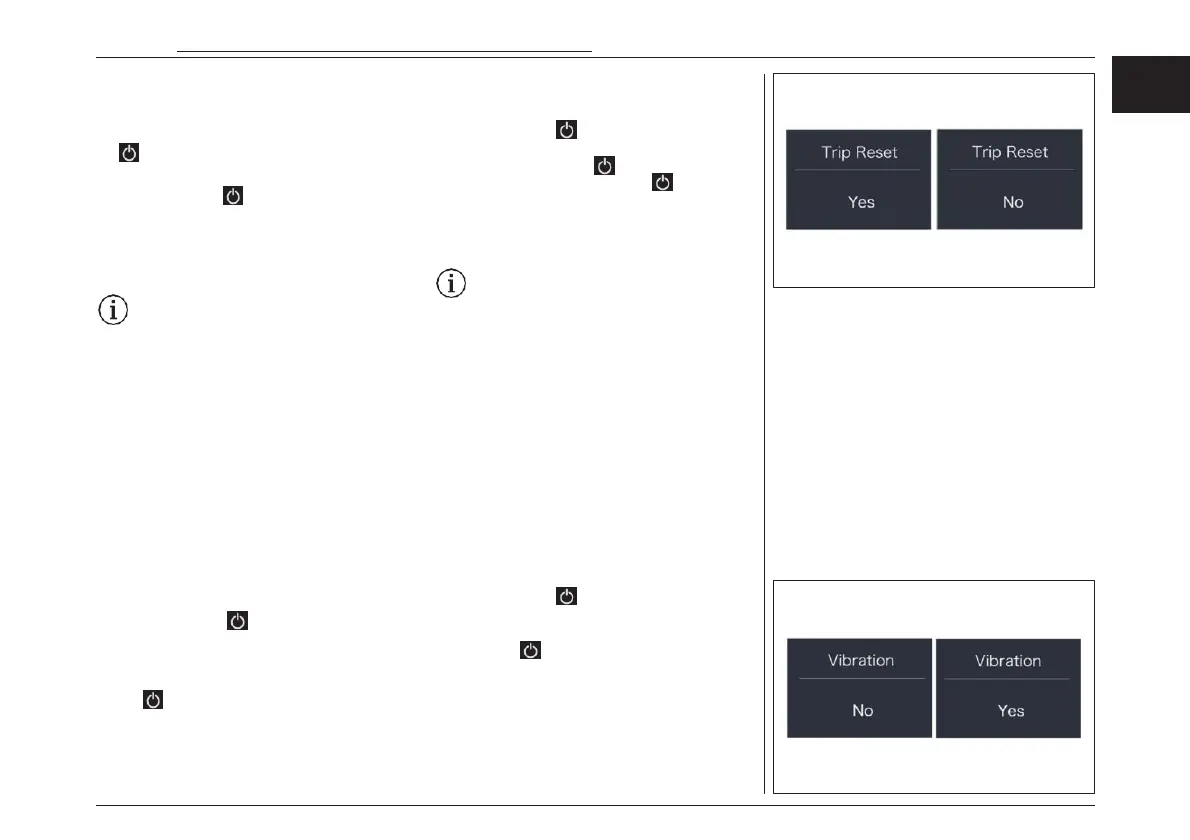
“TRIP Reset” - Set reset function for single-trip
Briefly press “+” or “-” to select “TRIP Reset”, and
then briefly press to enter into the item. Se-
lect “NO”/“YES” (“YES”- to clear, “NO”-no opera-
tion), then briefly press to confirm selection;
After confirmation, briefly press to save and exit
back to “TRIP Reset”. Press and hold “+” and “-”
synchronously to save and exit back to the
main interface, or you can also select “BACK” and
“EXIT”to exit back to the main interface.
Notice: The riding time (TIME), average
speed (AVG) and maximum speed (MAX)
will be reset simultaneously when you
reset TRIP.
“Vibration” - Set the button vibration
Briefly press “+” or “-” to select “Vibration”, and
then briefly press to enter into the item. Se-
lect “NO”/“YES” (“YES” means vibration button
is on; “NO” means vibration button is off), then
briefly press to save and exit back to “Vibra-
tion”. Press and hold “+” and “-” synchronously
to save and exit back to the main interface, or you
can also select “BACK” and “EXIT” to exit back to
the main interface.
“バイブレーション” – バイブレーション機
能の設定
“+”または“-”を押して“Vibration(バイブレー
ション)”を選択し、 短押しで項目に入ります。
NO"/"YES "を選択し("YES "はバイブレーショ
ンボタンがオンであることを意味し、"NO "はバ
イブレーションボタンがオフであることを意味しま
す)、 短押しして保存し、"Vibration(バイ
ブレーション) "に戻ります。また、「BACK」と
「EXIT」を選択してメインインターフェースに戻る
こともできます。
“トリップリセット” -シングルトリップのリ
セット機能の設定
“+”または“-”を押して “TRIP Reset ”を選択
し、 短押しで項目に入ります。“NO”/“YES ”
を選択し(“YES”-クリアするには “YES”、
“NO”-操作なし)、 を短押しして選択を確定し
ます。同時に “+”と“-”を長押しして保存し、メイ
ン イ ン タ ー フ ェ ー ス に 戻 る か 、 “BACK ” と
“EXIT ”を選択してメインインターフェースに戻
ることができます。
注意: TRIPをリセットすると、ライディン
グタイム(TIME)、平均速度(AVG)、最
高速度(MAX)が同時にリセットされます。
電動アシスト機構を使いこなそう - USING POWER ASSISTED PEDALLING
61
EN
JPN



 To Next Page