Fanvil Technology Co., Ltd
HQ Add: Level 3, Block A, Gaoxinqi Building, Anhua Industrial Park, Qianjin 1 Road, 35th District, Bao'An, Shenzhen, 518101 P.R. China
Tel: +86-755-2640-2199 Fax: +86-755-2640-2618 Email: fanvil@fanvil.com www.fanvil.com Beijing Tel:+86-10-5753-6809
Suzhou Tel: +86-512-6592-0605 SEA Tel: +60-3-203-50737
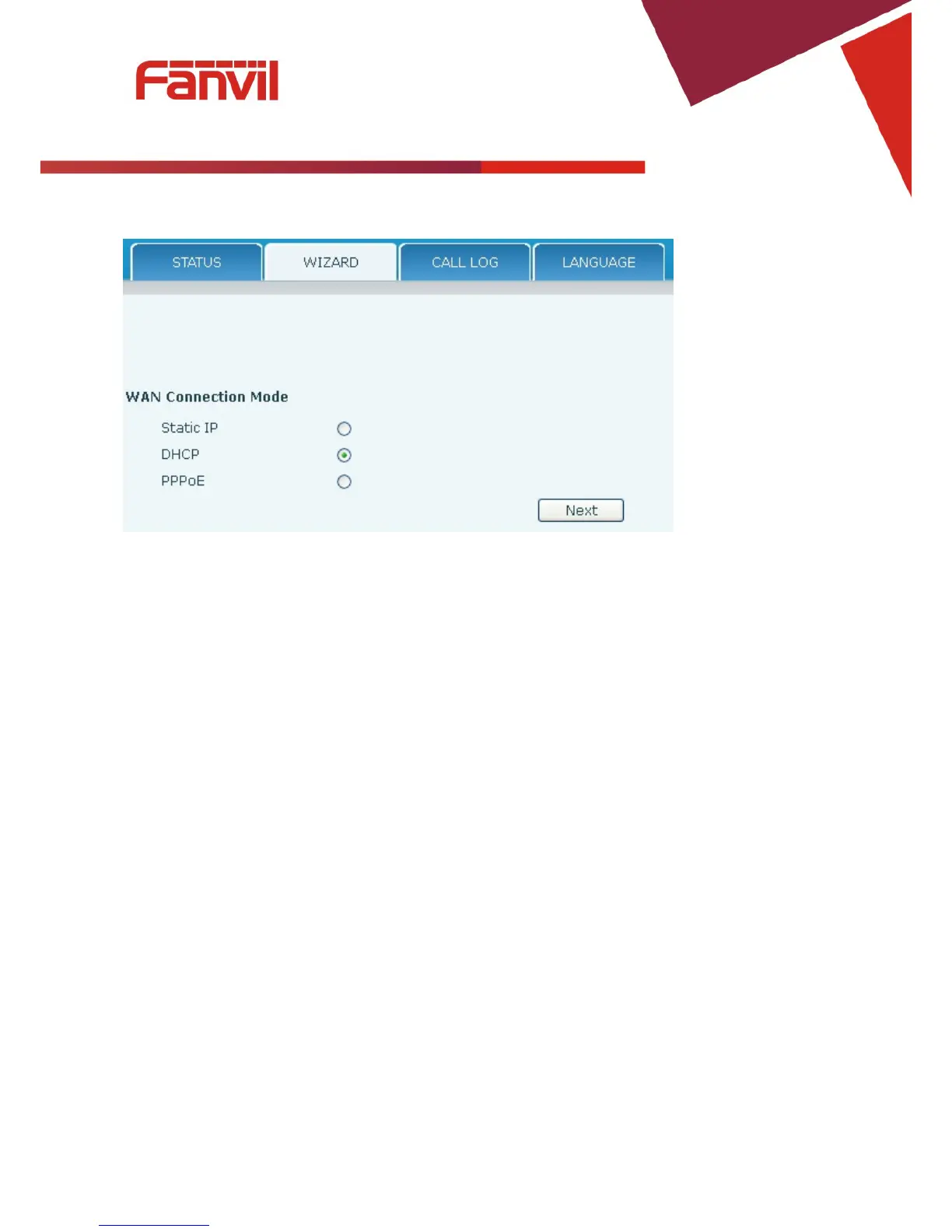
1 Static: The parameters of a Static IP connection must be provided by your ISP.
2 DHCP: In this mode, network parameter information will be obtained automatically from a
DHCP server.
3 PPPoE: In this mode, you must enter your ADSL account and password.
Refer to Section 2.2 for detailed information about configuring the network parameters.



 To Next Page