Fanvil Technology Co., Ltd
HQ Add: Level 3, Block A, Gaoxinqi Building, Anhua Industrial Park, Qianjin 1 Road, 35th District, Bao'An, Shenzhen, 518101 P.R. China
Tel: +86-755-2640-2199 Fax: +86-755-2640-2618 Email: fanvil@fanvil.com www.fanvil.com Beijing Tel:+86-10-5753-6809
Suzhou Tel: +86-512-6592-0605 SEA Tel: +60-3-203-50737
Set whether to open the keyboard lock, default to cancel
This table shows the current user accounts
Add User
User Set User Account name
User Level There are two levels. Root user can modify the configuration.
General user can only read the configuration.
Password Set the password
Confirm Confirm the password
User Management
Select the account and click Modify to modify the selected account. Click Delete to delete
the selected account.
A General user can only add another General user.
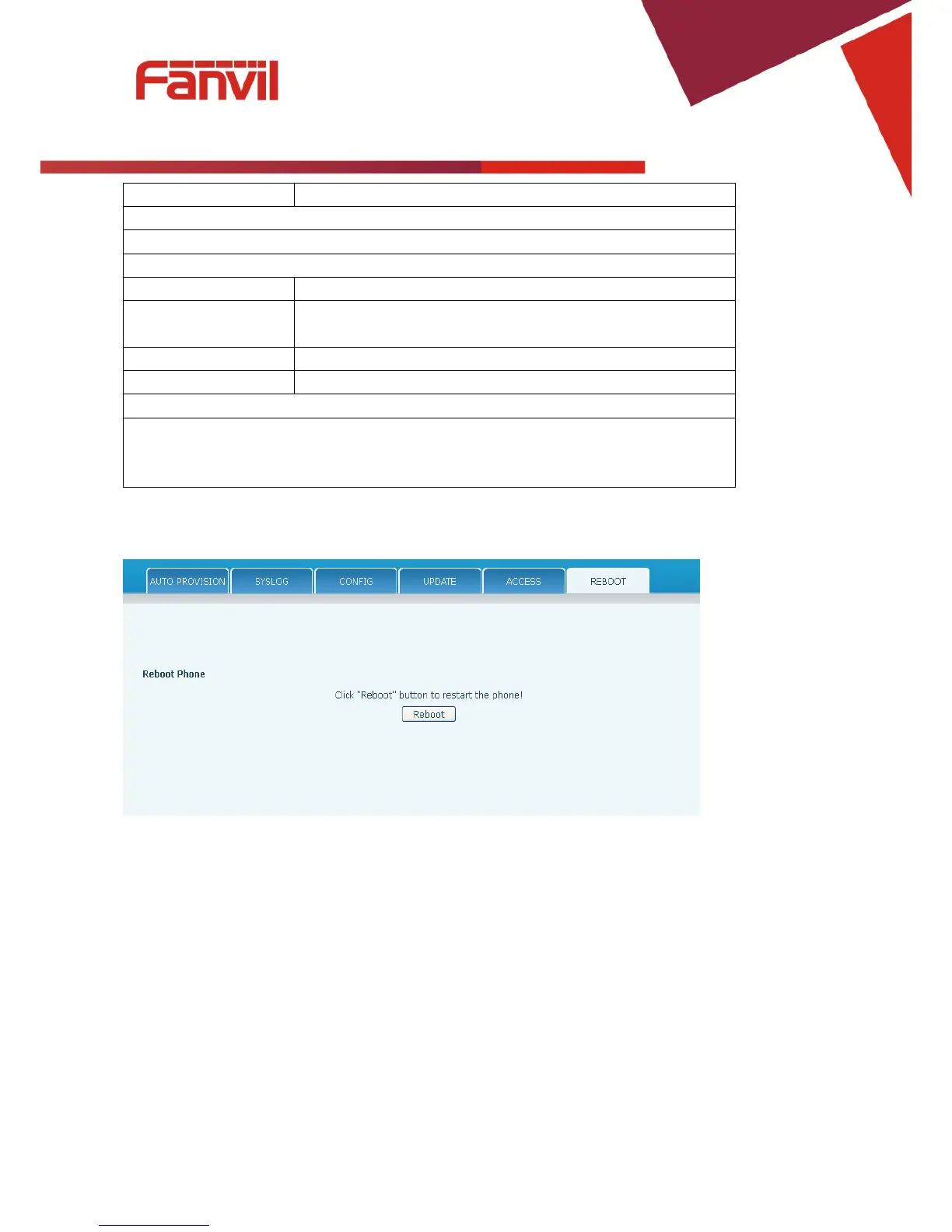
8.3.6.6 Reboot
Some configuration modifications require a reboot to become effective. Clicking the Reboot button will
cause the phone to reboot immediately.
Note: Be sure to save the configuration before rebooting.



 To Next Page