Fanvil Technology Co., Ltd
HQ Add: Level 3, Block A, Gaoxinqi Building, Anhua Industrial Park, Qianjin 1 Road, 35th District, Bao'An, Shenzhen, 518101 P.R. China
Tel: +86-755-2640-2199 Fax: +86-755-2640-2618 Email: fanvil@fanvil.com www.fanvil.com Beijing Tel:+86-10-5753-6809
Suzhou Tel: +86-512-6592-0605 SEA Tel: +60-3-203-50737
NONE,DIGEST-MD5,CRAM-MD5,SIMPLE
Line Assigned SIP line for the LDAP dialing
User name for LDAP authentication
Password for LDAP authentication
Search Base Search data directory
Allow LDAP contact search and disply LDAP contact name
during dialing and incoming call.
Display LDAP contact’s telephone number
Display LDAP contact’s mobile phone number
Other Display LDAP contact’s ohter number
Allow display LDAP contact name or not
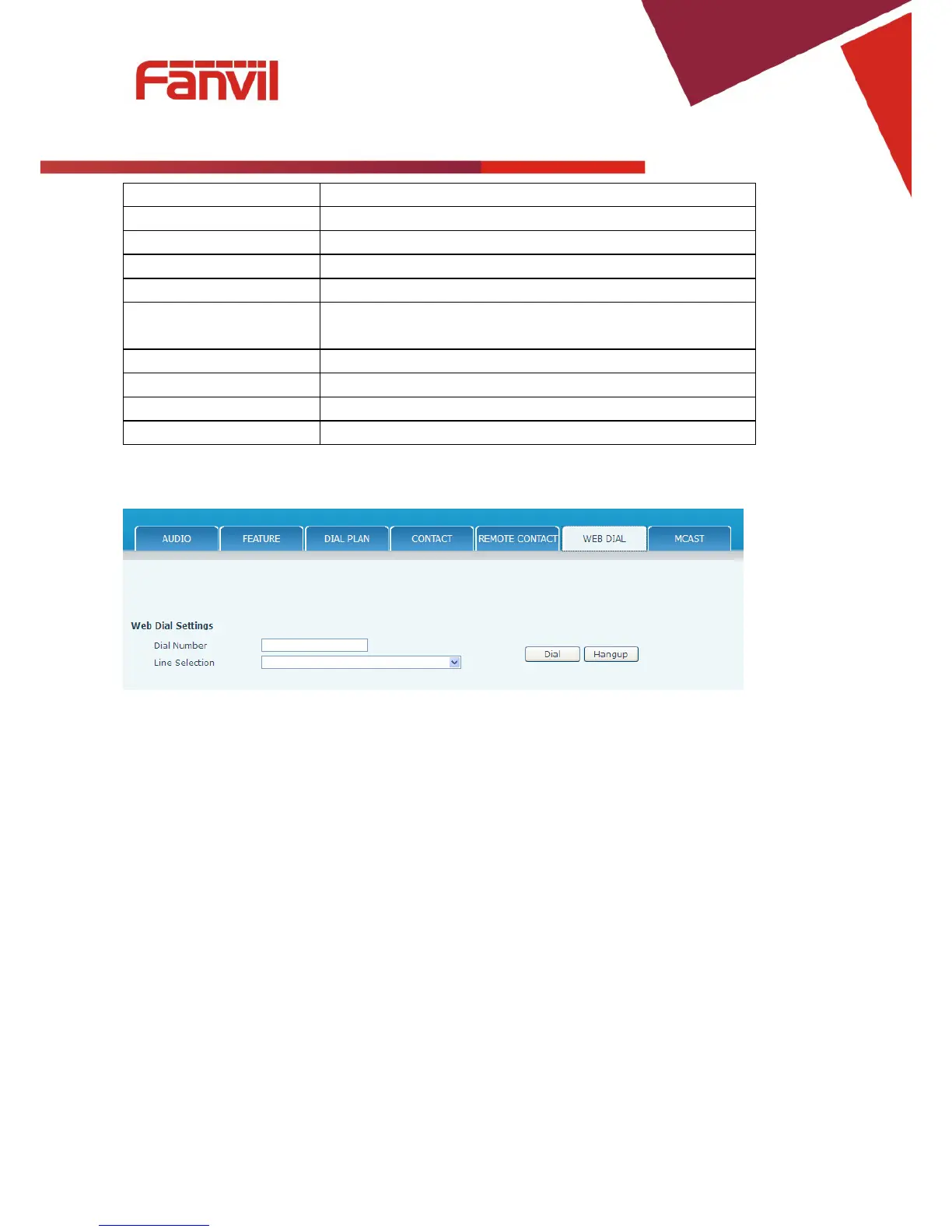
8.3.4.6 WEB DIAL
This feature allows a call to be initiated by a computer. To place a call, enter the number in the Dial
Number box, select the line in the Line Selection box and press the Dial button. To end the call, press the
Hangup button.
8.3.4.7 Multicast
This feature allows you to make some kind of broadcast call to people who are in multicast group. You can
configure a multicast key on the phone, which allows you to send a Real Time Transport Protocol (RTP)
stream to the pre-configured multicast address(es) without involving SIP signaling. You can also configure
the phone to receive an RTP stream from pre-configured multicast listening address(es) without involving
SIP signaling. You can specify up to 10 multicast listening addresses.



 To Next Page