EasyManua.ls Logo

Fanvil F52 - Call Log Display

Fanvil F52
96 pages
Print Icon
To Next Page IconTo Next Page
To Previous Page IconTo Previous Page
Loading...
Fanvil Technology Co., Ltd
HQ Add: Level 3, Block A, Gaoxinqi Building, Anhua Industrial Park, Qianjin 1 Road, 35th District, Bao'An, Shenzhen, 518101 P.R. China
Tel: +86-755-2640-2199 Fax: +86-755-2640-2618 Email: fanvil@fanvil.com www.fanvil.com Beijing Tel:+86-10-5753-6809
Suzhou Tel: +86-512-6592-0605 SEA Tel: +60-3-203-50737

- 35 -
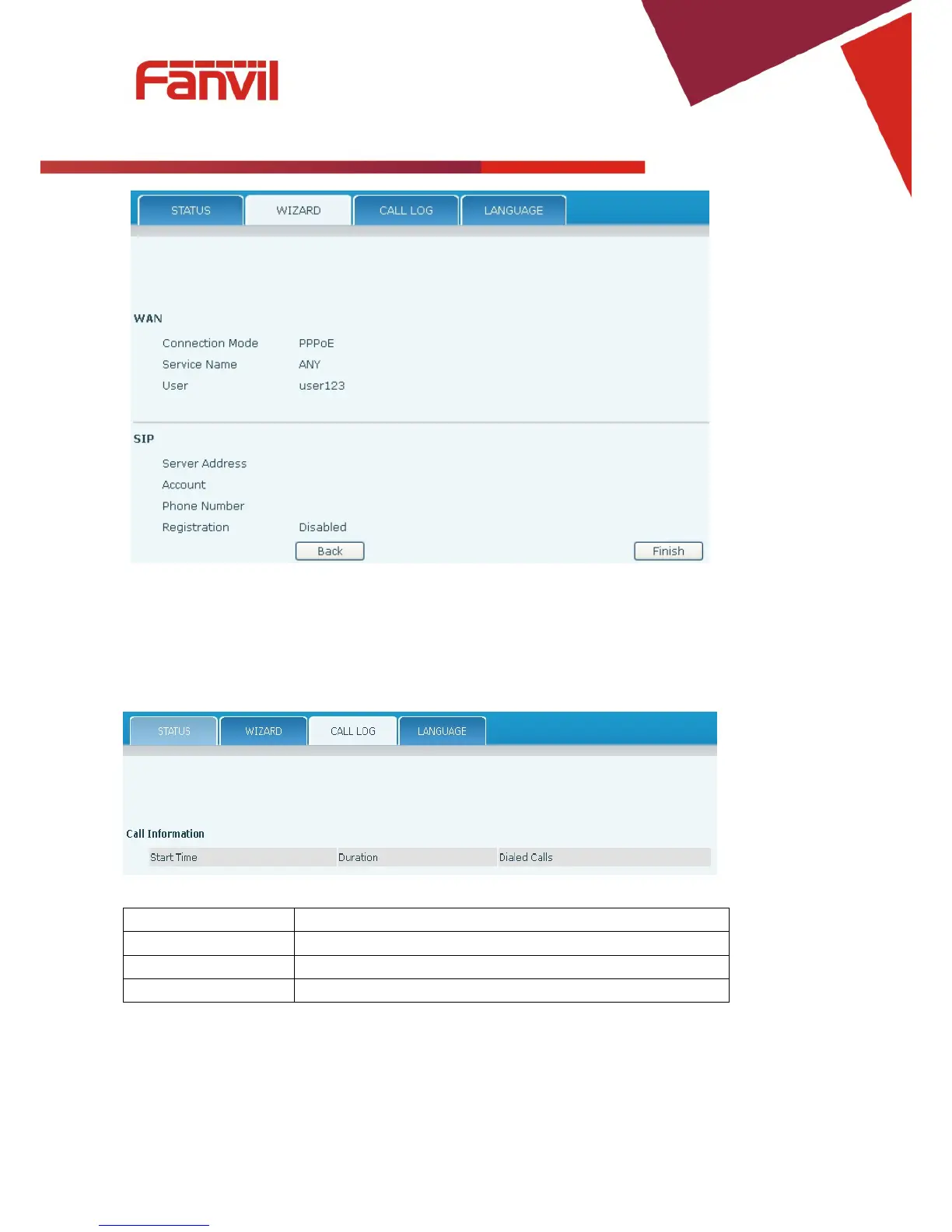
Click Finish button to save settings and reboot. After the reboot, SIP calls can be made.
8.3.1.3 Call Log
Outgoing call logs can be seen on this page.
Field Name
Explanation
Start Time
Start time of the outgoing call
Duration
Duration of the outgoing call.
Dialed Calls
Account, protocol, and line of the outgoing call.

Table of Contents

Related product manuals