Fanvil Technology Co., Ltd
HQ Add: Level 3, Block A, Gaoxinqi Building, Anhua Industrial Park, Qianjin 1 Road, 35th District, Bao'An, Shenzhen, 518101 P.R. China
Tel: +86-755-2640-2199 Fax: +86-755-2640-2618 Email: fanvil@fanvil.com www.fanvil.com Beijing Tel:+86-10-5753-6809
Suzhou Tel: +86-512-6592-0605 SEA Tel: +60-3-203-50737
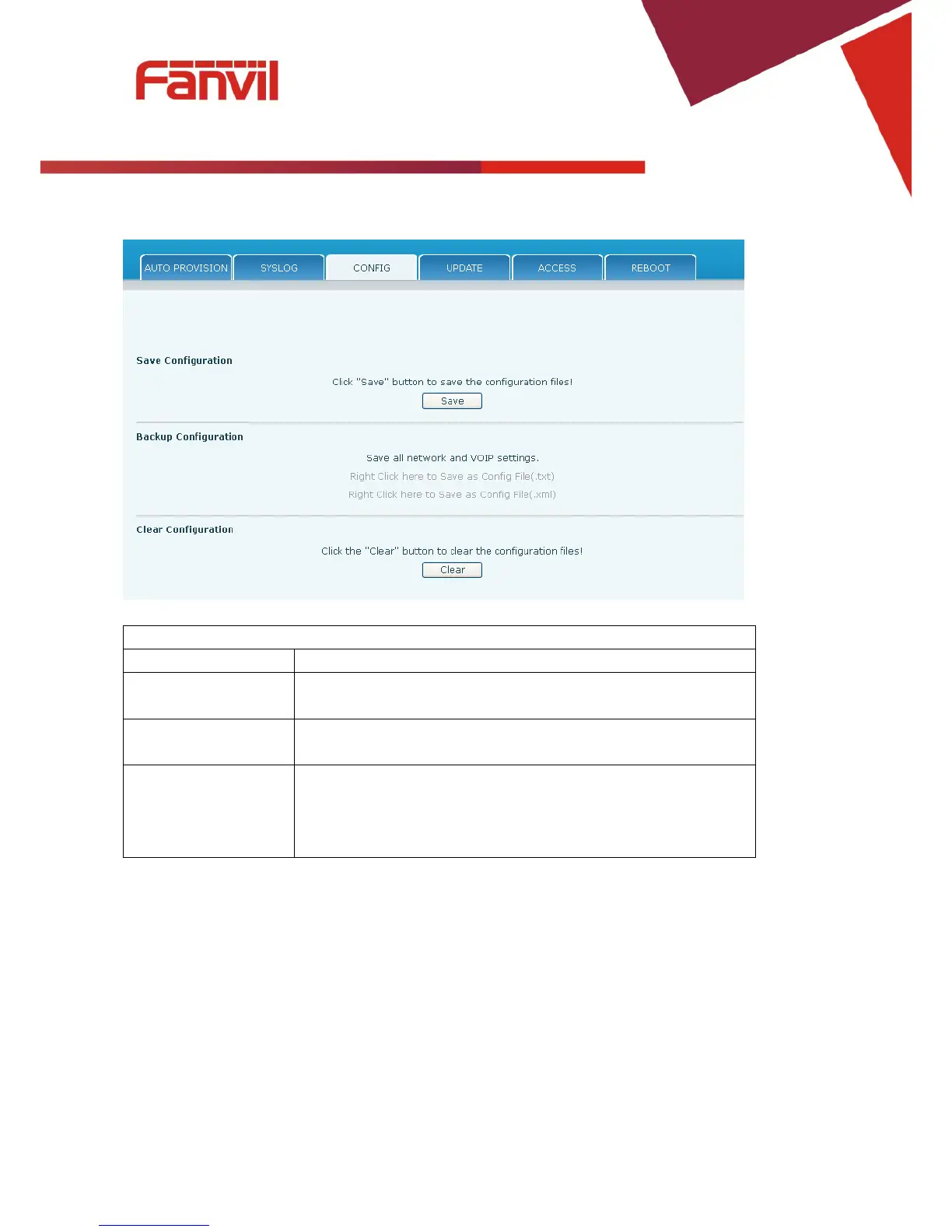
Save Configuration Save the current phone configuration. Clicking this saves all
configuration changes and makes them effective immediately.
Backup Configuration Save the phone configuration to a txt or xml file. Please note to
Right click on the choice and then choose “Save Link As.”
Logged in as Admin, this will restore factory default and remove all
configuration information.
Logged in as Guest, this will reset all configuration information
except for VoIP accounts (SIP1-2 and IAX2) and version number.



 To Next Page