Fanvil Technology Co., Ltd
HQ Add: Level 3, Block A, Gaoxinqi Building, Anhua Industrial Park, Qianjin 1 Road, 35th District, Bao'An, Shenzhen, 518101 P.R. China
Tel: +86-755-2640-2199 Fax: +86-755-2640-2618 Email: fanvil@fanvil.com www.fanvil.com Beijing Tel:+86-10-5753-6809
Suzhou Tel: +86-512-6592-0605 SEA Tel: +60-3-203-50737
If the dialed phone number
starts with the digits in the
Phone Number box, the phone
will send out the dialed phone
number and add the suffix
The SIP1 server will
receive “1470011”
8.3.4 Phone
8.3.4.1 AUDIO
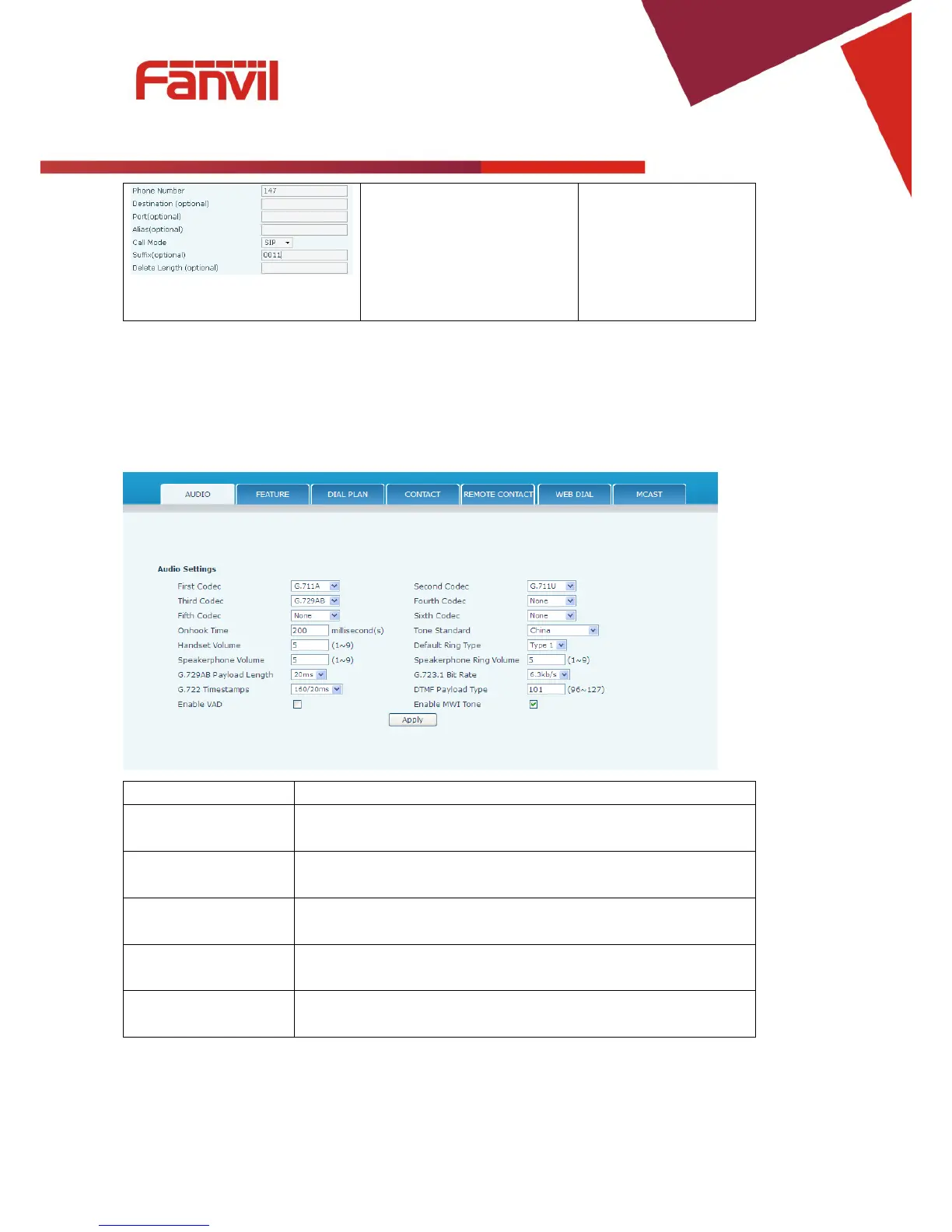
This page configures audio parameters such as voice codec, handset volume, and ringer volume.
The first codec choice: G.711A,G.711A u, G.722, G.723.1,
The second codec choice: G.711A
G.711A u, G.722, G.723.1,
G.729AB, G.726-32,None
Third Codec
The third codec choice: G.711A,G.711A u, G.722, G.723.1,
G.729AB, G.726-32,None
Fourth Codec
The forth codec choice: G.711A,G.711A u, G.722, G.723.1,
The fifth codec choice G.711A
G.711A u, G.722, G.723.1,



 To Next Page