Fanvil Technology Co., Ltd
HQ Add: Level 3, Block A, Gaoxinqi Building, Anhua Industrial Park, Qianjin 1 Road, 35th District, Bao'An, Shenzhen, 518101 P.R. China
Tel: +86-755-2640-2199 Fax: +86-755-2640-2618 Email: fanvil@fanvil.com www.fanvil.com Beijing Tel:+86-10-5753-6809
Suzhou Tel: +86-512-6592-0605 SEA Tel: +60-3-203-50737
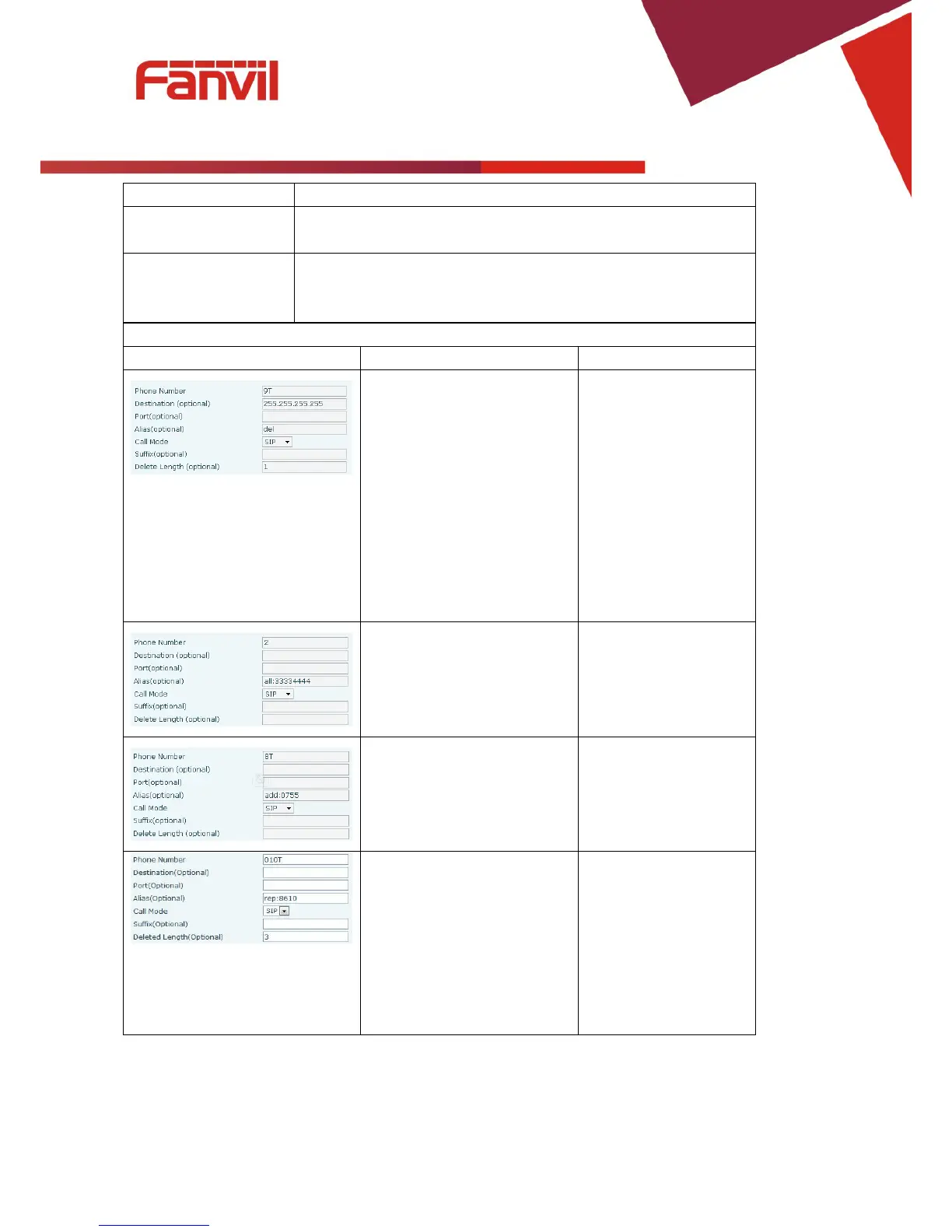
Destination, Alias and Delete
Length.
Phone number is XXXT;
Destination is 255.255.255.255
(0.0.0.2) and Alias is del.
Any phone number that begins
with XXX will be sent via
SIP2 after the first several
digits are deleted depending on
The SIP2 server will
receive “3333”
This creates a speed dial
function. Dialing “2”, will
cause the entire alias number
to be sent out.
The SIP1 server will
receive 33334444
The phone will add the alias to
the end of the dialed number if
the dialed number matches the
template in the Phone Number
Dial “8309“
The SIP1 server will
receive “07558309”
Set Phone Number, Alias and
Delete Length. Phone number
is XXXT and Alias is rep: xxx
If the dialed phone number
starts with the digits in the
Phone Number box, the
matching digits will be
replaced by the alias number.
The SIP1 server will
receive “86106228”
Select either SIP or IAX2 protocol.
Characters to be added at the end of the phone number. This is
optional.
Sets the number of characters to be deleted. For example, if this is
set to 3, the phone will delete the first 3 digits of the phone number.



 To Next Page