Firmware Update
Manage > Service > Firmware Update
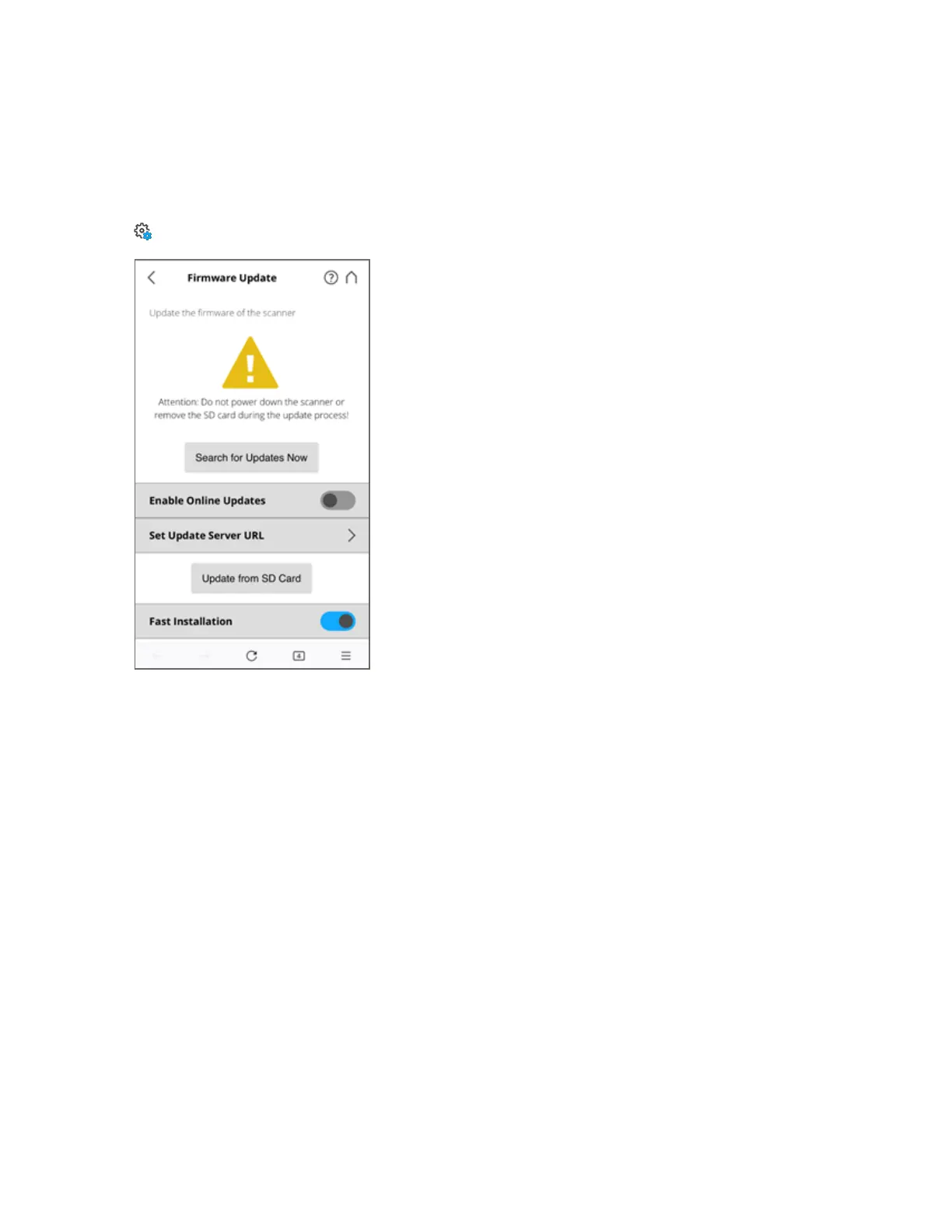
Figure 6-25 Service, Firmware Update
There are two ways to update the firmware of your FAROFocus Premium:
l The scanner is online and can fetch the firmware from a server.
l The firmware is transferred using an SD card.
The update process can take up to 40 minutes, depending on the size of the update. The scanner must be
connected to power and have a charged battery to begin the firmware update.
Switch Fast Installation on to make installation faster and safer by not updating scanner modules that
already have the required version. Disable this option to force updating of all modules. Disabling leads
to longer installation times and can increase the risk of unrecoverable failures. We recommend that you
keep fast installation enabled.
Online Updates
Enable Online Updates. Slide this button to turn it ON or OFF
Select Set Update Server URL to set the URL link of the server that provides the online firmware
updates.
Tap Search for Updates Now to search for firmware updates online.
FARO
®
Focus Premium Laser Scanner User Manual
Chapter 6: Controller Software
FARO Focus Premium (March 2022) Page100of157



 To Next Page