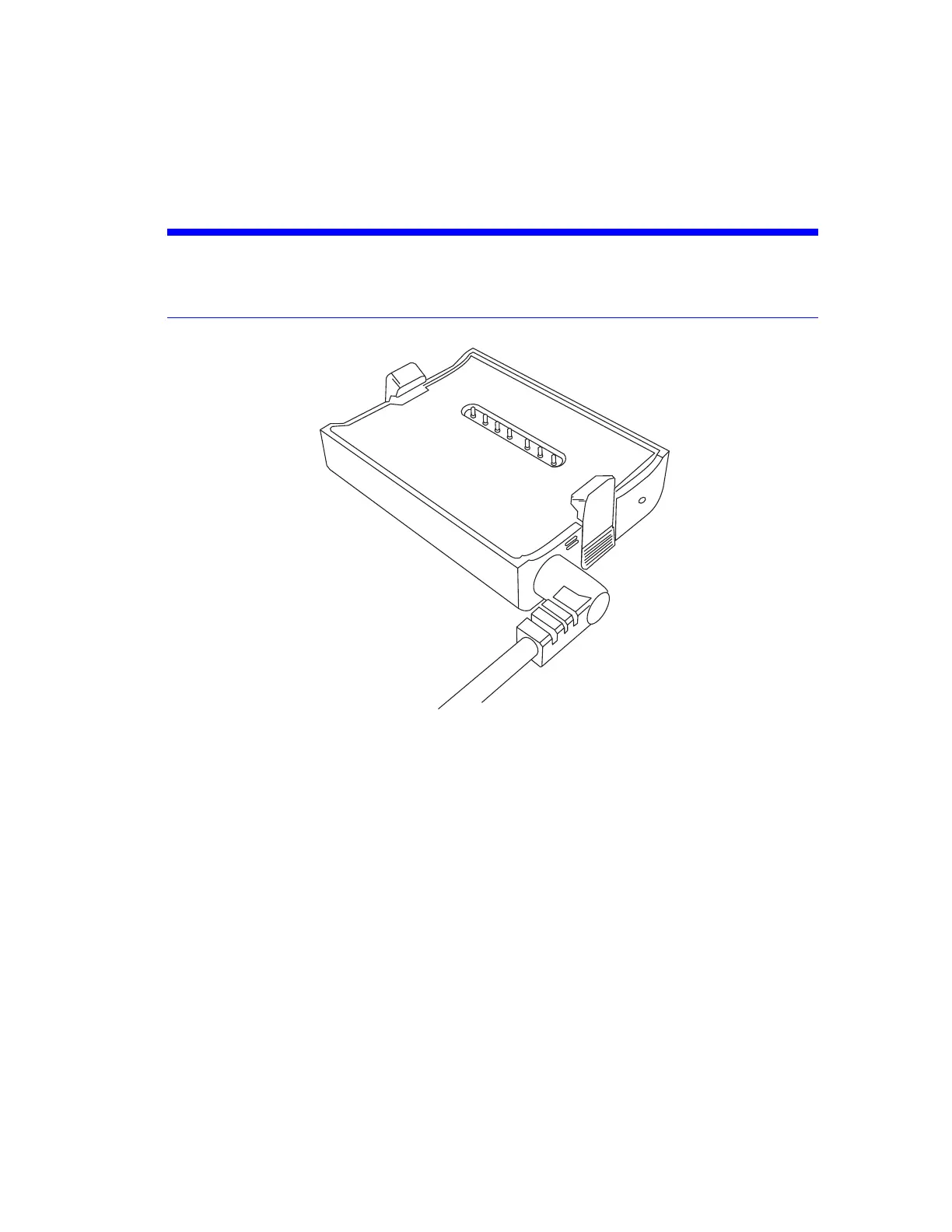
1. Connect the power-supply unit's cable to the power socket of the FARO PowerDock battery
charger. Do not use force while inserting the plug in the wrong direction, or the plug and the
PowerDock battery charger can be damaged.
NOTICE: Place the FARO PowerDock battery charger on a flat, non-slip surface. Ensure that the
cable is positioned, so that it cannot accidentally be pulled by passing objects. If the
Power Dock is dropped, check the device and replace if damaged.
Figure 5-2 PowerDock battery charger with connected power cable
2. Connect the AC power cable to the power-supply unit and a power outlet. Check the input voltage
on the type label before connecting.
3. The LED of the PowerDock battery charger illuminates white for ACCS-PWR-0013, when power is
correctly connected
FARO
®
Focus Premium Laser Scanner User Manual
Chapter 5: Getting Started
FARO Focus Premium (March 2022) Page26of157



 To Next Page